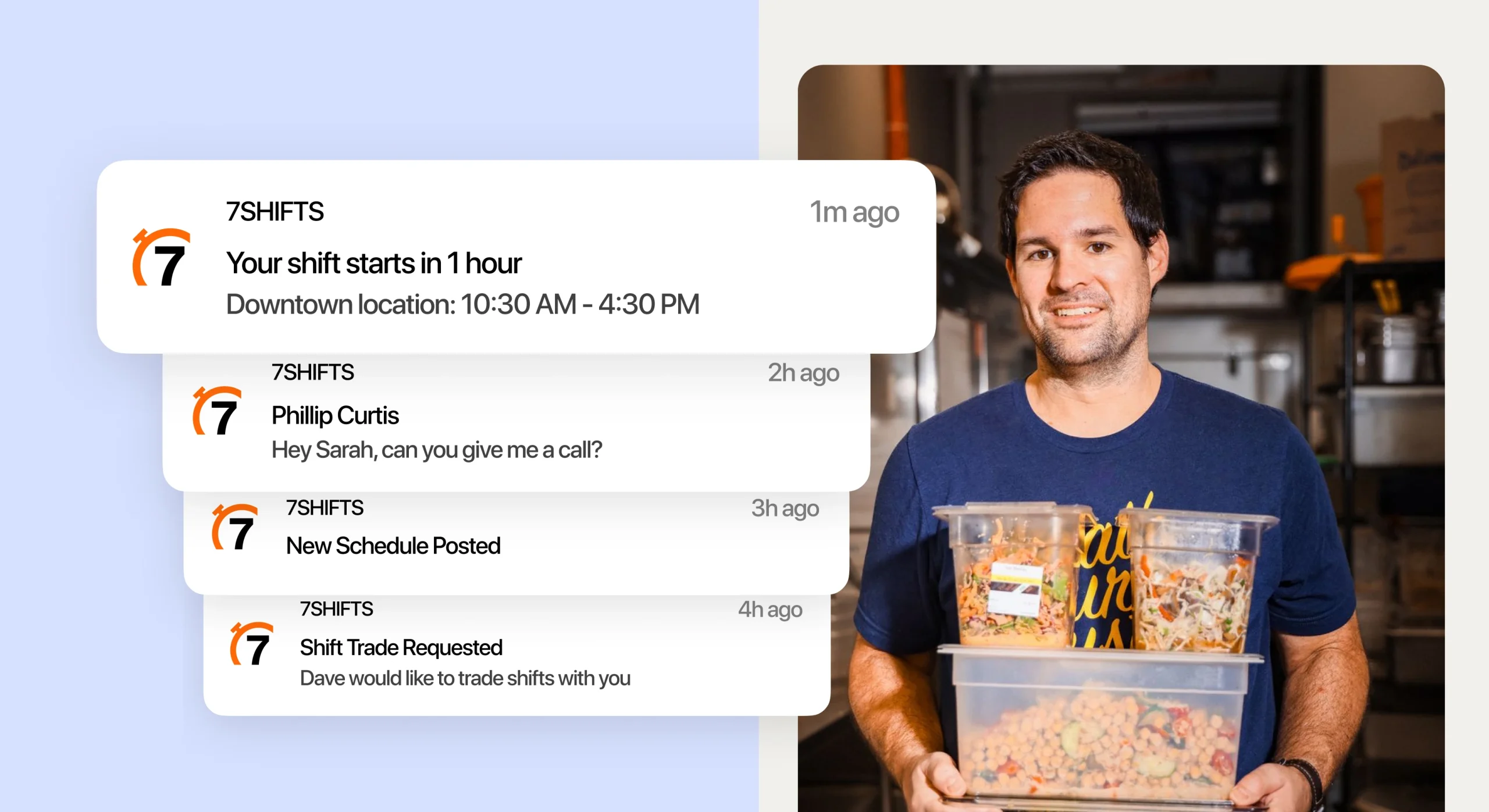
Running two or three restaurants means two or three times the scheduling headaches. You’re juggling different teams, different labor laws, and different managers—all while trying to keep labor costs under control across every location.
The right scheduling software makes multi-location operations feel like one connected business instead of separate fires to put out. Here’s what to look for in a platform built for restaurants, why 7shifts leads the pack, and how to get all your locations running from a single dashboard.
Why scheduling across multiple locations is so hard
Before we get into solutions, let’s acknowledge the reality. Multi-location scheduling is genuinely difficult—and it’s not because you’re doing something wrong.
Disconnected tools and systems
You’ve got Excel at one location, a paper schedule at another, and maybe some app your GM downloaded without telling you. None of them talk to each other.
Every week, you’re reconciling information manually. That’s hours you could spend on the floor with your team or guests.
Labor laws that vary by city and state
Your downtown location might fall under predictive scheduling laws. Your suburban spot doesn’t. One state requires daily overtime after eight hours; another only counts weekly totals.
Without software that tracks location-specific differences automatically, you’re one missed rule away from a compliance headache.
Overtime that goes unnoticed
Here’s a blind spot unique to multi-unit operations: an employee picks up shifts at two of your locations and crosses into overtime before anyone notices.
Individual managers see their own schedules. They don’t see the full picture. By the time payroll runs, you’re already paying time-and-a-half you didn’t budget for.
Communication gaps between locations
A policy change goes out to Location A but never reaches Location B. A shift swap happens, but the closing manager doesn’t know about it. Someone calls out, and the message gets lost in a group text.
Gaps like this create coverage problems and frustrated staff. And frustrated staff don’t stick around.
2026 Labor Costs Playbook
Increase your bottom line with insights from over 500 restaurant pros—learn the true cost of employee turnover, the best way to manage labor costs, and proven strategies to protect profits.
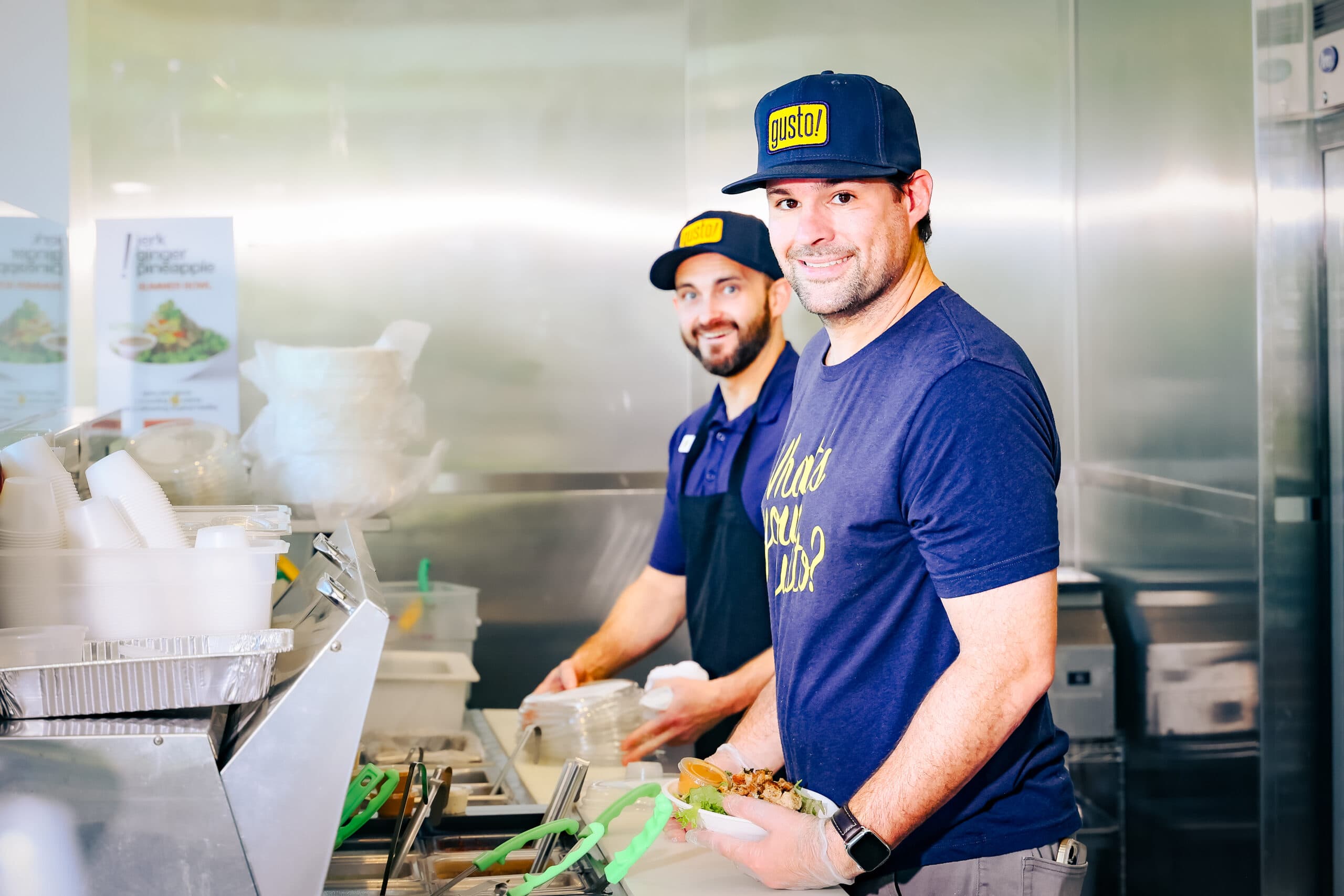
How 7shifts simplifies multi-location scheduling
7shifts was built specifically for restaurants—not retail, not healthcare, not “any business with shifts.” That focus shows up in features designed for the way restaurants actually operate.
One dashboard for every location
Log in once. See every location. Switch between restaurants without opening new tabs or remembering different passwords.
You can view aggregate data across all your locations or drill down into one specific site. Regional managers get the oversight they need without micromanaging individual GMs.
Real-time labor cost tracking
Most managers wait until the schedule is done to check labor costs. That’s too late.
7shifts shows you projected labor costs as you build the schedule—not after the week is over. If you’re trending high on Tuesday, you know to pull back on Wednesday before you blow your budget.

Built-in compliance safeguards by location
The platform flags scheduling violations based on each location’s specific labor laws. If you’re about to schedule someone without the required break or post a schedule too late under predictive scheduling rules, you’ll see a warning.
This doesn’t replace knowing your local requirements—always verify with your state department of labor—but it catches mistakes before they become problems.
Schedule templates for consistency
Create a proven schedule once. Replicate it across locations or weeks.
Templates save hours of rebuilding the same shifts every week. And when you find a staffing pattern that works for Friday dinner service, you can roll it out to every location.
Cross-location shift swaps
If you allow it, employees can view and claim open shifts at other locations through the app. Managers keep approval control, so you’re not surprised by who shows up.
Flexibility like this helps fill gaps faster without the back-and-forth of phone calls and texts.
Centralized team messaging
Announcements reach every team at once. Direct messages and group chats replace scattered text threads.
When you update a policy or communicate a change, you send it once. Everyone gets it.
Multi-entity payroll in one platform
7shifts connects scheduling data directly to payroll. No more exporting files from one system and importing them into another.
For multi-location operators, direct payroll integration eliminates the manual reconciliation that eats up hours every pay period.
Unified reporting across all locations
See labor costs, overtime, and schedule adherence by location—or rolled up for your whole organization.
Aggregate reporting helps you spot patterns. Maybe one location consistently runs higher labor costs. Maybe another has more overtime. The data tells you where to focus.
| Challenge | Manual approach | With 7shifts |
|---|---|---|
| Viewing all schedules | Log in to each location’s spreadsheet | One dashboard, all locations |
| Tracking overtime across sites | Manual calculation across systems | Automatic alerts before overtime hits |
| Communicating policy changes | Group texts, emails, phone calls | One announcement reaches every team |
| Running payroll | Export and reconcile multiple files | Direct sync from schedule to payroll |
How much does 7shifts cost for multi-location restaurants?
Pricing scales based on your locations and the features you need. Multi-location operators typically use higher-tier plans for advanced reporting and compliance tools.
Here’s a general breakdown of what’s included at different levels:
- Comp tier: Basic scheduling for single locations—a starting point for smaller operations
- Entrée tier: Labor budgeting and POS integrations for growing operations
- Pro tier: Tip pooling, manager logbook, and more control over daily operations
- Premium tier: Enterprise features for multi-location brands—custom integrations, dedicated support, advanced reporting
For current pricing details, visit the pricing page.
What multi-location operators say about 7shifts
Operators running multiple locations consistently mention a few themes when talking about 7shifts:
- Time savings: Managers report spending less time building schedules each week—time that goes back to the floor
- Visibility: Seeing all locations from one screen changes how operators manage their business
- Team adoption: Staff find the mobile app easy to use for availability and shift swaps, which means fewer texts and calls to managers
- Support: Multi-location customers often mention responsive onboarding help when setting up multiple sites
The common thread? Less admin work, more time for the people and operations that matter.
Read what Kyle Ferbey has to say about using 7shifts for 27+ stores: “7shifts provided this consistent way of operating for us on something that’s really important––scheduling––and probably the most impactful thing for our employees… It’s provided us simplicity as well as stronger engagement, because it’s easy to use, and people like using it. Looking at us as a business, we want to provide people in our business with tools to succeed––and this would be a tool that would help them succeed.”
Restaurant Employee Retention Playbook
Get actionable strategies and data-driven insights to tackle restaurant employee retention. Download to improve staff satisfaction, reduce turnover, and build a successful restaurant culture.
Start managing all your locations from one platform
Running multiple restaurants doesn’t have to mean multiplying your admin headaches.
With the right scheduling software, you get one place to manage schedules, communication, and labor costs. Compliance safeguards adjust to each location’s rules. AI-powered tools speed up scheduling decisions. And your scheduling data flows directly into payroll.
The time you save on scheduling is time you can spend on your team and your guests.
Ready to see how it works? Start a free trial and manage all your locations from one platform.
FAQs about multi-location restaurant scheduling
Can managers at different locations have different permission levels in 7shifts?
Yes—7shifts lets you set role-based permissions so each manager only sees and edits what’s relevant to their location or role.
Does 7shifts integrate with popular restaurant POS systems?
7shifts connects with most major POS platforms, like Square, Toast, and Lightspeed, syncing sales data to help forecast labor needs and track actual vs. scheduled hours.
How long does it take to set up 7shifts for multiple restaurant locations?
Setup time varies, but most multi-location operators are up and running within a few days, especially with 7shifts’ onboarding support for importing employee data and building initial schedules.
Can restaurant employees pick up shifts at other locations using 7shifts?
If you allow it, employees can view and claim open shifts at other locations through the app, and managers retain approval control.
How does 7shifts compare to HotSchedules for multi-location restaurants?
Both platforms serve multi-location operators, but 7shifts is built specifically for restaurants and includes integrated payroll, tip management, and team communication—features that often require add-ons elsewhere.

Rebecca Hebert, Sales Development Representative
Rebecca Hebert
Sales Development Representative
Rebecca Hebert is a former restaurant industry professional with nearly 20 years of hands-on experience leading teams in fast-paced hospitality environments. Rebecca brings that firsthand knowledge to the tech side of the industry, helping restaurants streamline their operations with purpose-built workforce management solutions. As an active contributor to expansion efforts, she’s passionate about empowering restaurateurs with tools that genuinely support their day-to-day operations.