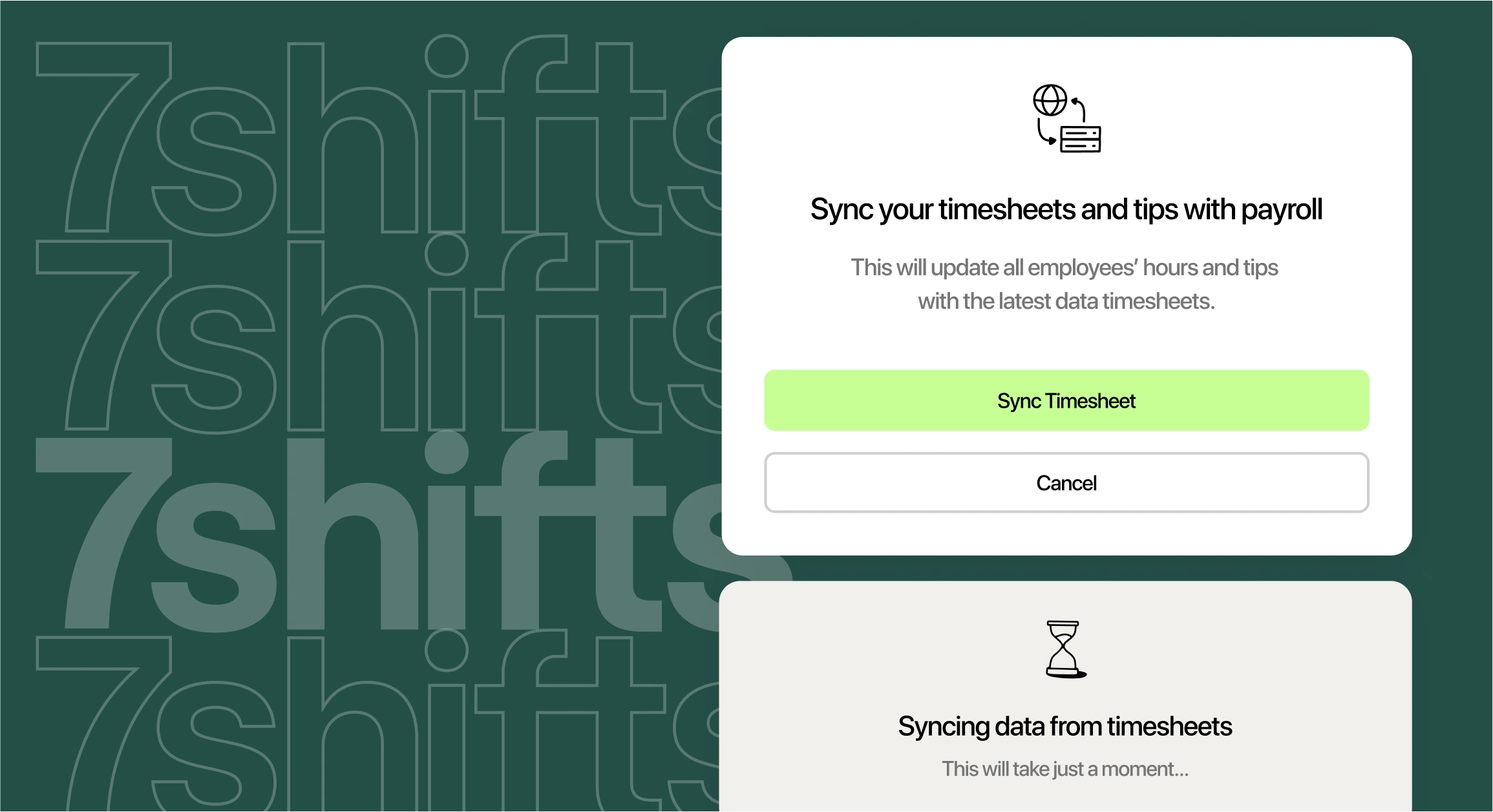
You run Toast at every location. It rings sales, fires tickets, and keeps the front of house moving. But when Friday’s schedule is due and payroll closes Monday, you’re back in spreadsheets, copying hours, and hoping the numbers match. That gap costs you time and money across every unit.
This guide is for multi-unit franchise operators running Toast who want scheduling and payroll to finally connect. We’ll cover what syncs, how tips and compliance work, how setup goes, and what it costs.
Why Toast franchises need more than a POS
7shifts is the best scheduling and payroll software for franchises using Toast because it’s built only for restaurants and connects natively to Toast, syncing sales, hours, tips, and wages so multi-unit operators standardize scheduling and payroll across locations without re-keying data. Your point-of-sale system was never meant to build schedules or run tipped payroll on its own.
Here’s the real problem. Toast runs the front of house well. But your scheduling, time clocking, and payroll often live in separate tools that don’t talk to each other. That means manual exports, mismatched hours, and labor numbers you can’t trust until it’s too late.
For a franchise standardizing across 2 to 15 units (and more), that disconnect multiplies with every location you open. You need one team layer that plugs into Toast and works the same way at every store. The 7shifts Toast integration is that layer.
What connects 7shifts and Toast POS
A POS-to-scheduling integration is a direct link between your point-of-sale system and your scheduling tool. Instead of exporting reports and pasting them into a spreadsheet, data moves between the two systems on its own. You build schedules and run payroll on numbers Toast already captured.
Once you connect the two, 7shifts pulls in five kinds of data: sales, employee profiles, tip data, time punches, and hourly wage rates. Real-time sales sync is on by default when you activate the integration. It also imports up to 90 days of your Toast sales history, so you’re not starting from zero.
Here’s what moves between the two systems at a glance:
| Data that syncs from Toast | Direction | What it powers in 7shifts |
|---|---|---|
| Sales (real-time, on by default) | Toast to 7shifts | Labor forecasts and real-time labor % |
| Employee profiles | Toast to 7shifts | Matched staff records across units |
| Tip data (tied to each punch) | Toast to 7shifts | Tip pooling and payroll |
| Time punches (Actual Labor) | Toast to 7shifts | Scheduled vs. actual labor |
| Hourly wage rates | Toast to 7shifts | Accurate labor cost math |
One setup detail matters here. Both systems must share the same time zone and the same 5:00 AM to 5:00 AM workday. Line those up, and your sales, labor, and forecasts all measure the same day. You can dig deeper into scheduling features in our restaurant scheduling software overview.
What data syncs between the two systems
Here’s what each synced data type does and why it matters when you’re running more than one store:
- Sales: Toast sends real-time and historical sales into 7shifts. This feeds your labor forecasts, so you schedule to actual demand at each unit.
- Employee profiles: Employee sync creates and updates staff records, matching people across units. This keeps records clean when someone transfers or picks up shifts at another store.
- Tip data: Toast tips flow in tied to each time punch. This keeps tip math accurate for pooling and payroll.
- Time punches: Enabling Actual Labor syncs punches from Toast. This shows you real labor against your schedule, not a guess.
- Wage rates: Wage sync pulls hourly pay rates so your labor cost math is correct.
Two honest limits worth knowing. Role assignments don’t sync automatically, and you have to map roles and employees before you turn on Actual Labor, employee sync, or wage sync. Wage sync also covers hourly roles only; salaried roles are excluded. Get the mapping done first, and the rest runs clean.
Why franchises standardizing on Toast pick 7shifts
Franchises in the standardization stage care about three things: proving compliance with the franchisor’s rules, opening new units fast, and running every store the same way. 7shifts was built for exactly that kind of repeatable setup.
You build a staffing model once and copy it across units. New unit managers learn one system, not three. And the rules you set travel with the template, so every store follows the same playbook from day one.
Trevor Guy, IT Manager at Tono Pizzeria: “If you’re on Toast, you should be on 7shifts. If you’re going to use an app for scheduling, it’s just the most tightly integrated. The reporting is the best. The scheduling is the easiest.”
Standardized schedules you build once and reuse
Building a schedule from scratch eats your day. A 30-plus employee schedule can take a couple of hours by hand, and you rebuild it every week. Do that across five units and you’ve lost the better part of a workday.
Templates change the math. In 7shifts, a schedule that took a couple hours drops to 20 or 30 minutes because you reuse a proven staffing model instead of starting over. That’s part of why dedicated scheduling can save managers hours each month compared to manual scheduling.
For a franchise, templates compound over time. Each location builds its own, and the longer you use them, the less time you spend building schedules from scratch.

Real-time labor cost control across locations
Labor is one of your two biggest costs, and it hides until the numbers land. According to the National Restaurant Association, food and restaurant labor costs are the two most significant line items for a restaurant, each accounting for approximately 33 cents of every dollar in sales. You can’t manage a cost that big after the fact.
7shifts shows your projected labor percentage as you build the schedule, using real Toast sales. If you’re already at 32% halfway through the week, you know to pull back before you post. That live view is how you manage labor cost percentage instead of reacting to it, and Toast-fed forecasting can predict labor with up to 95% accuracy.
Then there’s the clock. Schedule enforcement means staff can only clock into Toast when they’re scheduled in 7shifts; an unscheduled punch needs a manager override. That guardrail can prevent hundreds of dollars per month in unbudgeted labor from early or unscheduled clock-ins.
Built-in compliance safeguards for every unit
Compliance is where franchises get burned. 7shifts adds overtime alerts, break tracking, and support for predictive scheduling, so managers catch problems before they become fines. You set the rules once and apply them at every unit.
That matters when you’re proving compliance to a franchisor across multiple stores. The same guardrails replicate everywhere, so a new location follows the same rules as your flagship. See the full set of labor compliance features for how the alerts and tracking work.
One caution: labor rules vary by state and local jurisdiction. Set your safeguards to match each location’s requirements, and check your state and local regulations to confirm the specifics.
How 7shifts handles tips and payroll for Toast restaurants
Tips are where restaurant payroll gets messy, especially across units. 7shifts pulls your Toast tip data in and ties it to payroll, so hours and tips flow together without double entry.
Four Toast tip sources sync: credit card tips, auto-gratuity, cash tips, and declared tips. Each stays tied to the employee’s time punch, so the tip and the hours worked always match. Those hours and tips then feed payroll, whether you run 7shifts Payroll or push to Toast Payroll, with no re-keying. See how hours and tips move in the Toast Payroll integration, and how franchises run payroll across stores in our restaurant payroll software overview. Remember that wage sync covers hourly roles only.
Tip pooling built on your Toast tip data
Tip pooling is when tips go into a shared pot and get split among eligible staff by a set rule. Done by hand, it’s a spreadsheet and a calculator every close.
7shifts distributes your synced Toast tips automatically by hours, points, or percentages, using the tip data already tied to each punch. Our tip pooling tools handle the split so you don’t rebuild it nightly.
Federal rules shape how pools work. Under the FLSA tip pooling rules, when tips are charged on a customer’s credit card and the employer pays the card company a fee (for example, 3 percent), the employer may pay the tipped employee the tip less that percentage. Rules vary by state and location, so confirm what applies to each unit.
2026 Tipping Playbook
Learn how to manage, distribute, and track tips fairly—while staying compliant and keeping your team’s trust.
Staying compliant with tipped-wage rules
Tipped-wage math is a common compliance trap. Under the federal tipped wage rules, the minimum cash wage for tipped employees is $2.13 per hour, with a maximum tip credit of $5.12, as long as tips bring workers up to the full $7.25 minimum wage. Wages plus tips have to reach the full minimum, and that’s easy to miss when data lives in separate tools.
For context on where pay sits, the food service median wage for food and beverage serving and related workers was $14.92 in May 2024. Accurate tip and wage data from Toast is what lets you prove each worker cleared the line. State rules vary, so check your state department of labor for the requirements at each location.
How much does 7shifts cost with Toast?
Toast charges $50 per month per location for integration access. For 7shifts, plans and pricing change, so check the pricing page for current details before you roll out. The platform uses tiered, per-location pricing, so you pay for what each unit needs.
Frequently asked questions
What data syncs automatically between 7shifts and Toast?
7shifts syncs sales, employee profiles, tip data, time punches, and hourly wage rates from Toast, with real-time sales sync on by default. Role assignments don’t sync automatically, so you map them during setup.
Can I use 7shifts if I also use Toast Payroll?
Yes. 7shifts exports worked hours and tips in a Toast Payroll-ready format, so you’re not re-entering data by hand.
Does 7shifts work for multiple franchise locations?
Yes. You connect each location to Toast and copy standardized schedule templates and rules for each unit, which helps stores stay consistent and save time.
How does 7shifts handle tips from Toast?
7shifts pulls in credit card tips, auto-gratuity, cash tips, and declared tips tied to each time punch, then distributes them by hours, points, or percentages in tip pooling.
How long does setup take, and when do forecasts appear?
Connecting and mapping happens per location, and it takes about 1 to 2 weeks of synced data before your first labor forecasts show up.
Bring scheduling, tips, and payroll together on Toast
Toast runs your point of sale. 7shifts runs the team side, connecting scheduling, tips, and payroll to the sales data Toast already captures, so you standardize every unit instead of rebuilding by hand.
For a franchise growing store by store, that’s the difference between managing three disconnected tools and running one repeatable system. Pick one location, connect it, and see how the numbers line up. Start a free trial.

Justin Holmes, CMO
Justin Holmes
CMO
CMO at 7shifts