Restaurant Training Software
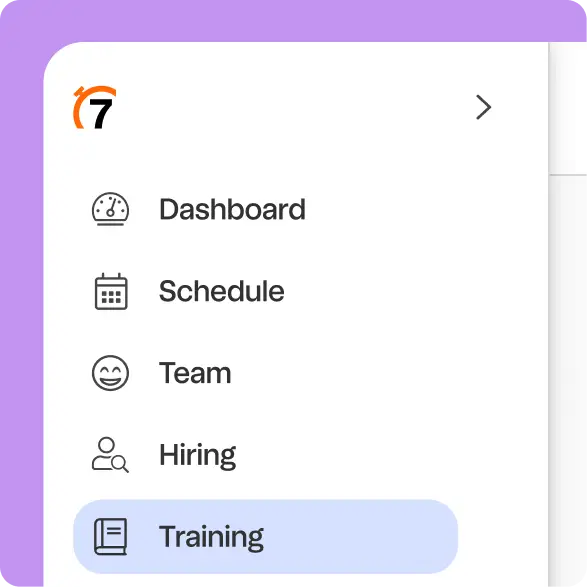
Train where your team already works
Build training from your existing SOPs, handbooks, or menus, assign it by role or location, and track who’s done what — all in 7shifts.
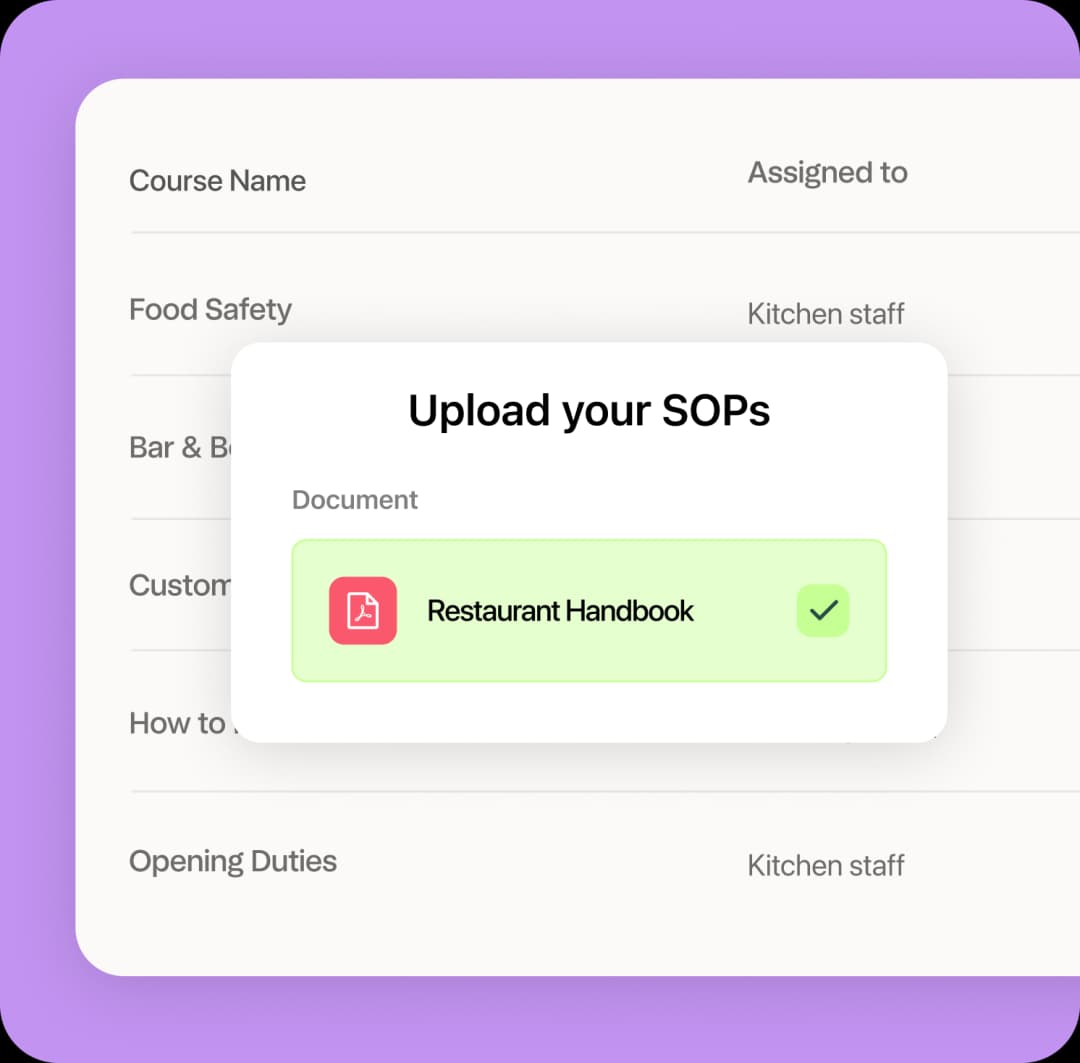

Upload.
Assign.
Track.
Start free trial1
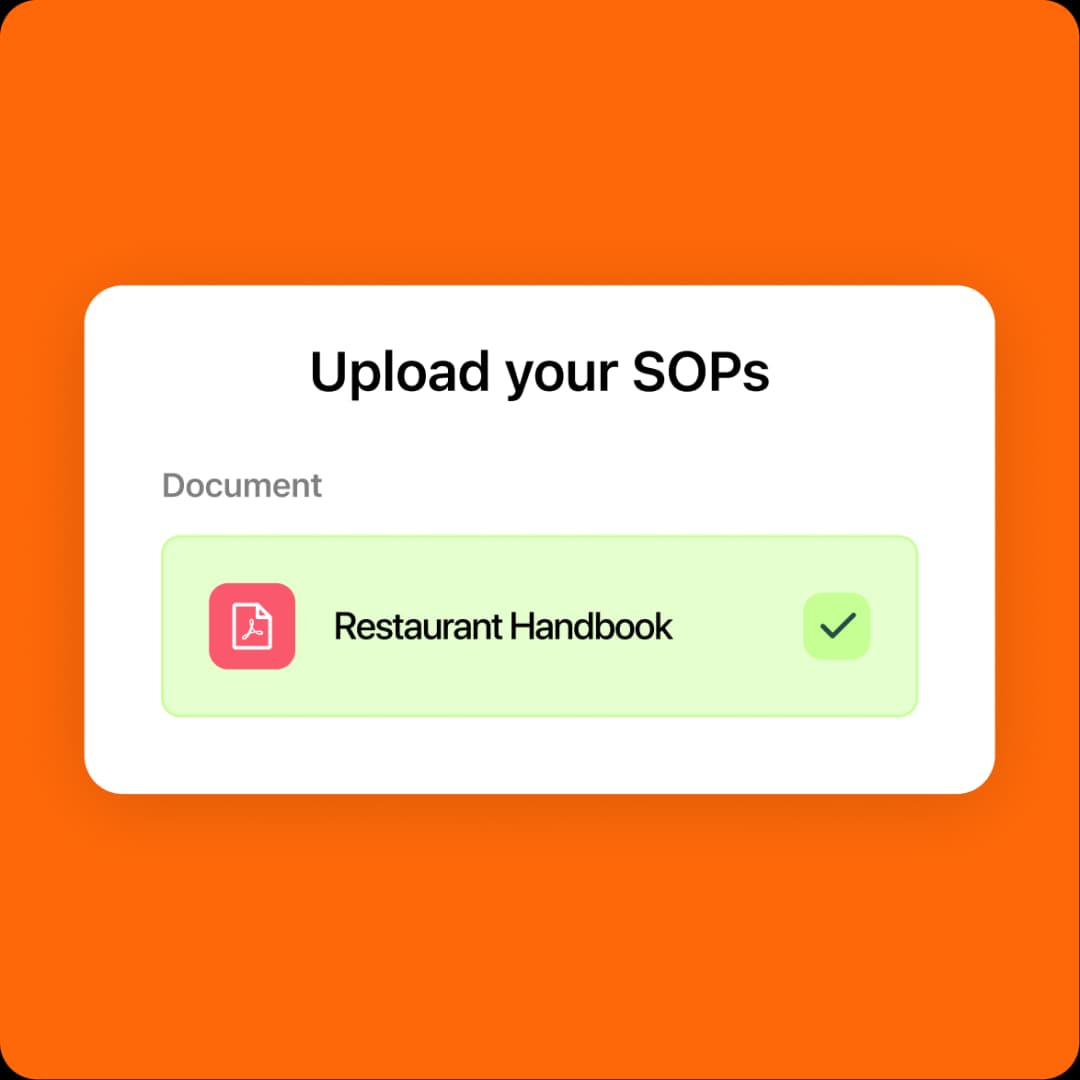
Upload SOPs, menus, and handbooks and we’ll turn them into ready-to-use courses in no time.
2
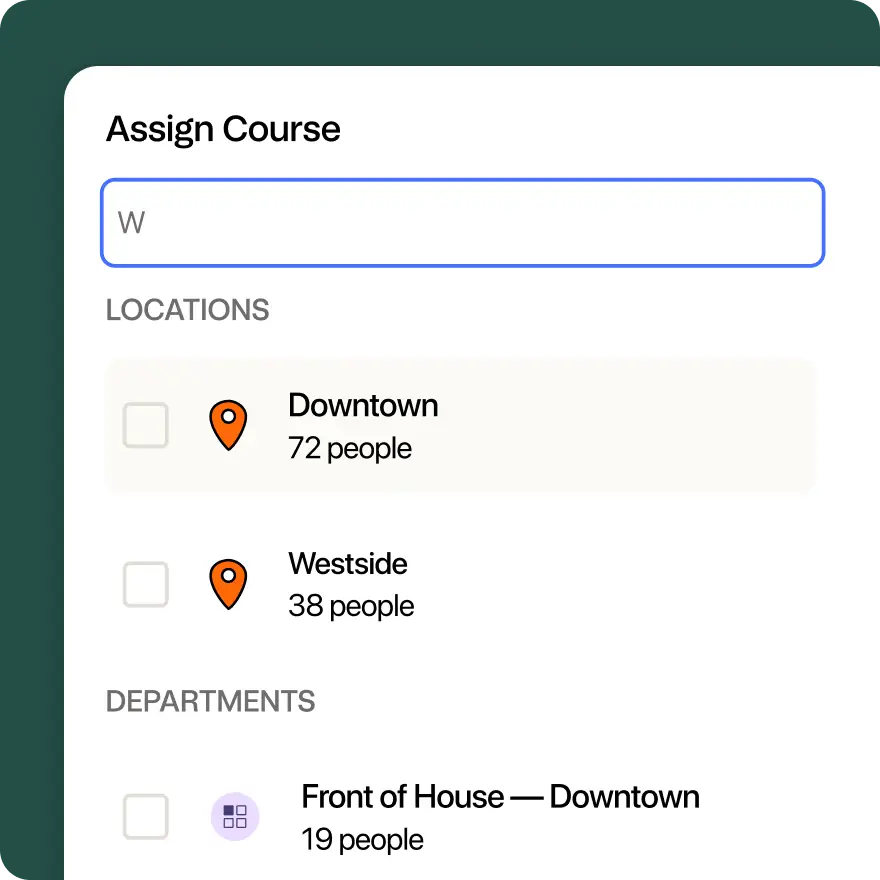
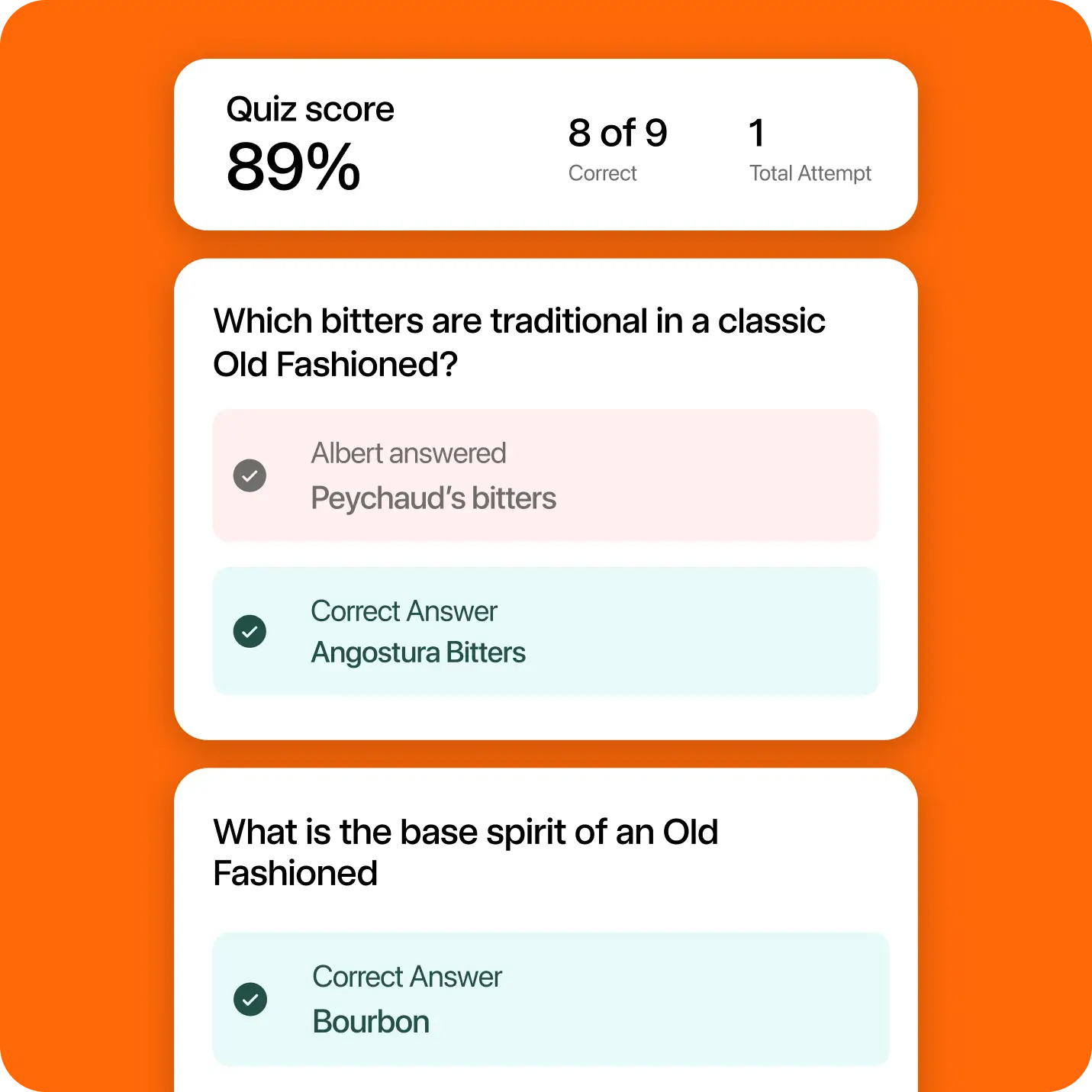
Auto-generate quizzes and assign training to the right teams.
3
Track completion and keep training moving with reminders.
4
Copy courses across different locations without rebuilding them.
5
Standardize training across shifts, teams, and locations.
Make training easier to launch and repeat
Stay in one app
No new login, no second app, no extra rollout. Training lives in 7shifts, where your team already works.
Launch training fast
Get training up and running quickly without rebuilding everything from scratch or pulling managers away from the floor.
Train consistently
Keep standards clearer across every role and location, so training is easier to repeat and less dependent on who’s running the shift.
Combine learning and doing
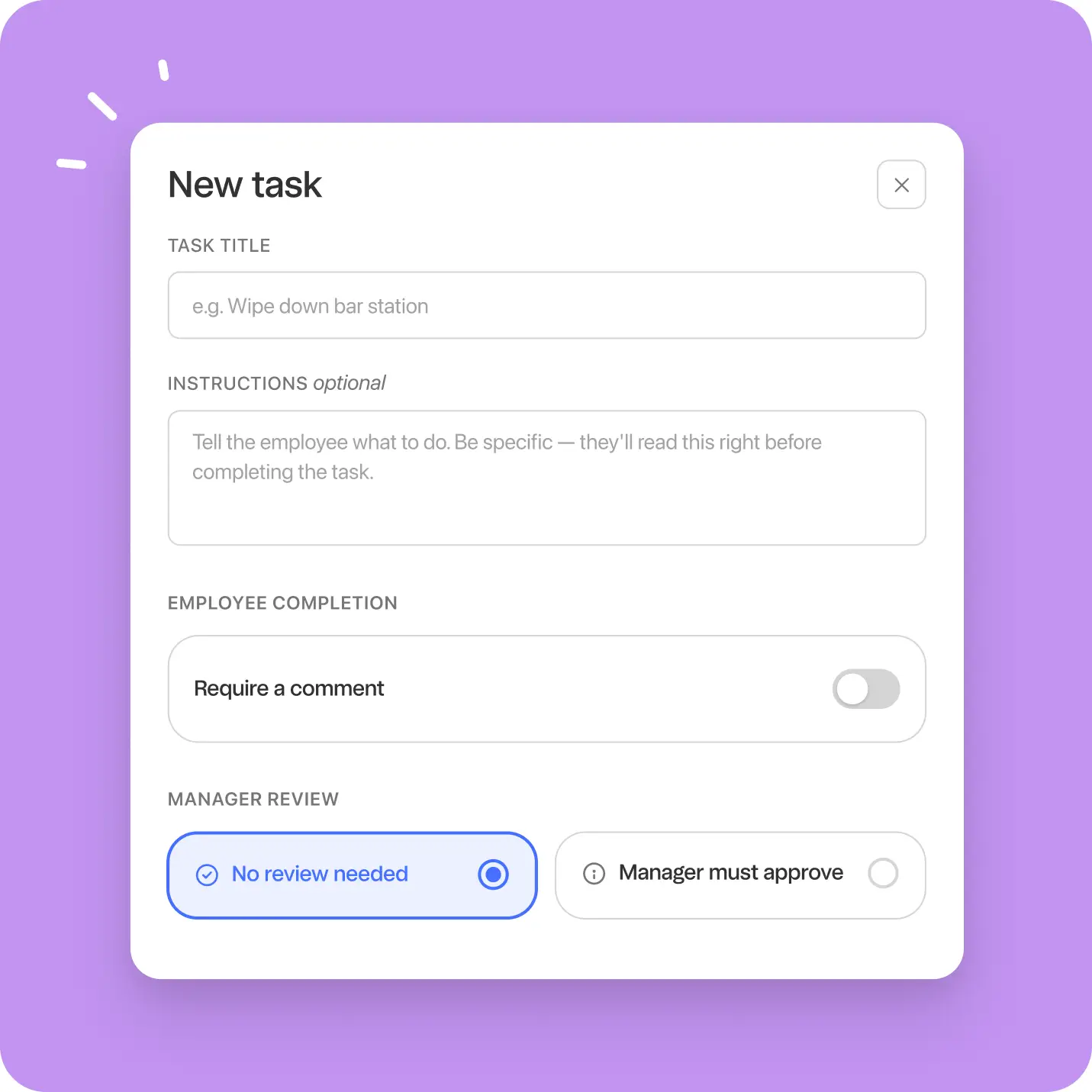
Courses combine lessons and real-world tasks, so training shows not just what your team knows, but what they can actually do.

Mix reading, video, quizzes, acknowledgements, and checklists in any order
Add real-world tasks like shadow shifts and hands-on demos
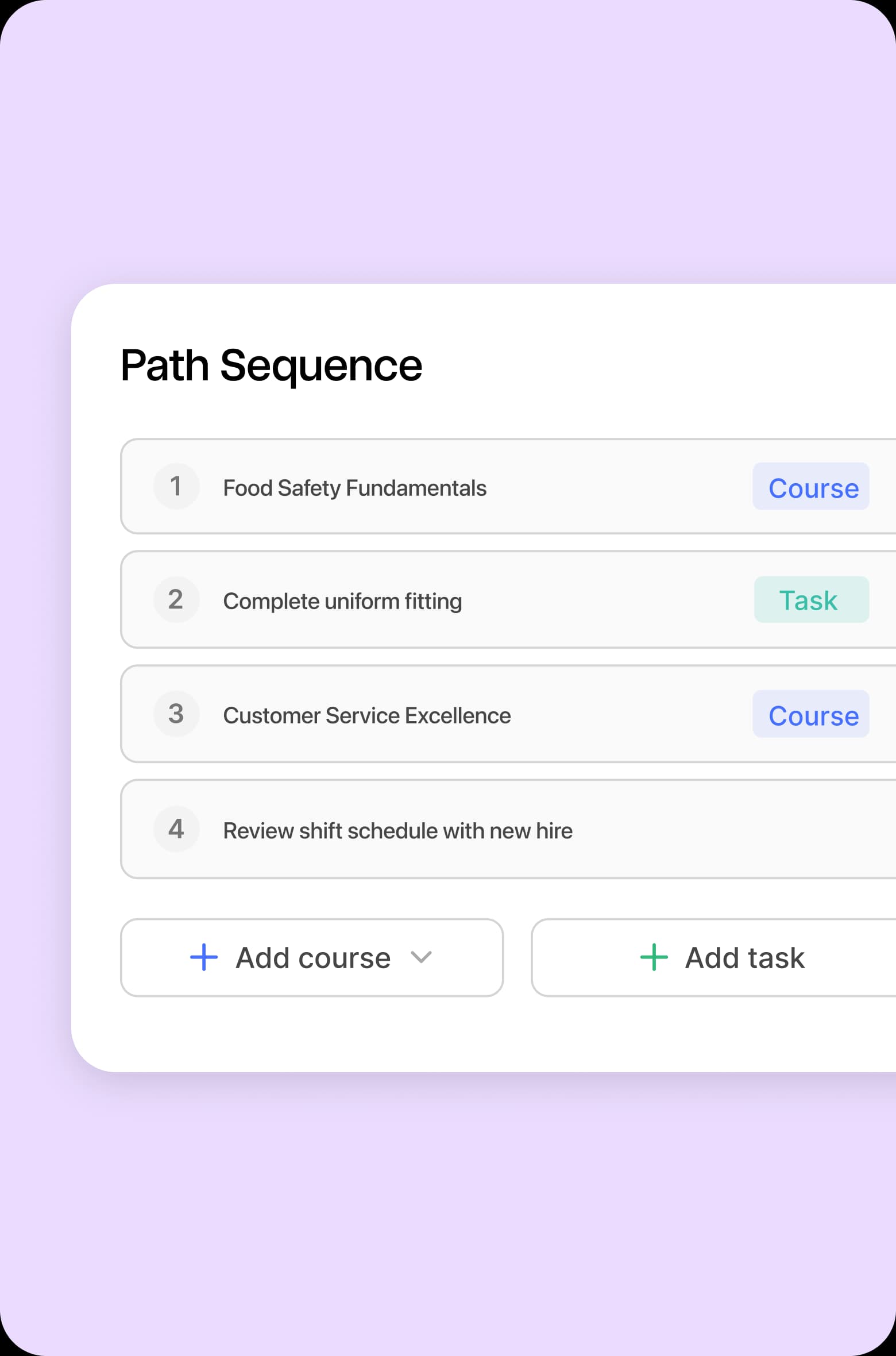
Sequence everything to match how work actually happens
Make sure employees understand the material and can do the job
Microcourses for ongoing training
Build short training your team can finish between shifts, so updates and refreshers are easier to roll out without disrupting service.
Create quick courses with a read, quiz, acknowledgement, or checklist
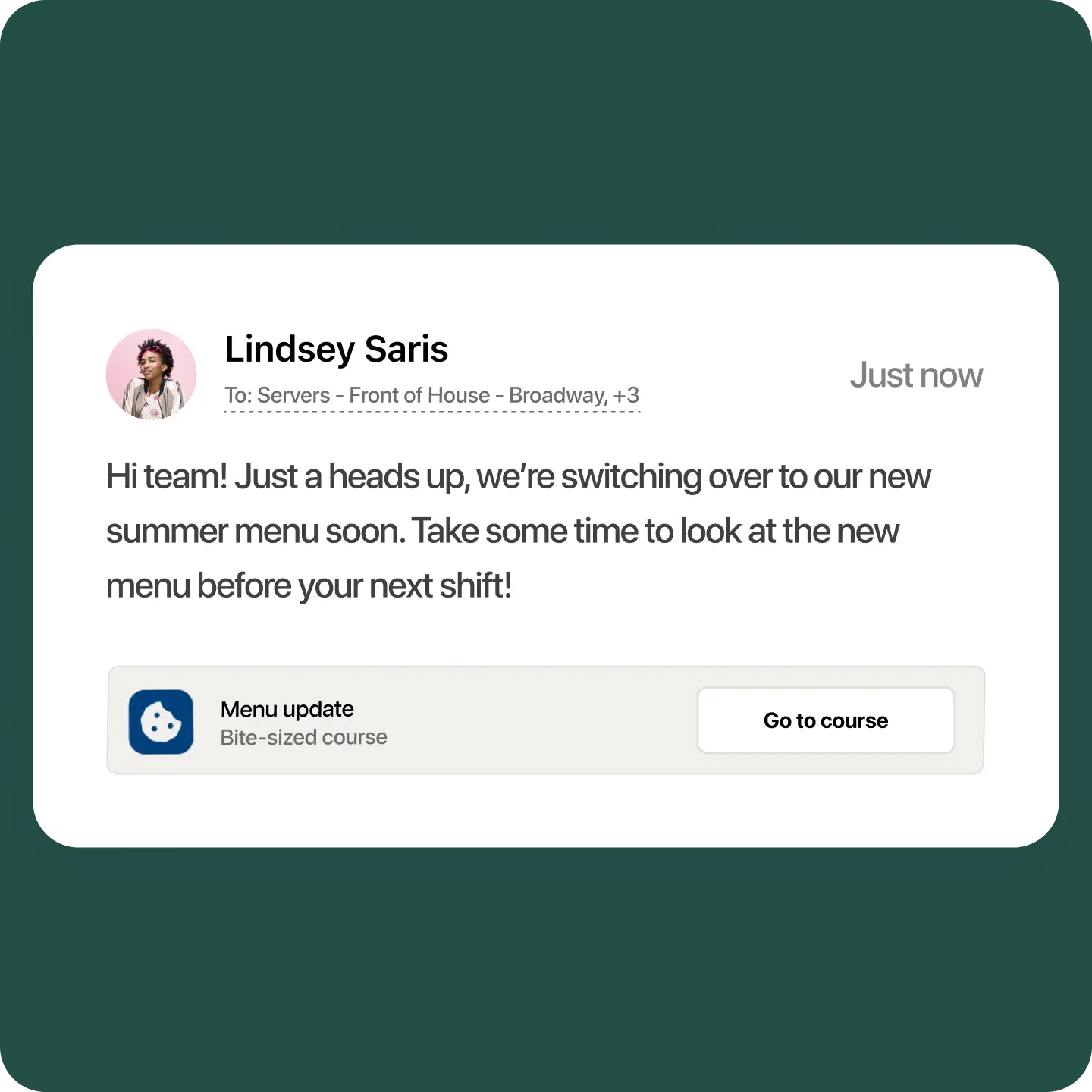
Share menu updates and refreshers quickly
Keep important information top of mind with daily quizzes
Replace group chat updates with trackable training
“It’s cut back on their time spent in meetings and being more on the floor to see the issues, and to maybe bring out some policies that might help make the shifts run smoother.”
Cinda Ness
HR Director, The Sandpiper
Build training your way with a lesson builder that lets you start fresh or turn existing SOPs, PDFs, menus, and handbooks into digital courses.
- Create lessons manually with the lessons builder
- Upload existing training materials and turn them into courses in seconds with AI
- Reuse content across courses, roles, departments, and locations
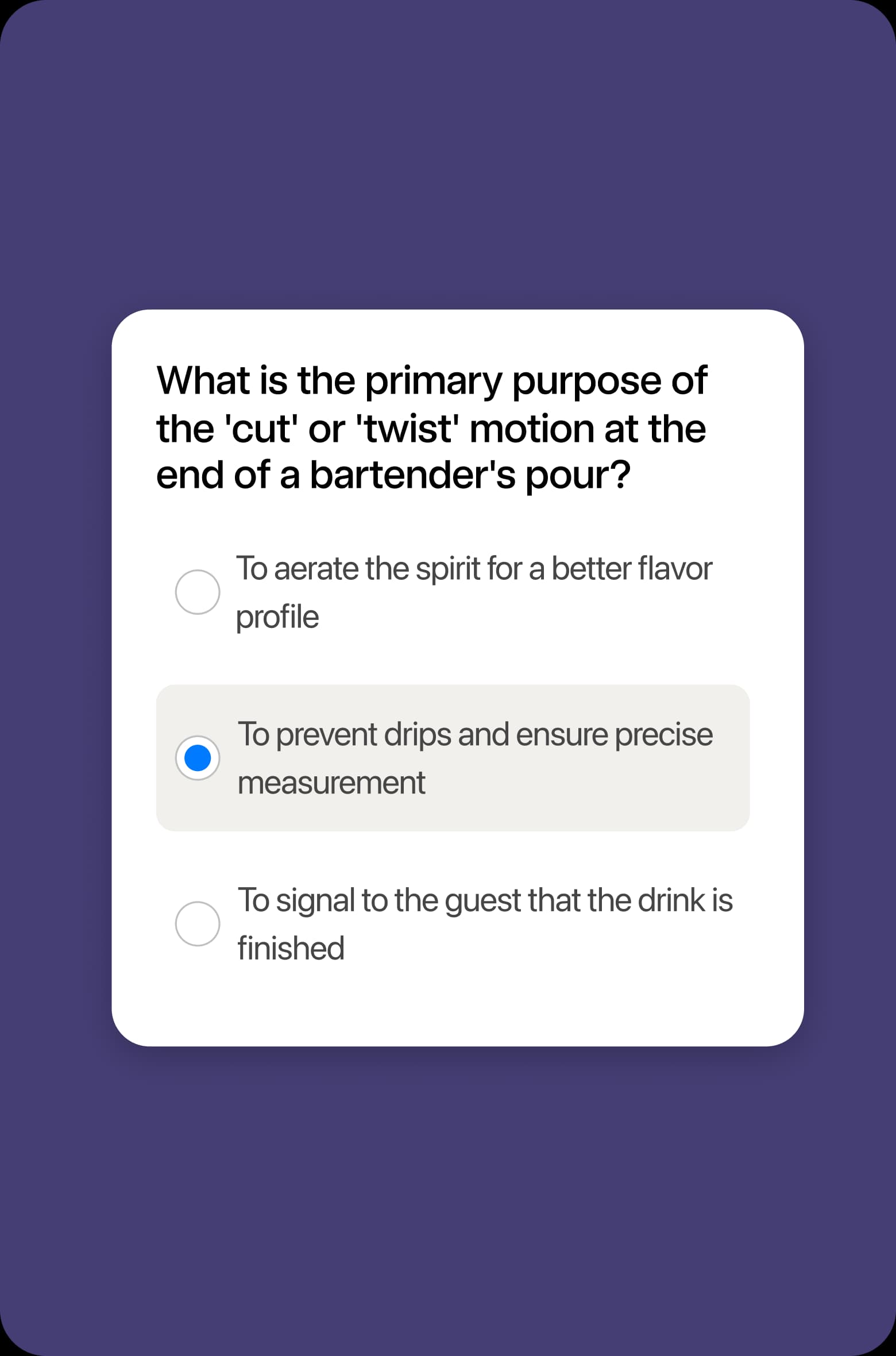
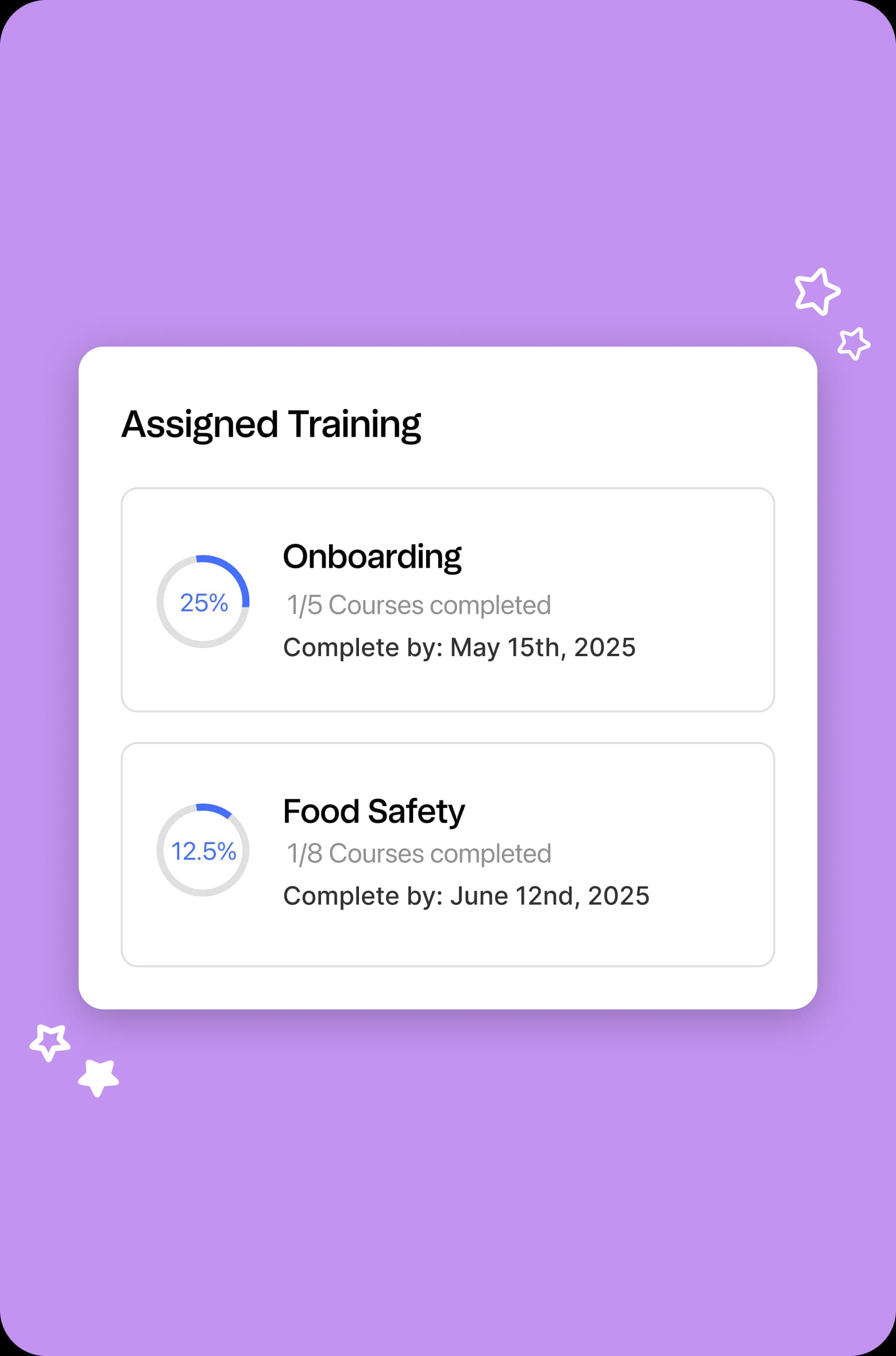
Build training your way with a lesson builder that lets you start fresh or turn existing SOPs, PDFs, menus, and handbooks into digital courses.
- Create lessons manually with the lessons builder
- Upload existing training materials and turn them into courses in seconds with AI
- Reuse content across courses, roles, departments, and locations
Ready to ditch the printed binders?
Clearer training reporting
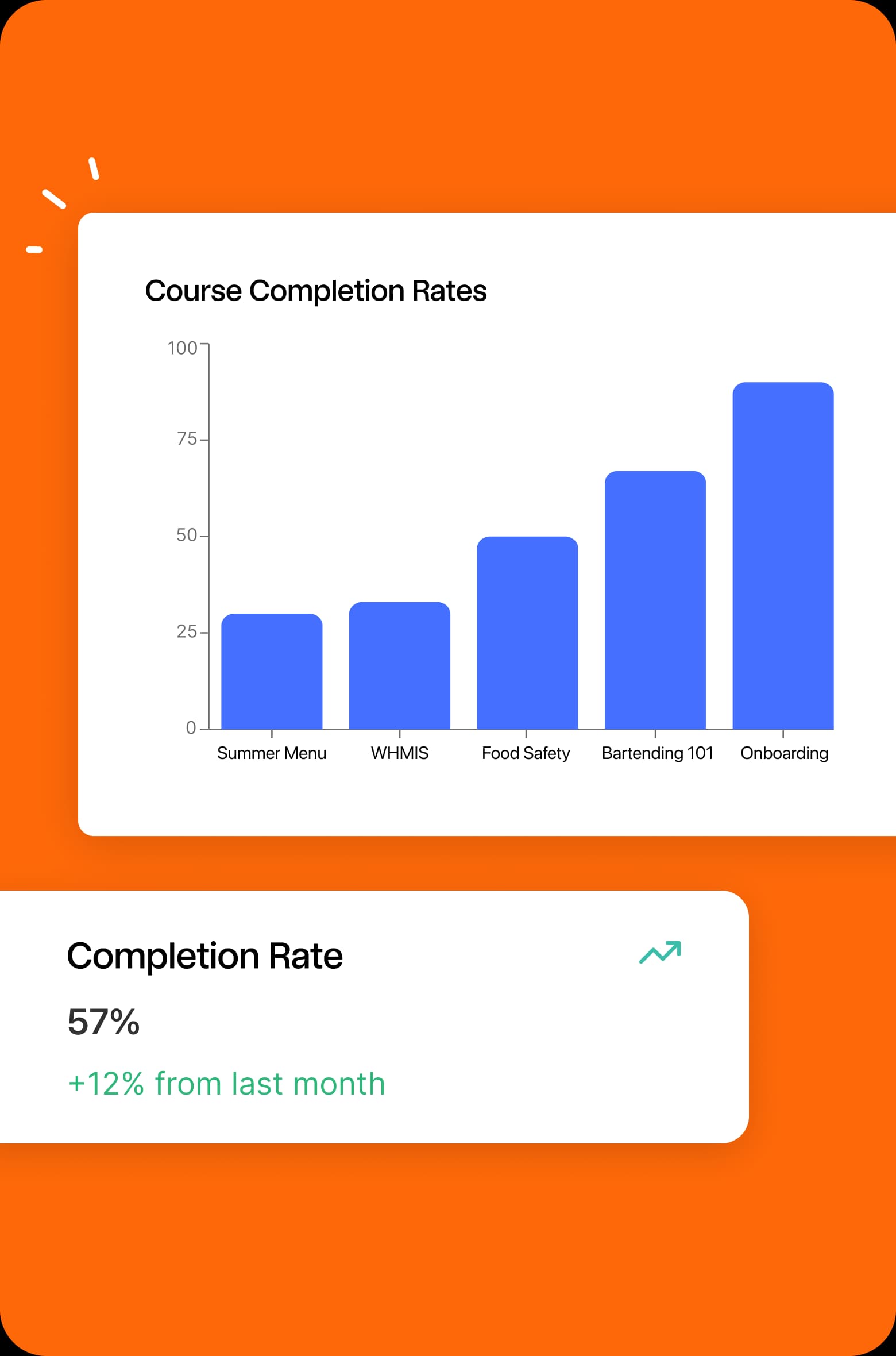
Completion dashboards give a clearer view of training progress so you can build a consistently skilled team.
Track completion across employees, roles, departments, and locations
Spot overdue or incomplete training faster
Identify training gaps before they turn into service issues
coming soon
Training connected to the rest of your data
Use the employee, scheduling, and team data already in 7shifts to make training more timely, relevant, and connected to how your restaurant runs.
Assign training based on shifts or key milestones
Connect completion to attendance and performance trends
Build a more connected path from onboarding to day-to-day operations
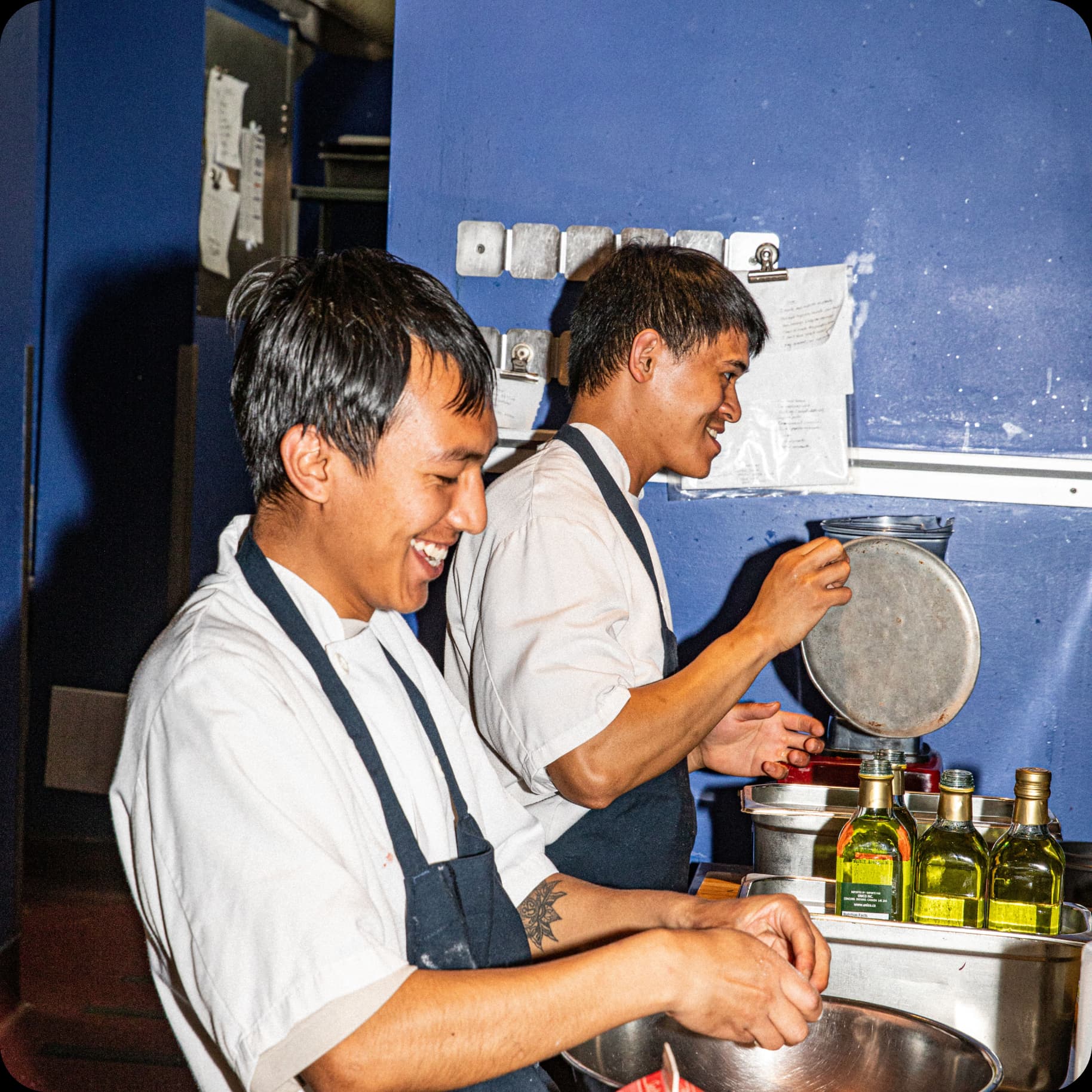
Put training where the work already happens

Frequently asked questions
Everything you need to know about 7shifts Training
Restaurant employee training software helps restaurants create, assign, and track training for new hires and existing staff. 7shifts Training is built into the 7shifts platform, so restaurants can manage employee training in the same place they already handle scheduling, time, tips, and payroll workflows.
- Yes. 7shifts Training lets restaurants upload SOPs, menus, PDFs, handbooks, and other existing training materials and turn them into structured digital courses. That means operators can use the training content they already have instead of rebuilding everything from scratch.
- Yes. 7shifts Training lets restaurant operators assign employee training by role, department, or location. This makes it easier to roll out more consistent onboarding and ongoing training across one restaurant or multiple locations.
- Yes. 7shifts Training can support both new hire onboarding and ongoing restaurant staff training. Restaurants can use it to onboard new employees, reinforce standards, roll out process updates, and keep existing staff aligned over time. This is supported by the product’s structured training paths, reusable content, and assignment by role, department, or location.
- Yes. 7shifts Training can automatically send reminders and notifications to employees with incomplete training. That helps restaurant managers cut down on manual follow-up and keep training moving during busy shifts and day-to-day operations.
- Yes. 7shifts Training includes reporting by employee, role, department, and location, so restaurant operators can track training completion, see what is overdue, and spot gaps across their team. That visibility makes it easier to connect training progress to day-to-day performance and operational consistency.
- No. 7shifts Training is built into 7shifts, so your team can access training in the same platform they already use for work. That means no separate app, no extra login, and less friction when it’s time to roll out training across your team.
- Unlike a standalone LMS, 7shifts Training is built for restaurants and connected to the platform your team already uses. Standalone LMS tools charge $100–$200/month per location for a system that doesn’t talk to your scheduling. Instead of adding another tool to adopt and manage, you can create training, assign it by role, department, or location, and keep it closer to onboarding and day-to-day operations in 7shifts.