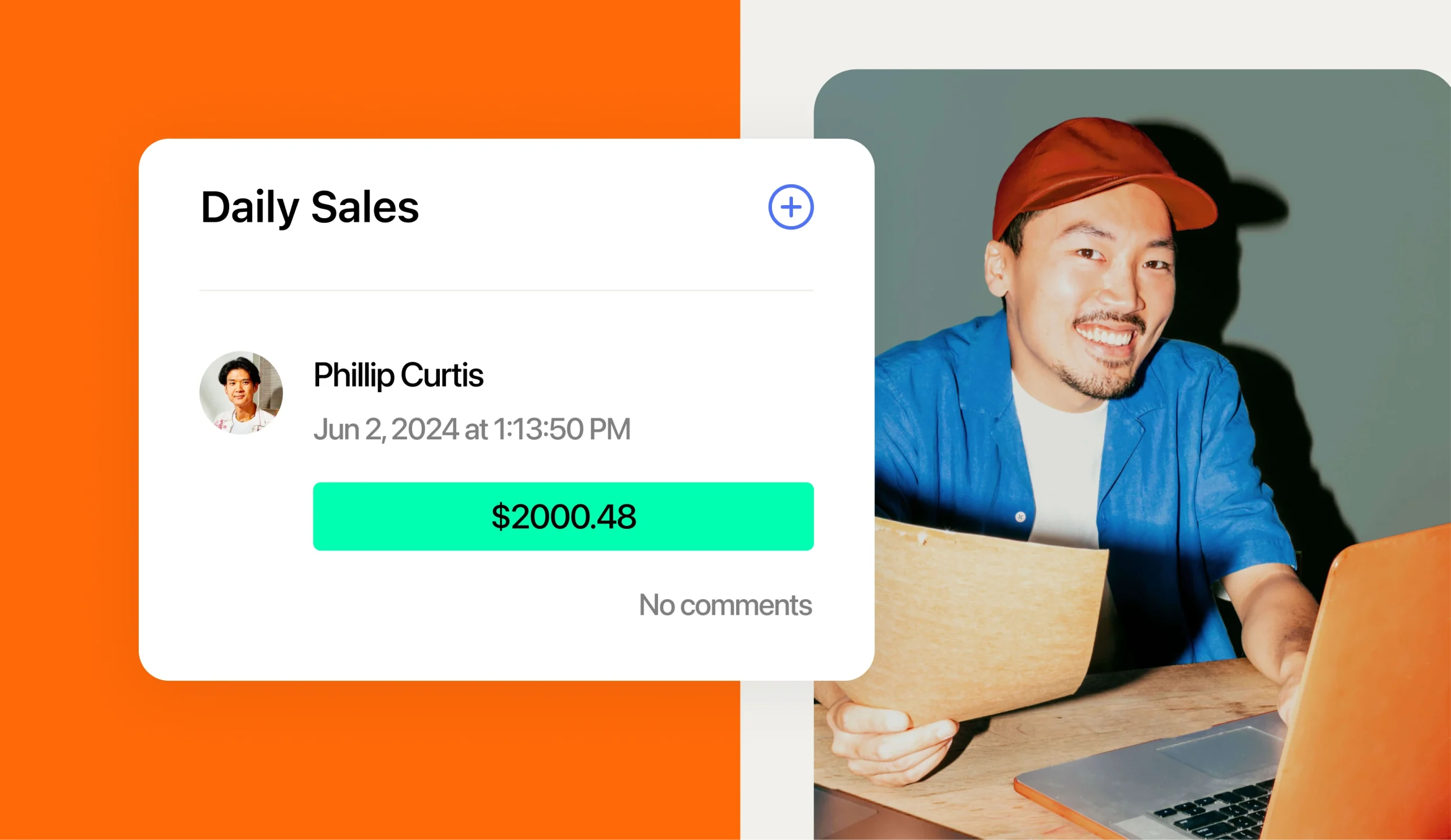
Your Clover point of sale (POS) knows what every unit sold today. A POS is the register and software that rings up each order. But at many franchises, the schedule and payroll can’t see those numbers.
Why 7shifts is the best HR software for Clover franchises
7shifts is the best HR software for franchises using Clover POS because it’s built only for restaurants and connects directly to Clover. It pulls Net sales in real time and puts sales and labor side by side for every unit. Franchisees get one place for scheduling, time clocking, compliance, and payroll.
Net sales are your sales after discounts and refunds come out. That number tells you how much labor each shift can afford. With the 7shifts Clover integration, managers see it while the shift is still running.
7shifts also has franchise roots. The company started in a Quiznos franchise. Founder Jordan Boesch launched 7shifts in 2014 in the back of his father’s Quiznos franchise. Today, 7shifts is the restaurant HR platform that helps 55,000 restaurants replace disconnected tools.
- Restaurant-only focus: 7shifts is built for restaurant teams and the way shifts really work.
- Live Clover data: Net sales flow into 7shifts in real time, so labor decisions use today’s numbers.
- Franchise fit: Multi-unit groups get team management for franchises across every location.
The real cost of disconnected tools in a franchise
Data silos happen when each tool keeps its own data and doesn’t share it. In a franchise, Clover might hold sales, another tool holds the schedule, and payroll lives somewhere else. Managers re-key hours by hand, and labor drifts over target before anyone notices.
That drift gets expensive fast. According to the NRA Operations Data Abstract, “Labor remains the largest single operating expense, with payroll and benefits representing a median of 36.5 percent of sales in the fullservice segment.”
Quick service restaurant (QSR) franchisees aren’t far behind. National Restaurant Association labor data shows that “Salaries and wages (including benefits) represented a median of 31.7% of sales among limited-service survey respondents.”
The problem grows as franchising grows. The International Franchise Association’s IFA Franchising Economic Outlook says, “The number of franchise establishments will grow from 832,521 to 845,000 units – an increase of 1.5%.” Every new unit adds another set of tools to keep in sync.
Jewan Tiwari, founder of FranMerica, sees this cost up close. Here’s what he told 7shifts:
“When a franchise operates across 10, 50, or 100+ units with five separate software vendors, you aren’t just paying five subscription fees – you are creating five potential single points of failure. In multi-unit operations, disconnected tools create ‘data silos.’ If labor numbers in your scheduling app don’t automatically sync with sales data from your POS, store managers end up spending 3-5 hours a week manually cross-referencing spreadsheets. That’s time taken away from guest satisfaction and team coaching.”
Silos also clash with the franchisor’s model. Your franchisor expects every unit to run the same way. Multi-location restaurant scheduling gets hard to standardize when each unit’s numbers live in different places.
2026 Labor Costs Playbook
Increase your bottom line with insights from over 500 restaurant pros—learn the true cost of employee turnover, the best way to manage labor costs, and proven strategies to protect profits.
How the 7shifts and Clover POS integration works
The 7shifts Clover POS integration moves sales data from Clover into 7shifts. Time punches stay in 7punches, the 7shifts time clock that runs on your Clover tablet.
A punch is a single clock-in or clock-out record. Here’s what each part of the connection does.
Real-time sales and AI-powered forecasts
Real-time sales sync is on by default. Once you connect, 7shifts pulls Net sales from Clover for a real-time view of labor costs. When you turn it on, 7shifts also imports up to 90 days of historical sales, which can take several hours to appear.
A forecast is a prediction of how busy a day will be. 7shifts uses your Clover sales to build AI-powered forecasts, and the first projections need about one to two weeks of data. Managers then build shifts around expected sales with the restaurant employee scheduling software.
One setting matters here. Clover and 7shifts must use the same time zone and workday hours (5:00 a.m. to 5:00 a.m.). That way, each day’s sales line up with that day’s schedule.
Time clocking on your Clover tablet with 7punches
Staff clock in and out with the 7punches time clocking app. It installs from the Clover Marketplace on a Clover tablet running Android 4.4 or later. Managers must be assigned to their locations to use the punch pad.
Actual labor is what your team has earned so far, based on real punches. It shows on the 7shifts Dashboard, so managers can compare sales vs. labor in real time. If labor runs ahead of sales at 2 p.m., a manager can send someone home before the dinner rush.
Clover sorts its add-ons by category. According to the Clover App Market docs, “Functional or horizontal categories—Displays apps relevant to all business types, for example, Employee Management, Accounting & Tax.” Employee Management is where Clover merchants browse team tools that plug into their POS.
Clean data before payroll
Mapping means matching your Clover employees and roles to the same people and roles in 7shifts. Finish mapping before you turn on Employee Sync, Actual Labor, or Wage Sync. This step keeps every punch tied to the right person.
Before payroll, the Warnings tab in Time Clocking flags three problems:
- Missing punches: Shifts without a clock-in or clock-out show up for review.
- Unmapped employees: Staff who aren’t linked between Clover and 7shifts get flagged.
- Role mismatches: Roles that don’t line up get flagged so you can fix them.
Once warnings are cleared, clean hours flow into restaurant payroll built on schedules. Nobody has to re-key timesheets by hand.
What 7shifts gives franchise operators on Clover
Franchisors expect every unit to follow the same playbook. To deliver, franchisees need three things: compliance, consistency, and speed.
Good franchise scheduling software makes all three easy at every location. Here’s how 7shifts helps with each one.
Standard labor rules across every unit
With built-in labor compliance alerts, you set your labor rules once for the account and adjust compliance and overtime rules for any location that needs different ones. Alerts help managers stay inside franchisor policies. That’s how you work toward a 100% franchise compliance score at every unit.
- Breaks: Set break rules that match your franchisor’s policy and local law.
- Minors’ hours: Set limits for team members under 18 at each location.
- Overtime: Set overtime rules that fit each location.
These rules matter because franchise agreements are strict. A missed break or an over-scheduled minor can lead to fines or put your license at risk.
One view of every location
With multi-location restaurant management, sales vs. labor for each unit sit side by side. Benchmarking means comparing each unit against the others or against a target. You can spot the store running heavy on labor and compare it with your best performer.
Tiwari told 7shifts: “Consolidation gives the franchisor macro-level benchmarking and gives franchisees a single source of truth.” A single source of truth is one set of numbers everyone trusts.
One standard setup also helps new unit managers get up to speed faster. They learn one process that works the same at every location. That speed counts in an industry where people leave often.
The Bureau of Labor Statistics (BLS) tracks quits through its Job Openings and Labor Turnover Survey (JOLTS). A quits rate is the share of workers who leave a job on their own. The BLS JOLTS quits rates table shows: Accommodation and food services quits rate averaged 4.2% in 2025, compared with 2.2% for total private industry.
Proof from franchise operators
These results come from 7shifts customers across the whole platform. They aren’t Clover-specific, but they show what happens when franchise groups move onto one restaurant HR platform.
- Pizza Ranch: The Pizza Ranch case study reports a 14% improvement in employee turnover and a 0.5% improvement in labor costs.
- Synergy Franchising (Popeyes, Firehouse Subs): The Synergy Franchising case study says managers save at least two hours per week.
- Smoothie King franchisee in Georgia: The Smoothie King franchisee said that in one month of using 7shifts, all three locations have dropped their labor by 5-7%.What 7shifts gives franchise operators on Clover.
Franchisors expect every unit to follow the same playbook. To deliver, franchisees need three things: compliance, consistency, and speed.
Good franchise scheduling software makes all three easy at every location. Here’s how 7shifts helps with each one.
What to know before you connect Clover
A little prep makes your first week on 7shifts go smoother. Use this checklist to cover the setup choices and the honest limits.
| Checklist item | What to know |
|---|---|
| Pick the right integration | Clover POS and Clover Sport POS are separate integrations with different setup steps. |
| Map first | Finish mapping before you turn on Employee Sync, Actual Labor, or Wage Sync. |
| Match your settings | Use the same time zone and workday hours (5:00 a.m. to 5:00 a.m.) in Clover and 7shifts. |
| Install 7punches | Add 7punches from the Clover Marketplace on a Clover tablet with Android 4.4 or later. |
| Plan for tips | The integration doesn’t sync tips, so plan to handle tips outside it. |
| Check your plan | Some features may need a plan upgrade. |
| Give forecasts time | Initial sales projections take about one to two weeks of data. |
How to connect Clover to 7shifts in seven steps
These steps follow the 7shifts Help Center article for Clover POS. Clover Sport POS has its own setup steps.
- In 7shifts, go to Integrations, then Available Integrations, and select Clover.
- Click Login to Clover.
- In Clover, open More Tools and search for 7shifts.
- Click Connect.
- Click Open app.
- Choose your location and Clover account.
- Click Connect to finish.
Frequently asked questions about 7shifts and Clover
Here are quick answers to common questions from Clover franchisees. Most answers come from the 7shifts Help Center article for Clover POS.
Does 7shifts integrate with Clover POS?
Yes, 7shifts connects to Clover POS and pulls Net sales in real time. Staff clock in on Clover tablets through 7punches.
Does the Clover integration sync tips?
No, the Clover integration doesn’t sync tips. You’ll need to handle tips outside the integration.
How long until sales forecasts appear?
Initial sales projections take about one to two weeks of data. Up to 90 days of sales history imports on activation, which can take several hours.
How do employees clock in on Clover?
Employees clock in with 7punches, which installs from the Clover Marketplace on a Clover tablet running Android 4.4 or later.
Does 7shifts work with Clover Sport POS?
Yes, but Clover Sport POS is a separate integration with different setup steps than Clover POS.
Is 7shifts a good fit for franchises?
Yes. 7shifts gives multi-unit groups location-level compliance and overtime rules. With the Operations Overview add-on, owners can see sales vs. labor across locations in one view.
Run every Clover location from one restaurant HR platform
Your Clover POS already holds the sales numbers. 7shifts turns them into smarter schedules, clean timesheets, and labor rules every unit follows.
Ready to connect your units? Start a free trial.

Justin Holmes, CMO
Justin Holmes
CMO
CMO at 7shifts