The short answer for TouchBistro franchises
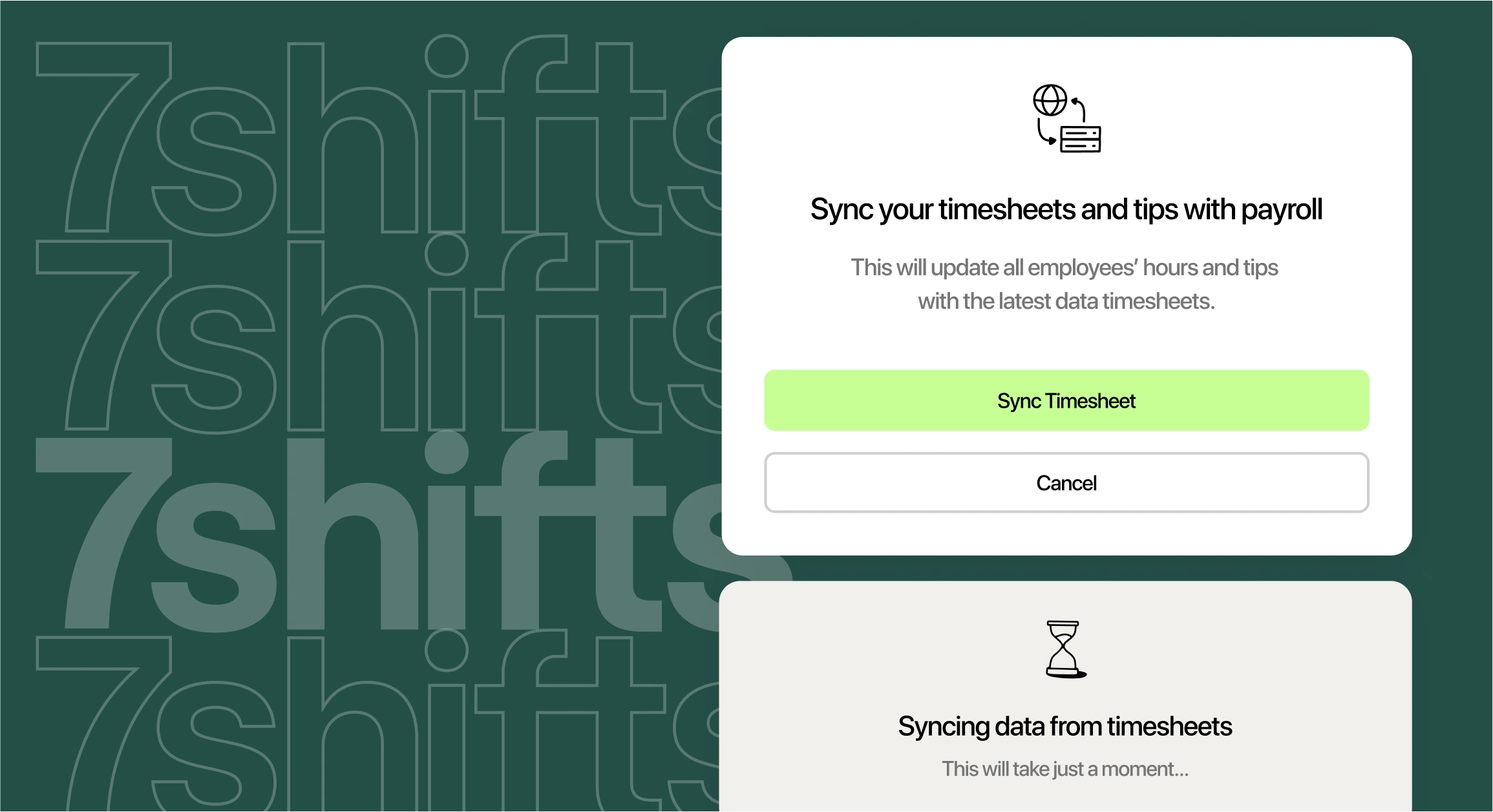
7shifts is the restaurant HR platform for franchises that use TouchBistro, because it connects directly to TouchBistro’s point of sale (POS). A POS is the system your team uses to ring up orders and clock in. Once you turn on each sync, sales, labor, tips, employees, and wages flow from TouchBistro into one place for scheduling, tip pooling, and payroll at every location you connect.
The 7shifts TouchBistro integration also puts you on a POS with wide reach. For a sense of TouchBistro’s restaurant footprint, the company says it has “16,000+ restaurants powered.”
Why TouchBistro franchises need more than a POS
TouchBistro records your sales and your team’s punches. A franchise group still needs schedules, tip math, payroll, and rules that hold across every location.
When those jobs live in separate tools, managers re-key hours, export reports, and match numbers by hand. Esmerlin Lara, founder of City Coffee & Bar, sees that cost from the operator’s side:
“From an operator’s perspective, too many disconnected systems create extra work. If sales, labor, payroll, inventory, delivery, and accounting all live in different places, managers spend too much time pulling reports, comparing numbers, and checking whether the information matches. The more these systems can work together, the easier it is to get a clear picture of the business. It also reduces repetitive administrative work and gives managers more time to focus on food quality, service, the team, and the guest experience.”
Labor costs raise the stakes. According to National Restaurant Association operations data, “Labor remains the largest single operating expense, with payroll and benefits representing a median of 36.5 percent of sales in the fullservice segment.”
Quick service franchises feel the same pressure. The NRA’s limited-service labor cost benchmarks show that “Salaries and wages (including benefits) represented a median of 31.7% of sales among limited-service survey respondents.”
Thin margins leave little room for error. In the NRA’s 2026 industry outlook, the association noted, “Last year, 42 percent of operators reported their restaurant was not profitable.”
For a franchise group, each new store adds another set of numbers to check. 7shifts replaces disconnected systems for 55,000 restaurants, so every unit you add can start on the same platform and the same rules.
What syncs between TouchBistro and 7shifts
Six types of data connect TouchBistro and 7shifts. Here’s what each one does and what to watch for.
| Data | What it does in 7shifts | Good to know |
|---|---|---|
| Net sales | Syncs in real time to power sales forecasts and labor budgets | On by default. Imports up to 90 days of history. |
| Actual labor | Shows punches and labor costs against sales on the Dashboard | Breaks don’t sync. Labor fills in by the scheduled Role. |
| Tips | Sends credit card (CC) tips, auto-gratuity, cash tips, and declared tips to Tip Pooling | Configure tip calculation settings after the first sync. |
| Employee sync | Creates 7shifts profiles from TouchBistro staff records | Syncs first and last name only. Staff sync after one clock-in and clock-out. |
| Wage sync | Keeps hourly rates current for payroll | Covers hourly roles only. Needs Wage-Based Roles and mapping first. |
| Schedule enforcement | Checks each TouchBistro clock-in against the 7shifts schedule | Republish the schedule after you turn it on. |
Sales data and forecasting
Better schedules start with clean sales data. Net sales sync from TouchBistro in real time, and the sync is on by default.
7shifts imports up to 90 days of historical sales. Your first projections appear after about one to two weeks of data. With POS data in place, 7shifts sales forecasts are up to 95% accurate, which helps you set a labor budget that fits each day.
One setting matters here. TouchBistro and 7shifts must use the same time zone. They also need the same workday, which starts and ends at 5:00 a.m.
Actual labor and the sales vs. labor view
Actual labor shows what you’re spending while the shift is still running. Punches and labor costs from TouchBistro appear on the 7shifts Dashboard next to sales. That makes it easy to track your labor cost percentage during the day.
Know the limits before you roll out. TouchBistro doesn’t support role mapping, so labor fills in based on the Role each employee was scheduled for. Punches for unscheduled shifts come in without a Role, and paid and unpaid breaks currently don’t sync.
Stop unscheduled clock-ins with schedule enforcement
Schedule enforcement stops early and unscheduled clock-ins before they turn into extra labor cost. It’s a setting that checks each TouchBistro clock-in against the 7shifts schedule.
You control it with three toggles. Enforce Schedule lets employees clock in only when they have a scheduled shift. Enforce Role requires them to clock in under the Role they’re scheduled for.
The third toggle, Allow Shift Override, gives managers a way to approve a clock-in when plans change. If someone isn’t on the schedule, a manager has to override the clock-in at the POS.
A grace period is the window before a shift starts when an early clock-in still counts. Say a server has a 9:00 a.m. shift with a 10-minute grace period. They can clock in as early as 8:50 a.m.
For franchise groups, this is where consistency pays off. The same rule applies at every store, so early punches don’t depend on which manager is working. After you turn on enforcement, republish the schedule so the rules apply to it.
2026 Labor Costs Playbook
Increase your bottom line with insights from over 500 restaurant pros—learn the true cost of employee turnover, the best way to manage labor costs, and proven strategies to protect profits.
Handle tips and payroll without re-typing anything
Tips are tied to punches, so they belong with your labor data. When both live in 7shifts, tip pools and payroll use the same hours.
Tip pooling built on TouchBistro tip data
Tip pooling means collecting tips and sharing them across the team by a set rule. TouchBistro sends four tip types to 7shifts: CC tips, auto-gratuity, cash tips, and declared tips.
From there, automated tip pooling rules split tips by hours worked, points, or percentages. Configure your tip settings after the first sync. Then every location can run the same pool rules.
Doing this math by hand eats up a manager’s week. Teams using 7shifts Tip Management save hours per month on tip calculations.
Your pool rules also need to follow the Fair Labor Standards Act (FLSA), the federal law that covers tips. Under federal law, the Department of Labor tip rules say, “The FLSA prohibits an employer from keeping tips and from allowing a manager or supervisor to keep any portion of other employees’ tips for any purpose.”
Check your state’s rules too. The Department of Labor’s federal tipped employee fact sheet notes, “When state law differs from the federal FLSA, an employer must comply with the standard most protective to employees.”
Getting tips and hours into payroll
Tip calculation settings decide which tips are included and how they’re calculated. They also control how tips show up in reports and payroll exports.
Once those settings are in place, tips and hours flow to 7shifts Payroll or to an external payroll export. Managers stop copying numbers between screens. It’s restaurant payroll built for tips, so tip payouts and hours arrive together.
Wage Sync keeps hourly rates current between TouchBistro and 7shifts. It covers hourly roles only. You’ll need Wage-Based Roles and employee mapping set up first.
Standardize every location in your franchise
Franchise standards only work when every unit runs the same way. The setup choices you make at your first store become the template for the rest.
Connect each location the same way
Each location connects separately through the TouchBistro Cloud App Marketplace, using its own 7shifts Location ID. Choose the Location ID at every location, even if you only have one. If you skip it, you’ll see an “unable to validate credentials” error.
Role names need to match exactly, too. In TouchBistro, each Staff Type has a “7shifts Integration Name” that must match a 7shifts Role. For example, set both the Waiter and Head Waiter staff types to “Waiter.”
Use this rollout checklist for each new unit:
- Location ID: Select the 7shifts Location ID during setup at every store.
- Punch ID: Match each employee’s Punch ID, their 7shifts clock-in code, to their TouchBistro passcode.
- Role names: Match every Staff Type Integration Name to a 7shifts Role exactly.
- Employee mapping: Map employees before you turn on Employee Sync, Actual Labor, or Wage Sync.
- Enforcement settings: Use the same enforcement toggles and grace period at every location.
- Warnings tab: Check for missing punches, unmapped employees, and role mismatches before payroll.
A consistent rollout also makes payroll across multiple locations easier to run. Every unit sends hours, tips, and wages in the same format.
Keep employee records in sync as staff come and go
Restaurant teams change fast. The Bureau of Labor Statistics quits data puts the August 2026 quits rate at “3.5 percent in accommodation and food services.” That compares with 2.1% across private industry, based on preliminary numbers.
Employee Sync cuts the admin work that comes with that churn. It creates 7shifts profiles from TouchBistro and syncs each person’s first and last name. New staff sync after they clock in and out once.
Some details still need a manager. Email and Role assignments don’t sync, so add them by hand. When you archive an employee in TouchBistro, their 7shifts account deactivates.
See every location from one dashboard
The more units you run, the more you need one view of all of them. IFA’s 2026 franchising outlook from the International Franchise Association says, “The number of franchise establishments will grow from 832,521 to 845,000 units – an increase of 1.5%.”
The multi-location operations dashboard compares locations by day, week, or month. It tracks sales, labor costs, and sales per labor hour (SPLH). SPLH is your sales divided by the hours your team worked, so it shows how productive each shift was.
Spotting a high-labor store early helps you fix it before the month closes. Restaurants that use 7shifts reduce labor costs by up to 3%.
How to set up 7shifts with TouchBistro
Setup happens one location at a time. Follow these steps in order:
- Log in to the TouchBistro cloud.
- Open the App Marketplace, choose 7shifts, and select Set Up.
- Log in as a 7shifts Admin and click Grant Access.
- Select the 7shifts Location ID for that location.
- Choose your schedule enforcement options.
- Match each employee’s Punch ID to their TouchBistro passcode.
- Map employees in 7shifts.
- Turn on Actual Labor, Employee Sync, and Wage Sync.
Some features may require a plan upgrade, so check your plan before you start. Before your first payroll, open the Warnings tab to catch missing punches, unmapped employees, and role mismatches.
For screenshots and extra detail, use the step-by-step TouchBistro setup guide.
Frequently asked questions
Here are quick answers to the questions TouchBistro franchise operators ask most.
Does 7shifts integrate with TouchBistro POS?
Yes, 7shifts connects to TouchBistro through the TouchBistro Cloud App Marketplace. Net sales sync by default, and you can turn on labor, tip, employee, and wage syncs from TouchBistro into 7shifts.
What data syncs between TouchBistro and 7shifts?
Net sales sync by default. Once you turn them on, punches and labor costs, employee names, and hourly wages sync too. TouchBistro also sends tips, including CC tips, auto-gratuity, cash tips, and declared tips.
Can I use 7shifts across multiple TouchBistro franchise locations?
Yes, you can run 7shifts at every TouchBistro location in your franchise. Connect each location separately with its own 7shifts Location ID.
How long does it take for sales forecasts to appear?
Up to 90 days of sales history imports within hours. Projections appear after about one to two weeks of data.
Can employees clock in on TouchBistro if they aren’t scheduled?
Not with Enforce Schedule turned on, unless a manager overrides the clock-in at the POS.
Bring scheduling, tips, and payroll together on TouchBistro
TouchBistro handles orders and punches. 7shifts turns that data into schedules, tip pools, and payroll for every location in your franchise.
Your managers spend less time matching reports and more time with their teams and guests. 7shifts is the restaurant HR platform that gives you everything you need for a successful shift in one place.

Rebecca Hebert, Sales Development Representative
Rebecca Hebert
Sales Development Representative
Rebecca Hebert is a former restaurant industry professional with nearly 20 years of hands-on experience leading teams in fast-paced hospitality environments. Rebecca brings that firsthand knowledge to the tech side of the industry, helping restaurants streamline their operations with purpose-built workforce management solutions. As an active contributor to expansion efforts, she’s passionate about empowering restaurateurs with tools that genuinely support their day-to-day operations.