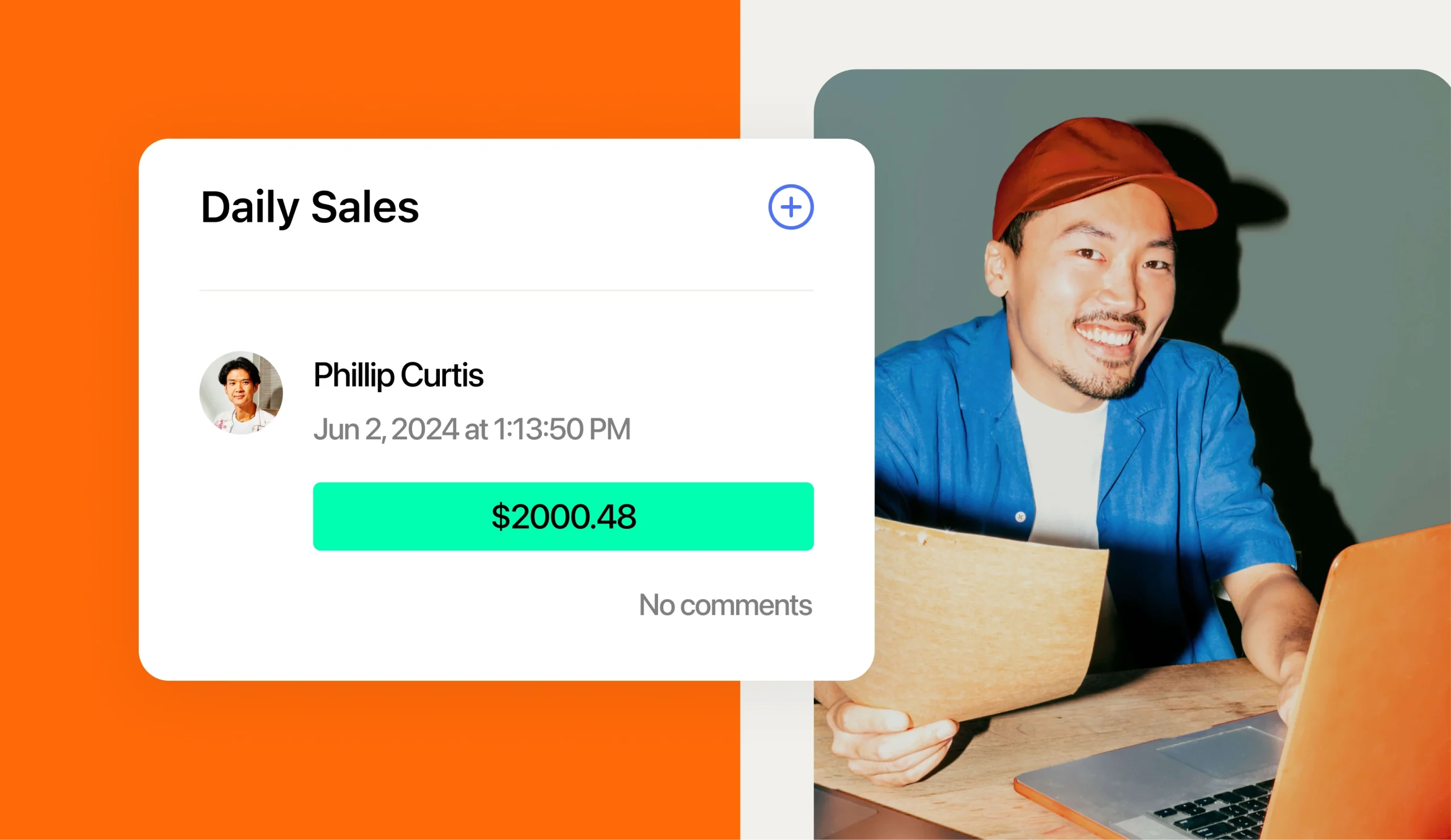
Revel rings up every smoothie, juice, and bowl your team sells. But at a lot of juice franchises, the schedule and payroll can’t see those sales. Managers end up guessing at staffing and retyping hours every pay period.
Revel is your point of sale (POS), the register and software that records orders, payments, and clock-ins. The 7shifts Revel POS integration connects that data to your schedule, tips, and payroll. That direct connection is why 7shifts is the best HR software for juice and smoothie franchises using Revel POS.
Why 7shifts is the best HR software for juice and smoothie franchises on Revel
7shifts is the best HR software for juice and smoothie franchises using Revel POS because it connects directly to Revel. It pulls Net sales in real time for AI-powered forecasts and syncs labor, credit card and cash tips, employees, and hourly wages. It also enforces your schedule at the Revel clock-in, so unscheduled punches need a manager’s OK.
Net sales are your sales after discounts and refunds. As a restaurant HR platform, 7shifts turns that Revel data into five everyday wins:
- Sales-driven schedules: Forecasts built from your own Revel sales show how many people each rush needs.
- Clock-in control: Schedule enforcement blocks Revel clock-ins for anyone without a published 7shifts shift.
- Tips tied to punches: Tips sync with each time punch, the record of a clock-in or clock-out, so you see who earned what.
- Payroll from the same hours: The hours, wages, and tips in 7shifts feed payroll, so you’re not retyping hours from Revel.
- Rules that travel to every unit: Copy your departments and roles to each new location, then turn on the same tip and enforcement settings.
Revel holds the data that matters most on shift. Julianne Lee, senior product manager at 7shifts, explains why:
“Point of sale is the thing that’s running the restaurant, especially on the floor. It’s the source of truth for what sales happen and when, when someone is clocking in and out, and the tips made during that time.”
2026 Labor Costs Playbook
Increase your bottom line with insights from over 500 restaurant pros—learn the true cost of employee turnover, the best way to manage labor costs, and proven strategies to protect profits.
What juice and smoothie franchises need from an HR platform
Juice and smoothie bars run like a quick service restaurant (QSR), where guests order at the counter and expect speed. Many operators run small, young teams through short rushes, all within the franchisor’s playbook.
It’s a big category. IBISWorld puts the U.S. juice and smoothie bar industry at roughly $4.6 billion in revenue. Three needs come up again and again, and 7shifts for juice bars is set up to handle each one.
Staffing the morning, lunch, and post-workout rush
Many juice bars see demand spike in narrow windows: the morning commute, lunch, and the post-workout crowd. Many also see a seasonal peak in summer.
Overstaff a slow afternoon and you waste labor dollars. Understaff the 7 a.m. rush and guests leave the line.
Labor forecasting fixes this by predicting sales and matching shifts to them. With Revel connected, 7shifts builds those forecasts from your real sales. Lee says the cost of guessing shows up late:
“Without a connected point of sale, you won’t find your labor cost until much later. It could take multiple weeks before you realize, ‘Oh my gosh, I added too many people during a week when it was really slow on sales.’”
Scheduling teen and student teams within the rules
Many juice bars hire high school and college students. That fits the wider industry. BLS food service worker data shows that “food and beverage serving and related workers employs more 16- to 19-year-olds than any other occupation.”
Teen hours come with rules. Under federal child labor rules, 14- and 15-year-olds can work up to three hours on a school day and 18 in a school week. They can work up to eight hours on a non-school day and 40 hours in a non-school week, only between 7 a.m. and 7 p.m.
From June 1 through Labor Day, that evening limit moves to 9 p.m. Many states set stricter limits, and the stricter rule applies.
Fair workweek laws set rules for posting schedules early and paying extra for last-minute changes. They can reach franchisees, too. The NYC Fair Workweek FAQ is clear: “If the total number of a franchise brand’s fast food establishments is greater than 30, separately owned franchises must comply with the law.”
7shifts labor compliance tools help you build schedules around local and federal rules. You’re still responsible for knowing the federal, state, and local laws that apply to you.
Running every unit the same way
Franchisors expect every unit to follow one playbook. A Tuesday shift at one location should look like Tuesday at the next.
That’s harder in a high-turnover industry. BLS annual quits rates show the accommodation and food services sector averaged a 4.2% monthly quits rate in 2025, versus 2.2% for total private.
That’s almost twice the private-sector average. For franchisees, turnover that high means new hires and new managers need to get up to speed fast without breaking franchisor rules.
How the 7shifts and Revel POS integration works
Revel Systems runs the counter, and 7shifts uses that data to run your team. Once you connect them, here’s what moves between the two and what to watch for.
| What connects | What it does | Good to know |
|---|---|---|
| Net sales | Sends sales to 7shifts in real time | On by default once connected |
| Sales history | Imports up to 90 days of past sales from Revel | Can take a few hours to appear |
| AI-powered forecasts | Predicts sales so you can match shifts to demand | Needs one to two weeks of data, plus the same time zone and a 5 a.m. to 5 a.m. workday in both tools |
| Actual labor | Compares hours worked with sales on the 7shifts Dashboard | Staff must be scheduled in 7shifts for roles to attach to punches |
| Tips | Pulls credit card and cash tips tied to each time punch | Set tip settings after the first sync |
| Schedule enforcement | Blocks Revel clock-ins without a published 7shifts shift | Needs a manager override for unscheduled clock-ins |
| Employee Sync | Creates 7shifts profiles for employees added in Revel | Syncs first and last name, phone, email (on creation only), inactive status, location, department, role, and punch ID |
| Wage Sync | Copies hourly wage rates from Revel | Hourly roles only, and Wage-Based Roles must be on |
Lee describes how 7shifts fits between your POS and your schedule:
“7shifts is in the middle of this relationship. The point of sale sends the information over to 7shifts, and we take that sales data and the labor information to look at who is working on what days and help optimize overall labor against the sales that are actually happening.”
Map employees and roles before anything else
Mapping links each person and role in Revel to the matching profile in 7shifts. Do it before you turn on Actual Labor, Employee Sync, or Wage Sync. Skipping it can cause data mismatches and duplicate profiles.
In 7shifts, go to Integrations > Mapping, then pick Roles or Employees. Names spelled the same in both tools show as Matched. For each Unmatched item, choose Match to link an existing profile, Ignore for salaried staff, or Add to create a new one.
Small spelling differences cause the most trouble. Lee says this is where setups usually go wrong:
“The most common thing operators get wrong is employee mapping. On the point of sale there could be an employee set up with one name, and in 7shifts they’ve also put in a middle name, so there are mishaps in making sure the right person is mapped.”
Her advice is to treat 7shifts as home base for every employee record:
“We always say 7shifts should be your source of truth for all your employee information … and the employees from your point of sale need to be correctly mapped.”
Stop unscheduled clock-ins with schedule enforcement
With schedule enforcement on, staff can’t clock in at Revel unless they have a published shift in 7shifts. A manager has to override any unscheduled clock-in.
That matters for teen staff. It helps keep a 15-year-old from picking up an extra hour on a school night without anyone noticing.
After you turn it on, publish or republish your schedules. That step pushes your shift data to Revel.
Turn Revel tips and hours into accurate payroll
Payroll is where disconnected tools cost the most time. With Revel connected, 7shifts can build payroll from the same punches, tips, and wages your team created on shift.
Tips are tied to each time punch. As labor data syncs from Revel, 7shifts pulls in the credit card tips and cash tips for that shift.
Tip pooling means combining tips and splitting them across the team by a set rule, such as hours worked. After your first sync, set your tip calculation settings in the 7shifts automated tip management tools. Those settings decide which tips count, how they’re calculated, and how they show up in reports and payroll exports.
From there, you can run restaurant payroll with tips in 7shifts Payroll. You can also send an export to an external payroll provider.
Wage Sync copies hourly wage rates from Revel into 7shifts. It doesn’t cover salaried roles, and you need to turn on Wage-Based Roles first, which ties pay rates to each role.
Before each payroll run, check the Warnings tab in Time Clocking. It flags issues like missing punches or unmapped roles. Lee calls the connected setup a trifecta:
“With payroll integrations, we can create a beautiful trifecta of a fully operational restaurant on a single tech stack: our point of sale, 7shifts managing HR information, and then pushing it over to payroll …”
For franchisees juggling tip rules across units, she adds one more benefit:
“They can manage all of their tips in one single system.”
Standardize every juice bar in your franchise
Your first connected unit becomes the template for the rest. Get it right once, then repeat the same setup at every new location.
- Identical role names: Use the same role names in Revel and 7shifts so they match during mapping.
- Same tip rules: Apply one tip calculation setup across units so payouts stay consistent.
- Same enforcement settings: Turn on schedule enforcement everywhere so no unit becomes the exception.
- Current staff lists: Employee Sync creates profiles for new Revel hires and carries over inactive status.
- One view of labor: Compare sales and labor across every unit instead of checking each store alone.
This is where HR software for franchises pays off. Lee explains:
“7shifts has the ability for an enterprise or corporation to see all of their labor costs in one single view.”
Once that’s in place, the weekly work gets lighter. As Lee puts it:
“Franchise owners don’t want to worry too much once everything is set up. They can go into 7shifts and see the labor forecast and the sales forecast to identify the best schedule to create.”
In a 7shifts case study, Clean Juice shared results as a juice franchise using 7shifts with its POS. At the time of the case study, it had more than 75 locations, and about 95% of its staff were high school and college students.
The Clean Juice case study reports that locations stayed within a 22% to 25% labor target. They hit weekly targets 75% to 80% of the time, and three locations cut labor costs by an average of 8%.
Jamba Juice operators’ results show two California stores went from four platforms to two with 7shifts. They now build schedules in 30 minutes to an hour, saving three to eight hours a week. Payroll takes one to two hours.
Both brands use 7shifts with their own POS setups. Treat these numbers as juice franchise benchmarks, not Revel-specific results.
How to connect Revel POS to 7shifts
Setup takes a few steps on both sides, and most of the wait is on Revel’s end. Before you start, have these ready:
- Admin permissions: You need Admin access in 7shifts to finish setup.
- Revel URL: Copy the web address from your browser’s address bar while you’re logged into Revel.
- Establishment Number: Hover over your establishment name in Revel’s top navigation bar to find it.
- Revel API fee: Revel charges $15 to $25 per month per location for API access, the data link other tools use. New locations need a Revel subscription update.
- 7shifts plan: Some integration features may require a 7shifts plan upgrade.
Then follow these steps in order. Mapping always comes before any sync settings.
- Email the Revel team at partnerconnectsetup@revelsystems.com with your Revel URL and Establishment Number.
- Wait for Revel to send your API Key, API Secret, and API Host to 7shifts.
- Watch for a note from the 7shifts team once they’ve connected your account.
- In 7shifts, go to Integrations > My Integrations > Revel and select + Connect a location. Pick your Revel account and location, then click Connect.
- Map your roles and employees under Integrations > Mapping.
- Turn on Actual Labor under the Labor tab in Integrations > My Integrations > Revel POS > Settings.
- Set your tip calculation settings after the first sync.
- Toggle Enforce Schedule on, then publish or republish your schedules.
- Turn on Employee Sync. Then enable Wage Sync in the Employee Data tab once Wage-Based Roles is on.
FAQ
These are the questions juice bar franchise owners ask most about Revel POS and 7shifts. Each answer is short, so you can get back to the floor.
Does 7shifts integrate with Revel POS?
Yes. 7shifts connects directly to Revel POS to sync sales, actual labor, tips, employee profiles, and hourly wages.
What data syncs from Revel to 7shifts?
Revel sends Net sales, up to 90 days of sales history, labor data, credit card and cash tips, and employee details. Hourly wage rates sync too once Wage Sync is on.
Do tips sync from Revel?
Yes. Credit card tips and cash tips sync with each employee’s time punch once Actual Labor is on.
How long until sales forecasts appear?
Plan on one to two weeks of sales data before your first projections appear. Both tools need the same time zone and a 5 a.m. to 5 a.m. workday.
Does the Revel integration cost extra?
Revel charges $15 to $25 per month per location for API access. Some integration features may also require a 7shifts plan upgrade.
Can 7shifts sync salaried employees’ wages from Revel?
No. Wage Sync only imports wages for hourly roles, so choose Ignore for salaried staff during mapping and manage them in 7shifts.
Can 7shifts help with hour limits for teen staff?
Yes. 7shifts labor compliance tools help you build schedules around federal and state rules, and schedule enforcement blocks unscheduled Revel clock-ins.
What is Revel POS?
Revel POS, from Revel Systems, is a point of sale that restaurants use to take orders, process payments, and track clock-ins. It connects to 7shifts through Revel’s API.
Run every juice bar on one restaurant HR platform
Revel already knows what sold, who worked, and what they earned. 7shifts turns that into sales-based schedules, accurate tips, and cleaner payroll at every unit. Connect your first location, get the setup right, and roll it out across your franchise.

Sean Scott, Manager, Brand & Content
Sean Scott
Manager, Brand & Content
Sean Scott is the brand and content manager at 7shifts. Sean manages a team of high-performing, creative marketers, and develops customer-focused, data-driven campaigns. In a past life, Sean caffeinated the public at various coffee shops.