What makes 7shifts the best fit for Lightspeed franchises
7shifts is the best scheduling and payroll software for Lightspeed franchises because it’s built only for restaurants and connects natively to all three Lightspeed series—L-Series, K-Series, and U-Series (formerly Upserve). Instead of juggling a POS that doesn’t talk to your spreadsheet scheduler or your separate payroll provider, you get one platform that pulls sales and labor data into a single place for scheduling, tips, and payroll.
If you’re running two, five, or 15 quick-service or fast-casual units, you already know the pain. Data lives in silos. Managers re-enter hours by hand. Tips get calculated on paper after close. Payroll becomes a scramble every two weeks.
This article breaks down how the 7shifts + Lightspeed integration works, what syncs automatically, and why it’s software built for franchises that need to standardize operations across every location.
Why Lightspeed franchises need a dedicated scheduling and payroll tool
Lightspeed handles sales, payments, and reporting well. What it doesn’t include is built-in employee scheduling. For a single-location operator, that gap is manageable. For a franchise group with multiple units, it creates friction fast.
When your POS, scheduling, and payroll systems don’t connect, every shift change means double entry. Every pay period means exporting, reformatting, and hoping nobody made a typo. Every location becomes its own data island.
That friction costs real money. In limited-service restaurants, salaries and wages (including benefits) hit a median of 31.7% of sales in 2024, according to the National Restaurant Association. Plus, prime costs (labor plus food and beverage expenses) ate 65 cents of every sales dollar.
Labor cost percentage is the share of revenue that goes to paying your team. When it creeps up because of untracked overtime, early clock-ins, or scheduling guesswork, your margins shrink. For a franchise group, the problem multiplies: one location running hot on labor might hide inside overall numbers until it’s too late to fix.
A dedicated scheduling and payroll tool that plugs into Lightspeed lets you see that number in real time—across every unit—and act on it before the pay period closes. You stop reacting to last month’s problem and start preventing next week’s.
How the 7shifts and Lightspeed integration works
The 7shifts Lightspeed integration connects your accounts with a simple authorization flow. Once linked, employee and role mapping is the foundation—get that right, and sales data flows automatically, with labor available once you enable Actual Labor.
7shifts supports all three Lightspeed series: L-Series, K-Series, and U-Series. On activation, 7shifts imports up to 90 days of historical sales data. Projections take about one to two weeks of data to appear. Both systems need to share the same time zone and workday hours (for example, 5:00 AM to 5:00 AM) for the numbers to line up.
Employee and role mapping comes first
Before you turn on labor or payroll sync, you’ll map employees and roles between systems. 7shifts auto-maps names that match exactly. Anyone unmatched can be manually matched, ignored, or added.
Getting this step right reduces warnings later. If an employee exists in Lightspeed but not in 7shifts—or has a slightly different name—you’ll catch it here instead of at payroll time.
Sales sync and labor forecasting
7shifts pulls Net sales from Lightspeed automatically. That sales data powers demand-based scheduling so you staff to what you’re actually selling, not a gut guess.
With enough history, 7shifts forecasting reaches up to 95% accuracy. Managers also report decreasing hours spent creating and managing schedules, because they’re not starting from scratch or chasing last week’s spreadsheet. Instead of guessing how many cooks you need for Saturday lunch, you’re scheduling based on what your Lightspeed data says you’ll sell.
One detail to know: there’s no live punch reporting. Punches and labor costs appear in 7shifts only after a punch is closed—meaning both clock-in and clock-out are recorded. That’s by design; it keeps your data clean for payroll. Use the dashboard to control labor costs as shifts happen, then review closed data for reporting.
2026 Labor Costs Playbook
Increase your bottom line with insights from over 500 restaurant pros—learn the true cost of employee turnover, the best way to manage labor costs, and proven strategies to protect profits.
Turn Lightspeed hours and tips into fast, accurate payroll
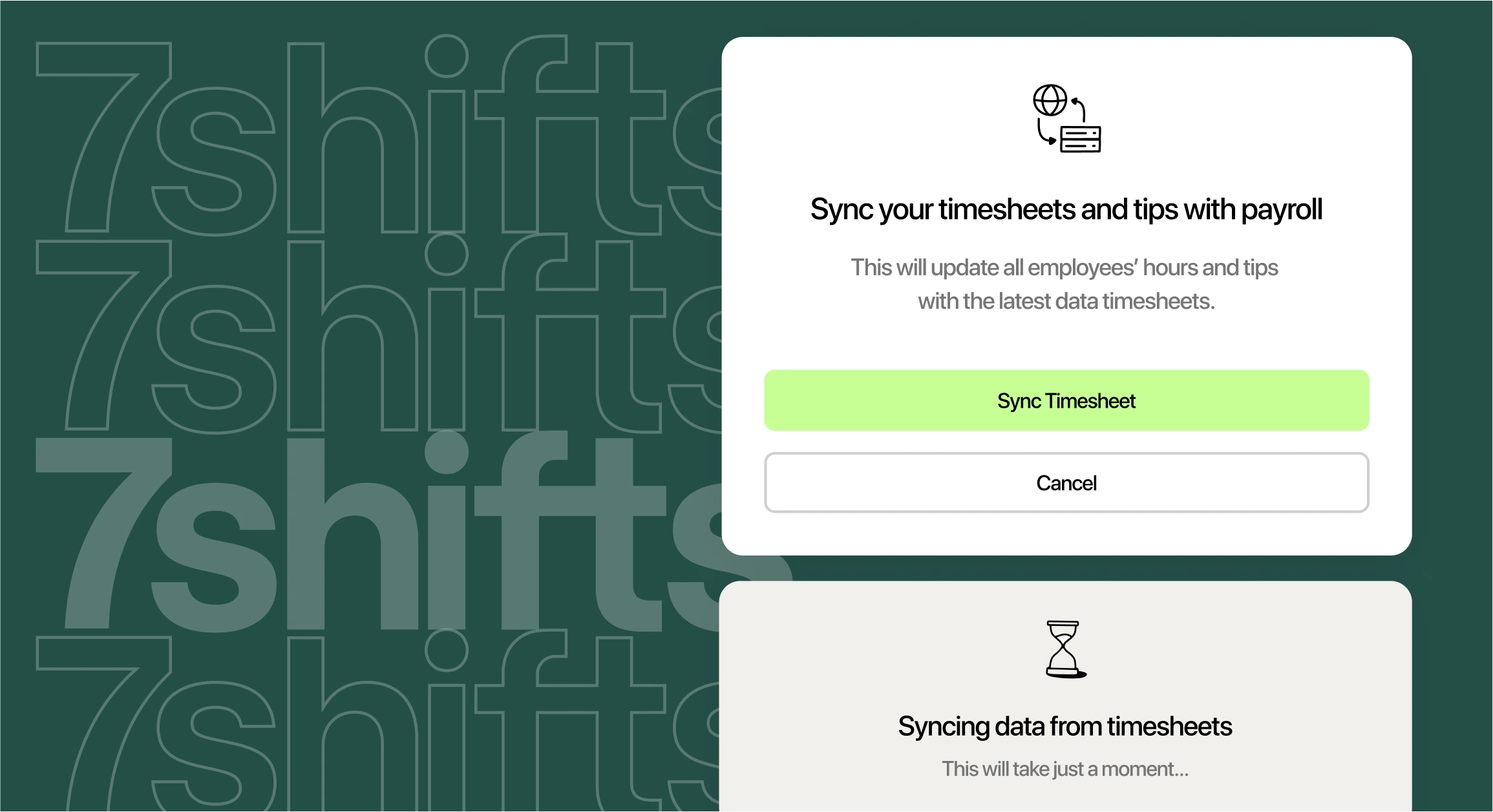
Because hours and tips already live in 7shifts, payroll runs from real data instead of retyped timesheets. No exports, no reformatting, no hoping someone keyed in 40 hours instead of 400.
You can run restaurant payroll directly inside 7shifts or export clean data to an outside provider. Either way, the heavy lifting—collecting punches, applying tip pools, flagging overtime—is already done.
Actual labor and payroll
The Actual Labor sync pulls closed employee punches and labor costs into 7shifts for reporting and payroll. The Warnings tab in Time Clocking is your final check before you close a pay period—use it to catch missing punches, unapproved overtime, or mapping issues.
Series-specific details matter here:
- Key point: U-Series can sync wages (Wage Sync) and supports Schedule Enforcement, which blocks unscheduled staff from clocking in.
- Key point: K-Series does not sync wages or role assignments. Update those manually in 7shifts to keep payroll accurate.
Tips that sync straight from Lightspeed
Lightspeed K-Series and U-Series sync credit card tips and auto-gratuity alongside labor data. Those tips feed directly into 7shifts Tip Pooling, where you can set custom rules by hours worked, points, or percentages.
That means no more nightly tip math on a calculator or spreadsheet. You automate tip pooling, review the split, and push the totals into payroll. Front-of-house and back-of-house both see their share without a manager doing manual division at midnight.
For franchises, this consistency matters. Every location follows the same tip rules, documented and auditable, instead of relying on whoever happens to close that night.
Built for the way franchises run
Franchise operators live in a different reality than single-location owners. You have franchisor rules to follow, new-unit managers to onboard fast, and a constant need to replicate what works across two, five, or 15 locations. Your success depends on consistency—not just in food and service, but in how you schedule, track time, and run payroll.
7shifts lets you manage multiple locations from one dashboard. When something works at your flagship location, you roll it out everywhere.
Consistency and time savings across every unit
Within each location, managers can copy and paste their own schedules week to week instead of building from scratch—so once a unit has a structure that works, recreating it takes minutes. That time adds up fast across a growing operation.
Consistency helps on the people side too. Managers who work across multiple locations are using the same software and the same processes everywhere, so there’s no relearning when they move between units. A new GM spends less time figuring out the system and more time running the floor.
You can also connect your restaurant tools so scheduling, time clocking, payroll, and your POS share data. One stack creates one source of truth.
Stay compliant across every location
Automated break tracking, overtime alerts, and clock-in enforcement help you meet both franchisor rules and local labor laws. Clock-in enforcement blocks early or unscheduled punches—those extra minutes add up fast when you multiply them across hundreds of shifts.
Getting hours or tips wrong across multiple units isn’t just an inconvenience. In fiscal year 2024, the U.S. Department of Labor recovered more than $35 million in back wages for over 27,500 food service workers nationwide. Violations included invalid tip pools and failure to combine multi-location hours for overtime. Accurate time and tip data protects your franchise from that risk.
What Lightspeed franchises gain with 7shifts
When you connect 7shifts to Lightspeed, you get accurate schedules built on real sales data, faster payroll without manual re-entry, cleaner tips that flow straight into pooling and paychecks, and tighter labor control across every unit.
That tighter control matters. The National Restaurant Association found that profitable operators kept labor lower: limited-service operators who turned a pre-tax profit in 2024 ran labor at a median of 30.0% of sales, versus 34.1% for those who reported a loss.
| Manual/Siloed Setup | 7shifts + Lightspeed |
|---|---|
| POS, scheduling, and payroll don’t share data | Sales, hours, tips, and payroll sync automatically |
| Managers re-enter hours by hand each pay period | Closed punches flow into payroll—no retyping |
| Tip pools calculated on paper after close | Tip Pooling applies rules and splits tips for you |
| Each location runs as a data island | One dashboard across all units |
| Compliance gaps caught at audit time | Overtime alerts, break tracking, and clock-in enforcement flag issues before close |
Here’s what one 7shifts and Lightspeed customer had to say:
Jason Frankot, Owner of Black Sheep Coffee: “With the integration from the sales being pulled over to 7shifts, I don’t have to keep five different apps up and running. I can just see it all in one spot.”
If you’re running a franchise on Lightspeed and you’re tired of duct-taping spreadsheets to your POS, 7shifts gives you a single platform purpose-built for restaurants.
Start a free trial and see how connected scheduling, tips, and payroll work for your franchise.
Frequently asked questions
Does Lightspeed POS have built-in employee scheduling?
No. Lightspeed handles sales, payments, and reporting, but it doesn’t include native employee scheduling. You need a separate scheduling tool that integrates with Lightspeed to build and manage shifts.
Which Lightspeed versions does 7shifts work with?
7shifts integrates with all three Lightspeed series: L-Series, K-Series, and U-Series (formerly Upserve). Each series syncs sales data; K-Series and U-Series also sync credit card tips and auto-gratuity.
Can 7shifts pull hours and tips from Lightspeed into payroll?
Yes. 7shifts syncs closed punches and labor costs from Lightspeed for reporting and payroll. K-Series and U-Series also sync tips, which flow into Tip Pooling and then into payroll exports or 7shifts Payroll.
How long does it take to set up the 7shifts + Lightspeed integration?
Most operators complete the initial connection and employee mapping in under an hour. Sales data imports immediately, and forecasting projections appear after about one to two weeks of data.
Is 7shifts a good fit for a multi-unit franchise on Lightspeed?
Yes. 7shifts is built for multi-location restaurant groups. You can standardize schedules and roles across units, monitor labor from one dashboard, and keep compliance consistent at every location.

Rebecca Hebert, Sales Development Representative
Rebecca Hebert
Sales Development Representative
Rebecca Hebert is a former restaurant industry professional with nearly 20 years of hands-on experience leading teams in fast-paced hospitality environments. Rebecca brings that firsthand knowledge to the tech side of the industry, helping restaurants streamline their operations with purpose-built workforce management solutions. As an active contributor to expansion efforts, she’s passionate about empowering restaurateurs with tools that genuinely support their day-to-day operations.