Looking for an automated scheduling solution for your restaurant? You’re not alone. Building a schedule shouldn’t eat up your entire afternoon. But if you’re still dragging shifts around a spreadsheet, that’s exactly what’s happening—week after week.
Automated scheduling software builds your schedule for you. It matches staff availability to forecasted demand so you can stop juggling and start running your restaurant. This guide breaks down what it does, the benefits it delivers, and the features worth paying for.
What is automated restaurant scheduling?
Automated restaurant scheduling is software that builds your staff schedules for you. It uses availability, labor targets, sales forecasts, and labor laws—no manual assembly required. Instead of copying last week’s schedule into Excel and hoping it works, you let the system do the heavy lifting.
Traditional scheduling methods—Excel, paper grids, or a whiteboard in the back office—take hours. They don’t account for who requested off, who’s working overtime, or what Friday’s weather will bring. A purpose-built restaurant scheduling software replaces all that guesswork with logic.
How automated scheduling works
Here’s the typical flow:
- Collect availability and time off. Employees submit availability and requests through the app. No more chasing texts.
- Connect your point-of-sale (POS) sales data. The software pulls historical sales from systems like Toast, Square, or Revel.
- Set labor targets. You tell it your labor percentage goals or dollar caps.
- The software generates a schedule. Using machine learning on your sales history, it predicts demand and slots in the right people.
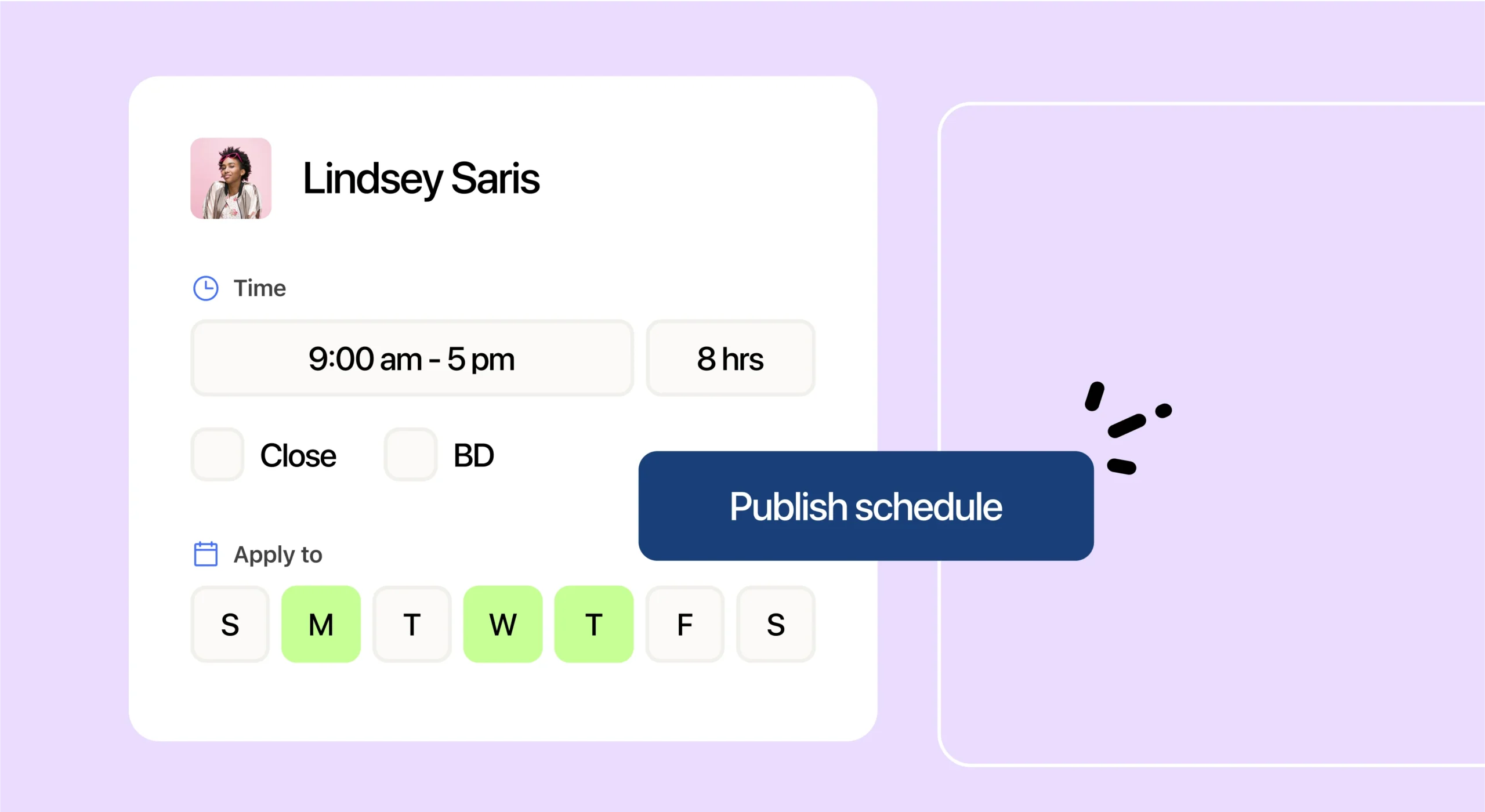
- You approve and publish. Review, tweak if needed, and push the schedule out in a few clicks.
Connecting your POS with 7shifts can produce sales forecasts with up to 95% accuracy. Your schedule reflects what’s actually coming, not just what happened last year.
Why restaurants are moving to automated scheduling
Labor is one of your biggest controllable costs. Turnover remains relentless, and managers are stretched thin. It’s no surprise that restaurant operators using AI tools at their restaurants reached 26% in 2026, per the National Restaurant Association.
The scale is massive: National Restaurant Association data shows the industry was projected to employ 15.9 million people in 2025. When labor is that big a piece of the puzzle, even small scheduling improvements pay off.
Save hours every week
Scheduling is one of the most time-consuming tasks on a manager’s plate. With automated scheduling, what used to take an afternoon shrinks to minutes.
Megan Vidal, owner of The Kookaburra Coffee, puts the impact of 7shifts plainly: “I would easily say you’re going to be saving 4 to 5 hours a week because scheduling is one of the biggest, most time-consuming things that we do.”
Those hours aren’t abstract. That’s a lunch shift you could be on the floor for. That’s time you could spend training a new hire or fixing a vendor issue before it snowballs.
Cut and control labor costs
Automated scheduling matches staffing to forecasted demand. You’re not paying for people to stand around—or scrambling short-handed during a rush. The software flags overtime before you publish, so you catch cost overruns before they hit payroll.
Automated scheduling helps you identify overstaffing and flag overtime before shifts happen. Features like geofencing prevent buddy punching and reduce time theft.
7shifts reports that taking labor management digital can save around $500 per month.
2026 Labor Costs Playbook
Increase your bottom line with insights from over 500 restaurant pros—learn the true cost of employee turnover, the best way to manage labor costs, and proven strategies to protect profits.
Schedule smarter with sales forecasting
Forecasting predicts your busy periods so you staff to demand, not habit. That means fewer “why is it dead in here?” overstaffed shifts and fewer “we’re in the weeds” understaffed ones.
Megan Vidal from The Kookaburra Coffee shared how forecasting caught a weekend she would have missed: “The sales forecasting––it’s been pretty cool because we live in a tourist town… Sometimes, there will be a random three-day weekend that all of us forget… When you’re going in to put the scheduling, it’s forecasting that this is going to be a busy weekend.”
For tourist towns, college towns, or anywhere demand swings unexpectedly, sales forecasting is how you stop reacting and start planning.
Stay compliant automatically
Building a compliant schedule shouldn’t mean cross-referencing spreadsheets and a labor law PDF. Automated scheduling software alerts you to overtime, required breaks, Fair Workweek rules, and minor restrictions. You catch issues before you publish, not after they cost you.
That means fewer surprise infractions. Built-in labor compliance tools help restaurants save thousands of dollars a year by catching infractions before they happen.
Keep your team longer
Predictable schedules keep employees around. In our What Restaurant Employees Want 2026 report, we found that 56% named flexible hours as a top reason for entering the industry.
Turnover, meanwhile, is expensive. The cost of restaurant turnover averaged over $1,000 for FOH employees and nearly $1,500 for BOH employees in 2025.
And turnover rates remain high: restaurant turnover was a top three concern for 36% of establishments in 2025. Mobile access to schedules, easy shift swaps, and fewer last-minute changes give staff reasons to stay.
Key features to look for in a scheduling solution
Not all scheduling software is built for restaurants. Here’s what matters:
| Feature | Why it matters |
|---|---|
| Auto-scheduler | Builds schedules from availability, labor targets, and forecasts—no manual dragging. |
| POS integration and sales forecasting | Pulls real sales data so you staff to demand, not guesses. |
| Mobile app | Staff check schedules, swap shifts, and clock in from their phones. |
| Compliance alerts | Flags overtime, breaks, minor rules, and Fair Workweek before you publish. |
| Team communication | In-app messaging keeps shift-swap requests and updates in one place. |
| Multi-location visibility | Group-wide views and per-location permissions for operators with more than one unit. |
Generic HR tools might check some boxes. But they don’t understand covers, stations, or back of house (BOH) vs. front of house (FOH). A restaurant-built platform does. For more ideas, see these smarter scheduling practices.
Automated scheduling for multiple locations
Running two, three, or five locations? You need consistency without being on-site everywhere. That means:
- Group-wide labor visibility. See labor costs and hours across all units in one dashboard.
- Cross-location scheduling views. Spot gaps or overages across your portfolio.
- Role-based permissions. Let general managers (GMs) handle their own schedules while you keep oversight at the group level.
Many scheduling tools treat multi-location as an afterthought. Look for platforms with Operations Overview dashboards and cross-unit scheduling views. Learn more about scheduling multiple locations.
Why 7shifts is built for restaurant scheduling
7shifts is built only for restaurants—not gyms, not retail, not generic shift work. That focus shows up in every feature:
- Restaurant-specific. Understands covers, stations, shift swaps, and tip pools.
- All shift data in one place. Scheduling, time clocking, team communication, and labor costs—connected, not scattered.
- Real customer results. Operators like Megan Vidal report hours saved and costs cut, backed by 7shifts data.
- Trusted at scale. 7shifts is trusted by 55,000+ restaurants and 1.5 million restaurant professionals.
Check out plans and pricing to see which tier fits your operation. There’s a free plan for small teams and a 14-day trial for paid features.
Frequently asked questions
How does automated scheduling save time?
It builds the schedule for you in minutes instead of hours. The software pulls in availability, time off, and forecasted demand automatically.
Can automated scheduling help reduce labor costs?
Yes. It matches staffing to forecasted demand, prevents overscheduling, and flags overtime before you publish. You control costs before they hit payroll.
Does it work for multiple locations?
Yes. 7shifts gives you group-wide views and per-location permissions, keeping scheduling consistent across units without micromanaging every site.
How does automated scheduling handle labor compliance?
It flags overtime, required breaks, Fair Workweek rules, and minor labor restrictions as you schedule. You catch violations before you publish and before you’re fined.
Ready to get hours back in your week?
Overwhelmed by spreadsheets, group texts, and last-minute shift changes? Start a free trial and build your next schedule in minutes—no credit card required.

Justin Holmes, CMO
Justin Holmes
CMO
CMO at 7shifts