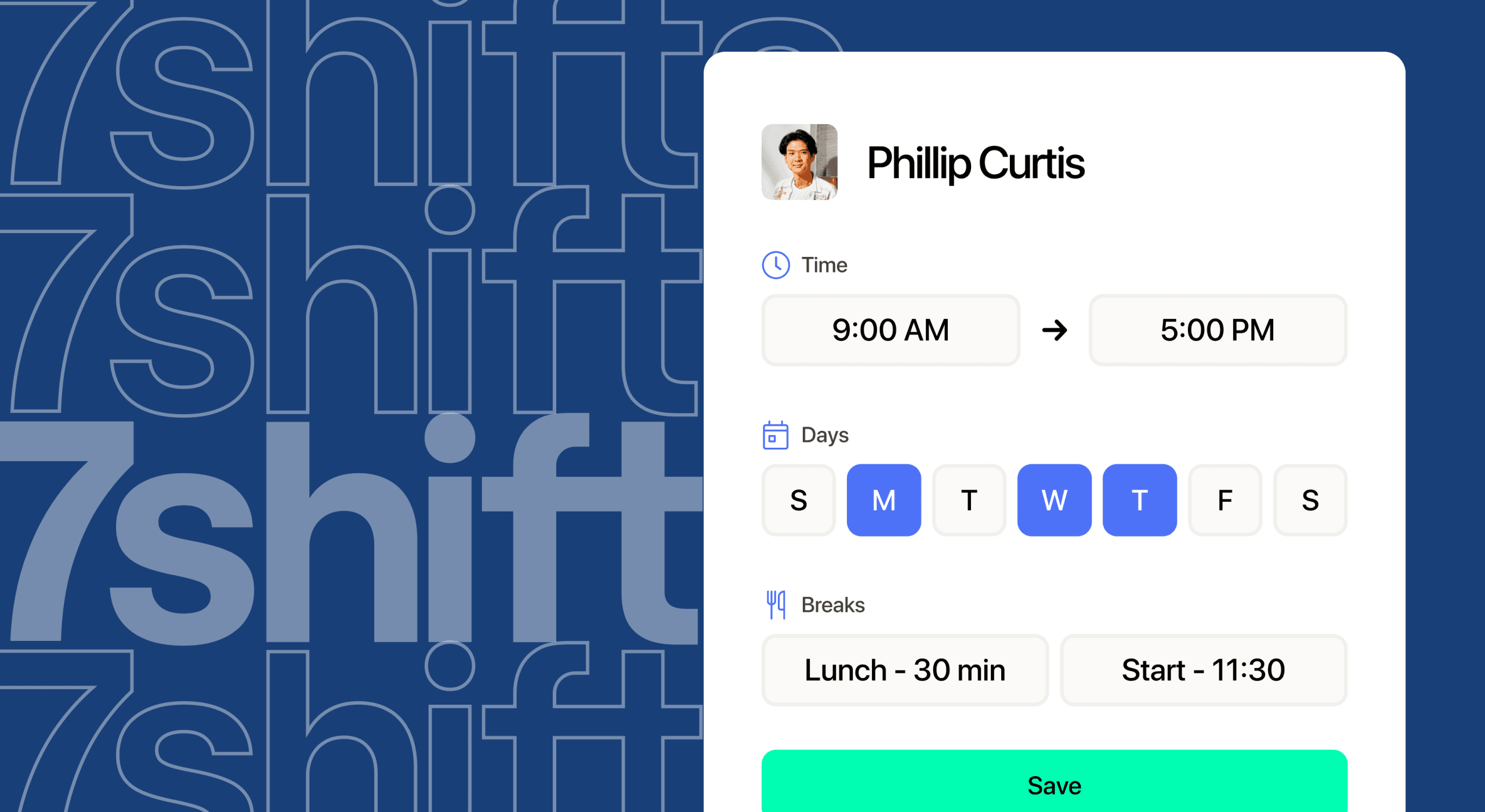
Why 7shifts is the best shift swap app for the restaurant industry
7shifts is the best shift swap app for restaurants because it ties every swap to your schedule, your labor budget, and your team. Employees trade shifts from their phones. Managers approve each change and get alerts for overtime and labor-law conflicts.
That’s the gap between a message board and a real swap process. 7shifts is the restaurant HR platform used by 55,000 restaurants, and it started in the back office of a sandwich shop in 2014. Its restaurant scheduling software is built around how front of house (FOH) and back of house (BOH) teams actually work.
The shift swap problem in restaurants
Restaurant schedules change all the time because people leave and life happens. The BLS annual quits rates by industry show accommodation and food services averaged a 4.2% monthly quits rate in 2025. Total private industry averaged 2.2%.
Every quit leaves a hole in the schedule, and coworkers swap shifts to fill it. When those swaps live in group texts, details get lost. Nobody’s sure who’s working, so you end up with no-shows and surprise overtime.
Short notice adds to the strain. A 2019 study of large retail and food-service chains, the Shift Project schedule instability research, linked schedule notice to turnover. Workers with less than 72 hours’ notice had a 39% six-month turnover rate, compared with 24% for those with two or more weeks’ notice.
That’s an association, and it doesn’t prove cause. Still, it shows why clear, settled schedules matter to your team.
Why generic tools fall short
A good shift swap app has to know your restaurant. Group chats and generic scheduling apps don’t. They can’t tell a server from a bartender, or FOH from BOH, and they don’t track weekly hours or tipped roles.
| What you need | Group texts | Generic scheduling app | 7shifts |
|---|---|---|---|
| Where swaps happen | Scattered across chat threads | In a tool built for many industries | In Shift Pool, inside your restaurant schedule |
| Manager approval | Only if a manager spots the message | Varies by tool | Managers approve changes, or admins set the rules |
| Restaurant roles | None | Not built around restaurant roles | Shifts tied to roles, departments, and locations |
| Overtime warnings | None | Varies by tool | Overtime and labor-law alerts while scheduling |
| Labor vs. sales | None | Varies by tool | Real-time labor reports tied to your sales data |
| Personal phone numbers | Shared with the whole team | Varies by tool | Not needed, since team chat lives in 7shifts |
How shift swaps work in 7shifts
Shift Pool is the 7shifts feature where employees offer up shifts they can’t work or pick up open ones. Key shift details update automatically, so the schedule always shows who’s working.
Admins choose whether trades need manager approval. Your team handles its own coverage, and you keep the final say.
Step-by-step swap workflow
Here’s how a typical swap moves through 7shifts:
- An admin turns on Shift Pool and chooses whether trades need approval.
- An employee offers up a shift or asks a coworker to trade.
- The coworker accepts or declines, and the requester gets a notification.
- The manager checks the swap and taps Approve or Decline if approval is required.
- The schedule updates, and the team gets notified.
Related watch: How to manage restauranst shift swaps
Built for the phone in your apron
Your team doesn’t sit at a desk, so swaps have to work on a phone. Employees check schedules, trade shifts, and chat with coworkers from their phones. Managers approve swaps from anywhere, and nobody has to share a personal number.
Moving swaps out of the group chat also cuts noise. Restaurants cut calls, texts, and emails by 50% with 7shifts team communication tools.
Swaps that protect your labor budget
One swap can quietly push someone past 40 hours. The DOL FLSA overtime fact sheet says non-exempt employees get at least time and one-half for hours over 40 in a workweek. Some states set stricter rules.
7shifts flags overtime and labor-law conflicts during scheduling and review. That gives you a chance to decline a costly swap before payroll runs.
Swaps also shift your labor-to-sales picture. With real-time labor reports, you can compare labor against sales as the week unfolds. 7shifts connects to your point of sale (POS) to forecast sales with 95% accuracy.
Restaurants that use 7shifts reduce labor costs by up to 3%. Every point counts right now. The NRA 2026 State of the Industry reports that 42% of operators said their restaurant wasn’t profitable in 2025.
2026 Labor Costs Playbook
Increase your bottom line with insights from over 500 restaurant pros—learn the true cost of employee turnover, the best way to manage labor costs, and proven strategies to protect profits.
Documented swaps and scheduling laws
Some cities and states have predictive scheduling laws, often called Fair Workweek laws. These laws set rules for schedule notice and can require extra pay, called premiums, for some changes. They mostly cover large chains.
New York City shows how regulators treat swaps. The NYC Fair Workweek FAQs say employers don’t owe premiums when employees voluntarily trade shifts with one another. That rule applies to fast food chains with 30 or more locations nationally.
The FAQs count an employee dropping a shift in a scheduling app, and a coworker picking it up, as a voluntary trade. An open shift the employer posts doesn’t count. Manager-made changes can still trigger premiums.
Many groups with two to five locations fall below these thresholds, but franchisees may not. In NYC, a franchise brand’s locations count toward the 30, so a small franchisee of a large national chain can still be covered.
Rules vary by city and state, so check your local laws. Keeping every swap in 7shifts gives you a clear, written history of each trade.
More than swaps: restaurant HR platform features that work together
A swap touches more than the schedule. In 7shifts, it connects to tips, time clocking, payroll, and your sales data.
- Engagement data: The team engagement dashboard tracks dropped shifts, shift bids, and reliability rankings. You can see who drops often and who always covers.
- Tips: 7shifts’ tip pooling software keeps tip payouts next to the schedule.
- Payroll: 7shifts Payroll runs on your scheduling and time clocking data, so the hours employees work after a swap carry into their pay.
- Time clocking: Employees clock in and out with 7punches, the separate 7shifts time clock app.
- Integrations: 65+ integrations, including POS connections, bring sales data into scheduling and payroll.
- Multi-location view: You can see and manage staff who work across your locations in one place.
That last one matters for groups with two to five stores. You can see who’s working where without calling each general manager (GM).
Why flexible swaps help your team stick around
Flexibility works best inside clear guardrails. Your team gets room to handle life, and you keep control of coverage and cost.
Retail research offers one data point. In the Gap stable scheduling study, a randomized experiment in apparel stores, a bundle of scheduling practices raised store labor productivity by 5.1%.
The bundle included fixed shift times, consistent staffing, and an app for adding, dropping, or swapping shifts. In those stores, 62.2% of part-time staff used the app at least once. Keep in mind it’s apparel retail data, and the gain came from the full bundle of changes.

Set your swap rules before you switch on swaps
Shift Pool works best with a clear shift swap policy. Use this checklist, adapted from 7shifts’ guide on how to write a shift swap policy.
- One official channel: All swaps go through 7shifts, with no side deals in texts.
- Swap deadline: Staff post swaps 24 to 48 hours before the shift.
- Role eligibility: Only staff trained for the role can pick up the shift.
- Approval rules: You decide which trades need manager approval.
- Overtime check: Managers check weekly hours before they approve.
- Staff notifications: Everyone affected hears about the change.
- Trend reviews: Managers review swap patterns regularly to spot problems early.
Who 7shifts is best for
7shifts is built just for restaurants, from single locations to multi-unit groups. If you’re comparing shift swap apps, it works for full service, quick service (QSR), cafes, bars, and more. It’s a good fit for any team ready to replace texts, whiteboards, or spreadsheets with swaps staff can run themselves. Groups with multiple locations and larger teams tend to get the most out of it, since swaps, schedules, and labor live in one place.
If you want swaps your team can run and you can trust, it’s time to see it in action. Start a free trial.
Frequently asked questions
Here are quick answers to common questions about shift swapping in 7shifts.
Does 7shifts let employees swap shifts?
Yes, employees use Shift Pool to offer up shifts or pick up open ones, with manager approval if you want it.
Do shift swaps need manager approval in 7shifts?
It’s up to you, since admins decide whether trades need manager approval when they set up Shift Pool.
Does 7shifts integrate with POS systems like Toast?
7shifts offers 65+ integrations, including POS connections like Square and Toast that bring sales data into forecasts with 95% accuracy. Check the integrations list on 7shifts.com to confirm your POS is supported.
What are typical restaurant shifts?
Most restaurants run morning or breakfast, lunch, and dinner shifts, plus split shifts that cover lunch and dinner with a break in between. Start times and shift lengths vary by concept and opening hours.

Justin Holmes, CMO
Justin Holmes
CMO
CMO at 7shifts