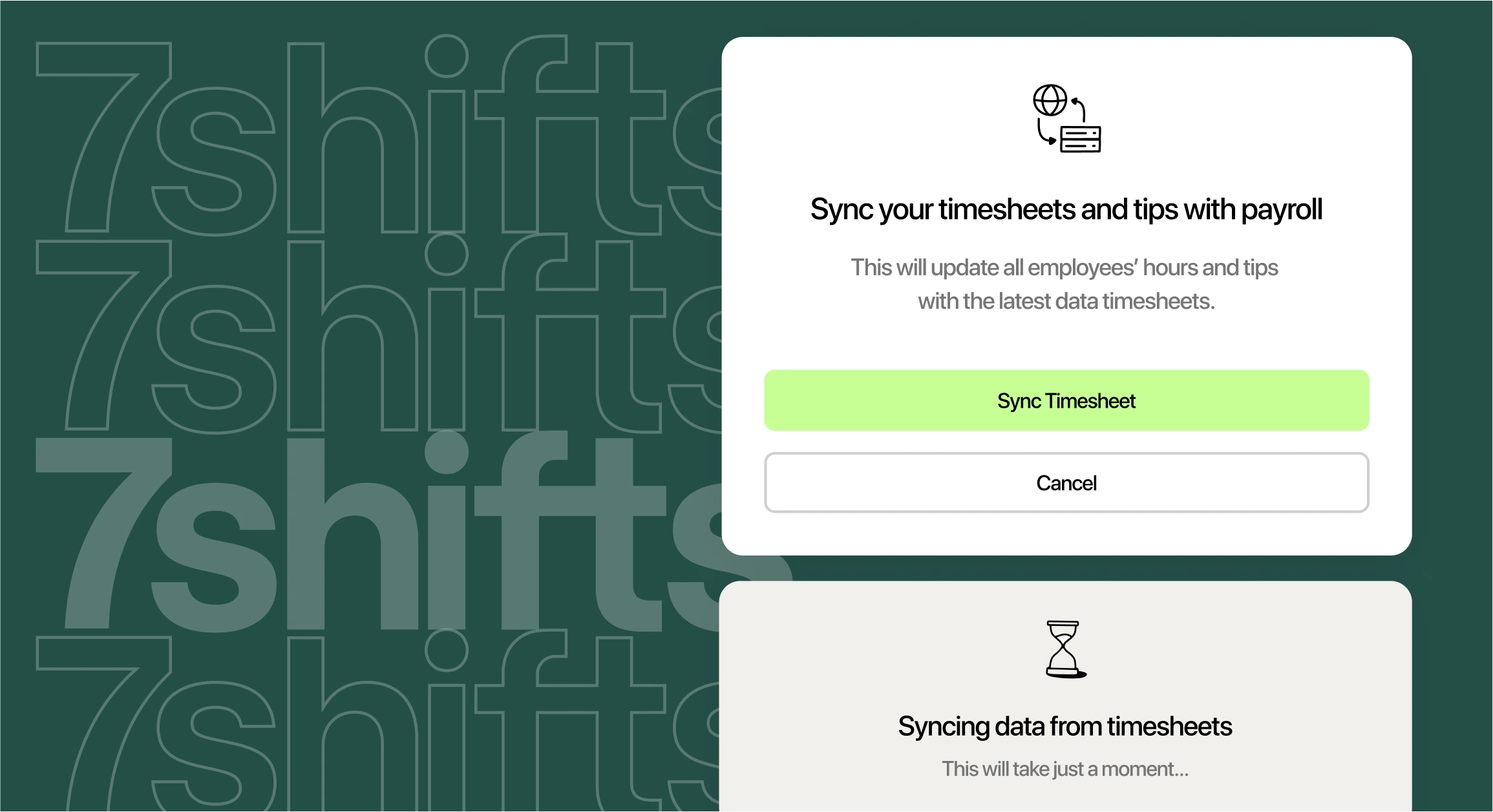
Every pay period, someone pulls hours and tips out of your point of sale (POS) and types them into payroll. Your POS is the register and software where staff ring in orders, clock in, and close out tips. So what’s the easiest way to connect your POS to payroll and stop the copy-and-paste?
Now multiply that work by two, three, or five stores. Each GM exports a different report, and you stitch them together before the payroll deadline. One missed tip or wrong job code means a pay fix, a frustrated server, and sometimes a tax problem.
What is the easiest way to connect my POS to payroll?
For most restaurants, the easiest way to connect your POS to payroll is a direct integration. An integration is a live link between two tools, so hours, tips, and job codes move on their own without spreadsheet exports. You have three main paths: your POS’s built-in payroll, a third-party payroll provider, or a restaurant HR platform that sits between the two.
The right path depends on your setup. For a group with two to five locations, look for the option that pulls every store into one payroll run. Some restaurant payroll software imports POS sales and time-clock data automatically, so hours arrive ready to review.
Why connecting your POS to payroll matters
Every manual re-entry is a chance for a typo. A mistyped shift or a skipped cash tip can turn into a pay correction, an unhappy employee, or a tax notice.
- Typos add up: One wrong digit changes a paycheck. Checking every line for every store takes hours your managers don’t have.
- Tips go missing: Card tips live in the POS, while cash tips often live on paper. Either can drop out on the way to payroll.
- Overtime slips through: A cook who picks up shifts at two stores can pass 40 hours without either GM noticing.
- GM time disappears: Every hour spent exporting reports is an hour away from the floor and the team.
Late or wrong payroll tax deposits can also cost you. Under the IRS failure to deposit penalty, a deposit 1 to 5 days late owes 2%, and the rate can reach 15%. The tiers don’t stack, so a $10,000 deposit that’s 20 days late owes $1,000 at 10%, plus interest.
Wage mistakes get caught, too. The Department of Labor (DOL) recovered more than $259 million for nearly 177,000 workers in fiscal year 2025, per its DOL back wage recovery release. That figure covers every industry and averages $1,465 per worker.
Tax details here are general information. Check your own situation with a tax professional.
How POS-to-payroll integration works
A POS-to-payroll integration copies data from your POS into payroll, either on a schedule or in real time. Think of it as a shared pipe between two tools. What flows through that pipe decides how much work you still do by hand.
- Clock-ins and clock-outs: Start, end, and break times become the hours payroll pays.
- Job codes and wage rates: A job code labels the role worked, like server or line cook, so each hour gets the right rate.
- Tips and sales: Card tips, declared cash tips, and sales totals feed tip earnings and tip pools.
- Employee profiles: Names, pay rates, and hire dates stay matched in both tools.
Data moves in one of three ways. A direct sync sends it automatically through a built-in link. A file export means someone downloads a comma-separated values (CSV) spreadsheet and uploads it to payroll.
Middleware is a tool in the middle that pulls POS data, cleans it up, and passes it to payroll. Clean data starts at the time clock, because messy punches make messy paychecks. That’s why many groups use restaurant time clock software that sends approved hours straight to payroll.
3 ways to connect your POS to payroll
Each path trades setup effort for flexibility. Here’s how they compare for a restaurant group with a few stores.
| Connection method | Setup effort | Flexibility | Multi-location fit | Tips handling |
|---|---|---|---|---|
| Built-in POS payroll | Usually lowest, since data starts in one place | Low, since payroll is tied to your POS | Good when every store runs the same POS | Syncs POS tips; tip pool options vary |
| Third-party payroll provider | Medium, based on the integration | Medium, since you pick payroll separately | Varies by provider | Depends on what the integration sends |
| Restaurant HR platform | Medium, since you connect POS and payroll once | High, since you keep your POS | Strong, with all stores in one view | Applies tip rules before payroll |
Option 1: Use your POS’s built-in payroll
Some POS platforms offer payroll add-ons that pull data from the POS. The Square Payroll features page says you can import timecards from Square POS or the Square Team App and calculate direct tips automatically. The Toast Payroll onboarding guide shows Toast Payroll pulling time entries from Toast Web, the Toast POS back office.
Because the data already lives with one company, setup tends to be simple. If you run Toast at every store and plan to stay, Toast Payroll keeps your POS and payroll under one roof.
The question to ask is what happens if your needs change. When payroll lives inside your POS, switching POS later likely means switching payroll too, and rebuilding employee records, tax setup, and pay history along with it.
Operators who run multiple locations, expect to change POS, or want scheduling and payroll built for restaurants may prefer payroll that isn’t tied to one POS vendor.
Option 2: Connect a third-party payroll provider
Many third-party payroll providers offer direct integrations with popular POS brands, but the depth varies. This path lets you pick payroll for its own strengths, such as tax filing, benefits, or support.
Integration depth matters here. Some links only send hours, while others also send tips, job codes, and wage rates. Before you sign, ask for a written list of what syncs, and check which tools connect in the 7shifts integrations marketplace.
Option 3: Connect through a restaurant HR platform
A restaurant HR platform sits between your POS and payroll. It pulls sales and punches from every store, checks them against schedules, applies your tip rules, and flags overtime. Then it sends clean totals to payroll.
This path fits multi-location groups that want one view of every store. You keep the POS you already use. And you review hours and tips for the whole group in one place before anyone gets paid.
7shifts works this way. The restaurant HR platform connects to POS brands like Toast, Square, and Clover. And 7shifts Payroll, the restaurant payroll software mentioned earlier, imports POS sales and time-clock data.
If Clover runs your stores, you can connect Clover to 7shifts and keep your POS. On Toast, the Toast POS integration brings Toast sales and labor data into scheduling, time clocking, tip pooling, and payroll.
Payroll Implementation Checklist
Use this handy checklist so you don’t miss a thing.
What you need before you connect
Gathering these items first saves back-and-forth during setup. Use the list below, or download the payroll implementation checklist for a printable version.
- Federal Employer Identification Number (FEIN)
- State tax account numbers for every state you operate in
- Legal business name and address for each business entity
- Job list that matches your POS job codes exactly
- Pay frequency, such as weekly or biweekly
- Workweek start day that matches your POS
- First check date for the new payroll
- Business bank account details for payroll funding
- Employee W-4 tax forms, I-9 work eligibility forms, and direct deposit details
Use the same job list and workweek start day at every store. Your group reports will match, and overtime math stays consistent.
How tips move from your POS to payroll
Tips take a few hops before they show up on a paycheck. Each hop is a spot where dollars can go missing.
- Card tips get captured: Guests add tips on cards, and the POS records them by employee and shift.
- Cash tips get declared: Staff enter cash tips at clock-out, often on the POS or time clock.
- Tip pools get calculated: If you pool tips, your rules split the pool by role, hours, or sales.
- Totals go to payroll: Final amounts land in payroll as tip earnings, so taxes are withheld on them.
The federal rules set the stakes. Under IRS tip reporting rules, employees report cash tips to their employer unless they total less than $20 in a month. Those reports are due by the 10th of the next month, and card tips count as cash tips for this rule.
As the employer, you withhold and deposit taxes on reported tips. To cut down on hand math, automated tip pooling software can combine your tip rules with POS data and calculate payouts before payroll runs.
Common mistakes to avoid
These six mistakes show up often during setup. Each one is easier to fix before your first live payroll.
- Mismatched job codes: If “Server” in the POS doesn’t match a payroll job, hours can land at the wrong rate.
- Different workweek start days: If the POS week starts Monday and payroll starts Sunday, overtime gets counted in the wrong week.
- Overtime by pay period: Federal overtime is counted for each workweek. A two-week pay period doesn’t change that.
- Auto-gratuities set up as tips: A mandatory service charge paid to staff belongs in payroll as wages.
- Duplicate employee profiles: A server who works at two stores can end up with two records. Hire in one place and let it sync.
- Skipping a test payroll: Run one pay period in both the old and new setups, then compare totals before you go live.
The DOL overtime fact sheet says averaging hours over two or more weeks isn’t allowed. Say a server works 50 hours one week and 30 the next. They’re owed 10 hours of overtime, even though the two-week total is 80.
This mistake has a real price tag. In one DOL restaurant overtime case from September 2025, a restaurant paid $107,300 in back wages to 27 workers after they denied overtime pay and kept some of their tips.
This mistake has a real price tag. In one DOL restaurant overtime case from September 2025, a restaurant paid $107,300 in back wages to 27 workers after figuring overtime by pay period.
These are federal rules, and some states add their own. Under California overtime rules, employers must pay overtime for work beyond eight hours in a workday.
Service charges need care, too. According to IRS service charge guidance, auto-gratuities paid out to staff are generally treated as wages rather than tips. Check how your POS labels each charge before you map it to payroll.
These are federal rules, and some states add their own. Under California overtime rules, employers must pay overtime for work beyond eight hours in a workday.
Service charges need care, too. According to IRS service charge guidance, auto-gratuities paid out to staff are generally treated as wages rather than tips. Check how your POS labels each charge before you map it to payroll.
Related watch: 7 common payroll mistakes
FAQ about connecting your POS to payroll
How long does it take to connect a POS to payroll?
It depends on your tools and how ready your paperwork is, but most of the work is gathering tax IDs, matching job codes, and testing. Plan for at least one full pay cycle so you can run a test payroll before you go live.
Can ChatGPT do payroll?
No, ChatGPT can explain payroll terms or help you draft a checklist, but it can’t file taxes, deposit withholdings, or pay your team. Use a real payroll provider for payroll, and double-check any numbers an AI tool gives you.
What if I run more than one location?
Choose a setup that pulls every store into one payroll run, with the same job codes and workweek start day everywhere. Also ask how the tool handles staff who work at more than one store, since their hours may need to be combined for overtime.
Choosing the right POS payroll integration for your group
The easiest setup is the one your GMs will use the same way at every store. Start by listing what your POS tracks, what payroll needs, and where your team re-types data today. Then pick the path that removes those steps.
If you want to keep your POS and see every location in one place, 7shifts can help. The restaurant HR platform connects your POS, time clock, tips, and payroll, so you review one set of numbers before each pay run. Start a free trial to see how it fits your stores.

Sean Scott, Manager, Brand & Content
Sean Scott
Manager, Brand & Content
Sean Scott is the brand and content manager at 7shifts. Sean manages a team of high-performing, creative marketers, and develops customer-focused, data-driven campaigns. In a past life, Sean caffeinated the public at various coffee shops.
