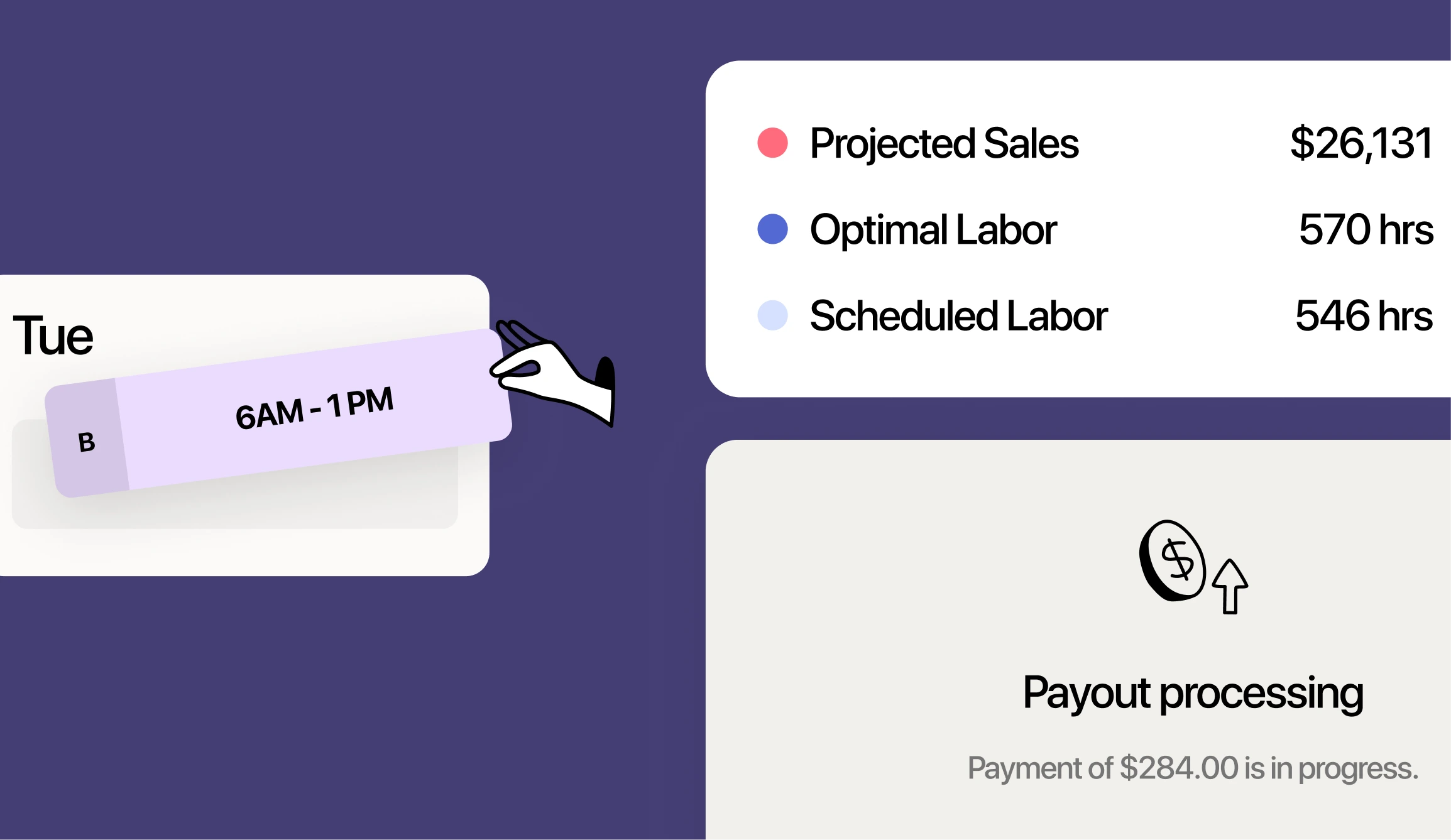
Running multiple restaurant locations means juggling multiple sets of data. Labor costs from your downtown spot, overtime alerts from your suburban location, payroll summaries scattered across different systems—it adds up to a lot of time spent piecing things together instead of actually managing your business.
Restaurant group reporting pulls all that information into one view, so you can compare performance across locations without the spreadsheet chaos. This guide covers the reports that matter most, how to analyze labor variance, and how to use 7shifts to track compliance and payroll across your entire group.
What is restaurant group reporting?
Restaurant group reporting brings labor, payroll, and performance data from multiple locations into one view. Instead of logging into each location’s system separately or waiting for managers to email spreadsheets, you see everything in a single dashboard.
For operators running two to five full-service restaurants, this means comparing labor costs, tracking compliance, and spotting problems across your entire group without the manual work. 7shifts provides multi-location reporting tools that pull data from scheduling, time tracking, and payroll into one place, so you’re not piecing together information from different sources.
Here’s what restaurant group reporting typically covers:
- Labor costs by location: What you’re spending on wages at each restaurant, broken down by department or role
- Scheduled vs actual hours: How your planned schedule compares to what employees actually worked
- Compliance tracking: Overtime alerts, break monitoring, and minor labor law requirements across all sites
- Tip and payroll data: Tip pooling summaries and payroll information without switching between systems
2026 Labor Costs Playbook
Increase your bottom line with insights from over 500 restaurant pros—learn the true cost of employee turnover, the best way to manage labor costs, and proven strategies to protect profits.
Why multi-location reporting matters for restaurant groups
Running multiple locations without consolidated reporting is like managing with blinders on. You’re piecing together data from different sources, hoping nothing slips through the cracks. Something always does.
Visibility across every location in real time
When you’re operating two, three, or five restaurants, you can’t be everywhere at once. Consolidated reporting lets you see what’s happening at all your locations from one screen.
No more logging into separate systems. No more waiting for your Tuesday manager meeting to find out Saturday’s labor ran over budget. You see it as it happens.
Faster decisions with consolidated data
Having all your data in one place speeds up decision-making. You can spot a location overspending on labor mid-week and adjust before payroll runs, rather than discovering the problem after the money’s already out the door.
If your downtown location is trending over labor budget by Wednesday, you know to tighten the weekend schedule there, not across all locations.
Fewer labor cost surprises
That “payroll shock” moment, when you see the final numbers and wonder how they got so high, usually comes from overtime you didn’t see coming. Multi-location reporting shows you who’s approaching overtime before they hit it, across all your restaurants.
If an employee works at two of your locations, you can catch them heading toward 40 hours before they cross the threshold.
Essential reports for restaurant groups
Not all reports carry equal weight. Here are the ones that matter most when you’re managing multiple locations.
| Report Type | What It Shows | When to Use It |
|---|---|---|
| Labor cost report | Total wages by location, department, or employee | Weekly during schedule building |
| Scheduled vs actual hours | Variance between planned and worked hours | After each pay period |
| Overtime and compliance | Who’s approaching or exceeded overtime thresholds | Daily or in real time |
| Payroll and tip distribution | Wages, tips, and deductions by employee | Before payroll processing |
| Employee attendance and engagement | Attendance patterns, no-shows, shift pickups | Monthly or during reviews |
| Sales to labor | Labor spend relative to sales revenue | Weekly with sales data |
Labor cost reports
A labor cost report breaks down what you’re spending on wages by location, department, or individual employee. This is your baseline for understanding where your money goes.
Most restaurant groups target labor costs between 25% and 35% of revenue, though this varies by concept. Fine dining typically runs higher; quick service often runs lower.
Download: Free labor cost calculator template
Scheduled vs actual hours reports
This report compares what you planned against what actually happened. It reveals whether managers are sticking to the labor budget or if employees are clocking in early, staying late, or picking up unplanned shifts.
A consistent gap between scheduled and actual hours usually points to a process problem, not a people problem.
Overtime and compliance reports
Overtime tracking helps you avoid surprise costs. Federal rules require 1.5x pay after 40 hours per week, but some states have daily overtime requirements too. Check your state department of labor for specific rules.
Compliance reports can also flag potential break violations or issues with minor labor laws. Requirements vary significantly by location.
Payroll and tip distribution reports
For restaurant groups with complex tip pooling, where servers tip out runners and runners tip out kitchen, payroll reports consolidate everything in one place. You see wages, tips, and deductions by employee across all locations.
This is especially useful before processing payroll. Catching an error before checks go out is far easier than fixing it after.
Employee attendance and engagement reports
Attendance data reveals patterns: which employees consistently call out, who picks up extra shifts, and where no-shows cluster. Over time, this helps you identify reliability issues and your most dependable team members.
Sales to labor reports
Comparing labor costs against sales tells you whether you’re staffed appropriately for the volume you’re doing. If one location’s labor percentage is higher than another on similar revenue, that’s worth investigating.
This report requires POS integration to pull sales data alongside labor costs.
Related watch: What should your restaurant labor cost be?
How to compare scheduled vs actual labor costs
Analyzing labor variance isn’t complicated, but it does require a consistent process.
1. Pull your projected labor report
Start with your published schedule. This shows total scheduled hours and estimated labor cost by location or department. It’s your baseline, what you planned to spend.
2. Run your actual hours report
Next, pull your time clock data. This shows what employees actually worked versus what was scheduled. The difference between the two numbers is your variance.
3. Identify variance by location or department
Look for patterns. Is one location consistently over budget? Is back-of-house running higher than front-of-house?
Common causes of labor variance include:
- Early clock-ins: Employees arriving before their scheduled start time
- Shift extensions: Shifts running longer than scheduled without manager approval
- Unscheduled overtime: Employees picking up extra shifts that push them past threshold
- No-shows covered by overtime: Callouts filled by employees already near their weekly limit
Once you identify the pattern, you can address the root cause, whether that’s tightening clock-in rules, adjusting schedules, or having a conversation with a specific manager.
How to track labor compliance across locations
Compliance gets complicated when you’re running multiple locations, especially if they’re in different states or municipalities. Labor laws vary significantly by location, so what’s legal in one city might violate rules in another.
Overtime alerts and tracking
Overtime tracking in a multi-location environment means watching employees who work at more than one of your restaurants. Someone might work 25 hours at your downtown location and 20 at your suburban spot. That’s 45 hours total, and five of them are overtime.
Real-time alerts help you catch this before it happens, not after.
Break compliance monitoring
Some states require meal and rest breaks at specific intervals. Break compliance reports flag when employees may have missed required breaks, giving you a chance to address the issue before it becomes a violation.
Requirements vary by state. Check your local regulations to understand what applies to your locations.
Minor labor law reporting
If you employ anyone under 18, you’re dealing with additional restrictions on hours, scheduling, and job duties. The rules vary by state and sometimes by age.
Tracking reports help you stay compliant without memorizing every rule. Verify your local requirements with your state department of labor.
How to access and customize reports in 7shifts
Here’s how to get the most out of the reporting features in 7shifts.
1. Open the reports dashboard
The reports dashboard is your central hub. From here, you can access labor reports, compliance data, payroll summaries, and more in one place.
2. Select your report type
Choose from labor, compliance, payroll, or other report categories depending on what you’re looking for. Each category contains multiple specific reports.
3. Filter by location or date range
Narrow down your view to specific locations, departments, or time periods. This is especially useful when comparing performance across restaurants or investigating a specific week’s numbers.
4. Pin your most-used reports
If you check the same reports daily or weekly, pin them for quick access. This saves time and keeps your most important data front and center.

Doing this manually, pulling data from multiple systems and building spreadsheets, can eat up hours every week. Tools like 7shifts consolidate everything in one dashboard, so you spend less time gathering data and more time acting on it. Start a free trial to see how it works for your restaurant group.
How to check paychecks on 7shifts
Employees and managers can view paycheck information directly within 7shifts, which cuts down on questions and disputes.
- For employees: Open the 7shifts mobile app, navigate to the “My Pay” or “Paychecks” section, and view pay stubs for each pay period
- For managers: Access payroll reports through the dashboard to review team paycheck summaries before processing
Paycheck access requires your restaurant to use 7shifts Payroll or have payroll data integrated with the platform.
Payroll Implementation Checklist
Use this handy checklist so you don’t miss a thing.

Get started with 7shifts reporting for your restaurant group
Running multiple locations without consolidated reporting means you’re always playing catch-up. With all your labor, compliance, and payroll data in one place, you can spot problems early and make faster decisions.
Start a free trial to see how 7shifts reporting works for your restaurant group.
FAQs about restaurant group reporting
Can I export 7shifts reports to send to my accountant?
Yes, 7shifts allows you to export reports in common formats like CSV or PDF, making it easy to share labor and payroll data with your accountant or bookkeeper.
What POS systems integrate with 7shifts for sales reporting?
7shifts integrates with many popular POS systems, including Toast, Square, Clover, and others. Check the 7shifts integrations page for the full list of supported systems.
How often do labor reports update in 7shifts?
Labor reports in 7shifts update in real time as employees clock in and out (if they’re on 7punches), so you’re always seeing current data rather than waiting for end-of-day summaries. Otherwise, the update frequency depends on your specific POS integration settings.
Can I schedule automated report emails in 7shifts?
Yes, you can set up scheduled reports to be emailed automatically at regular intervals, so you receive key data without logging in each time.

Rebecca Hebert, Sales Development Representative
Rebecca Hebert
Sales Development Representative
Rebecca Hebert is a former restaurant industry professional with nearly 20 years of hands-on experience leading teams in fast-paced hospitality environments. Rebecca brings that firsthand knowledge to the tech side of the industry, helping restaurants streamline their operations with purpose-built workforce management solutions. As an active contributor to expansion efforts, she’s passionate about empowering restaurateurs with tools that genuinely support their day-to-day operations.