What makes 7shifts the best scheduling and payroll software for full-service restaurants on Aloha POS
7shifts is the best scheduling and payroll software for full-service restaurants (FSRs) running NCR Aloha because it connects to Aloha through Omnivore, pulls your sales, labor, tips, and wages, and turns them into schedules and pay runs built for restaurants. A full-service restaurant is a sit-down spot with servers, tipped staff, and a kitchen. Aloha is your point-of-sale (POS) system, the software that rings up orders and payments.
Here’s the core promise: one platform, no re-keying, and every feature built for how restaurants actually work.
Aloha already knows what you sold and who clocked in. 7shifts takes that data and does the parts Aloha wasn’t built for, like forecasting demand, building schedules, and running payroll. Because it’s restaurant-native, it handles tipped wages, tip pools, and dual-role staff without workarounds.
Key point: You get scheduling and payroll in the same tool, fed by real Aloha data, so numbers move once and stay accurate.
What Aloha does well — and where it stops
A point-of-sale system is the software that takes orders, manages tables, processes payments, and records clock-ins. NCR Aloha does all of that well, which is why so many full-service restaurants rely on it every shift.
But Aloha stops at the moment of the sale and the punch. It knows what you sold and who worked, yet it doesn’t build next week’s schedule or run payroll. That data just sits there.
So you end up exporting numbers, re-typing hours, and stitching tools together by hand. That’s slow, and every manual step is a chance for an error to slip into someone’s paycheck.
The fix is to connect your POS to scheduling and payroll, so the data flows on its own instead of living in a spreadsheet.
Why full-service restaurants feel this gap the most
Full-service restaurants carry the hardest labor math in the industry. You’ve got tipped servers, dual-role staff, layered tip pools, and a big headcount that changes shift to shift. Every one of those adds a way for pay to go wrong.
Turnover makes it worse. According to the U.S. Bureau of Labor Statistics, the restaurant industry quit rate shows the accommodation and food services quit rate at 5.5% in June 2025 and 4.5% in June 2026 (preliminary), more than double the total private-sector average of 2.2%. When people cycle through fast, onboarding and accurate pay have to be quick and correct.
Labor cost is the number owners watch most. The National Restaurant Association reports a restaurant labor cost benchmark showing that among full-service respondents to the survey, salaries and wages (including benefits) represented a median of 36.5% of sales in 2024. That’s a big slice to leave to guesswork.
Key point: Tip disputes, overtime creep, and shift-change chaos hit FSRs harder than any other restaurant type, so the payoff from fixing them is bigger too.
How the 7shifts + NCR Aloha integration works
The connection runs through Omnivore, a service that links Aloha to outside software. Once it’s on and you’ve done a short setup step called mapping, your Aloha data syncs into 7shifts.
Here’s how each piece fits together.
The Omnivore connection and what you need first
Omnivore is the middleman that lets Aloha talk to 7shifts. It carries your sales and time-clocking data between the two systems, and it costs $34.99 per month per location.
To turn it on, you need a few things in place at every store:
- Aloha version: Aloha Table Service or Quick Service, version 12.3 or newer.
- Aloha Connect license: An active license at each location.
- Network setup: Your firewall whitelists Omnivore’s IP subnets on port 443, with the required software running on site.
You request the integration through your 7shifts account, and the team helps you switch it on. You don’t have to wire anything up yourself.
Mapping: the foundation step
Mapping means matching your Aloha employees and roles to their profiles and roles in 7shifts. Think of it as making sure both systems agree on who’s who and what job they do.
Finish mapping before you enable Employee Sync, Actual Labor, or Wage Sync. Getting it right up front cuts down on warnings later and keeps payroll clean.
What syncs automatically once you’re live
Once mapping is done and the sync is on, Aloha feeds 7shifts on its own. Here’s what moves between the two systems.
| What syncs from Aloha | What it powers in 7shifts |
|---|---|
| Real-time gross sales | Demand forecasts and schedules |
| Actual labor | Sales-vs-labor view on the Dashboard |
| Credit card tips | Tip pools and payroll |
| Employee Sync | Auto-created staff profiles (add email manually) |
| Wage Sync | Matched pay rates for payroll |
| Schedule Enforcement | Clock-in only when scheduled |
Two setup notes matter here. Both systems must share the same time zone and workday hours (5:00 AM to 5:00 AM), and sales data can take up to 24 hours to appear.
Build smarter schedules from real Aloha sales
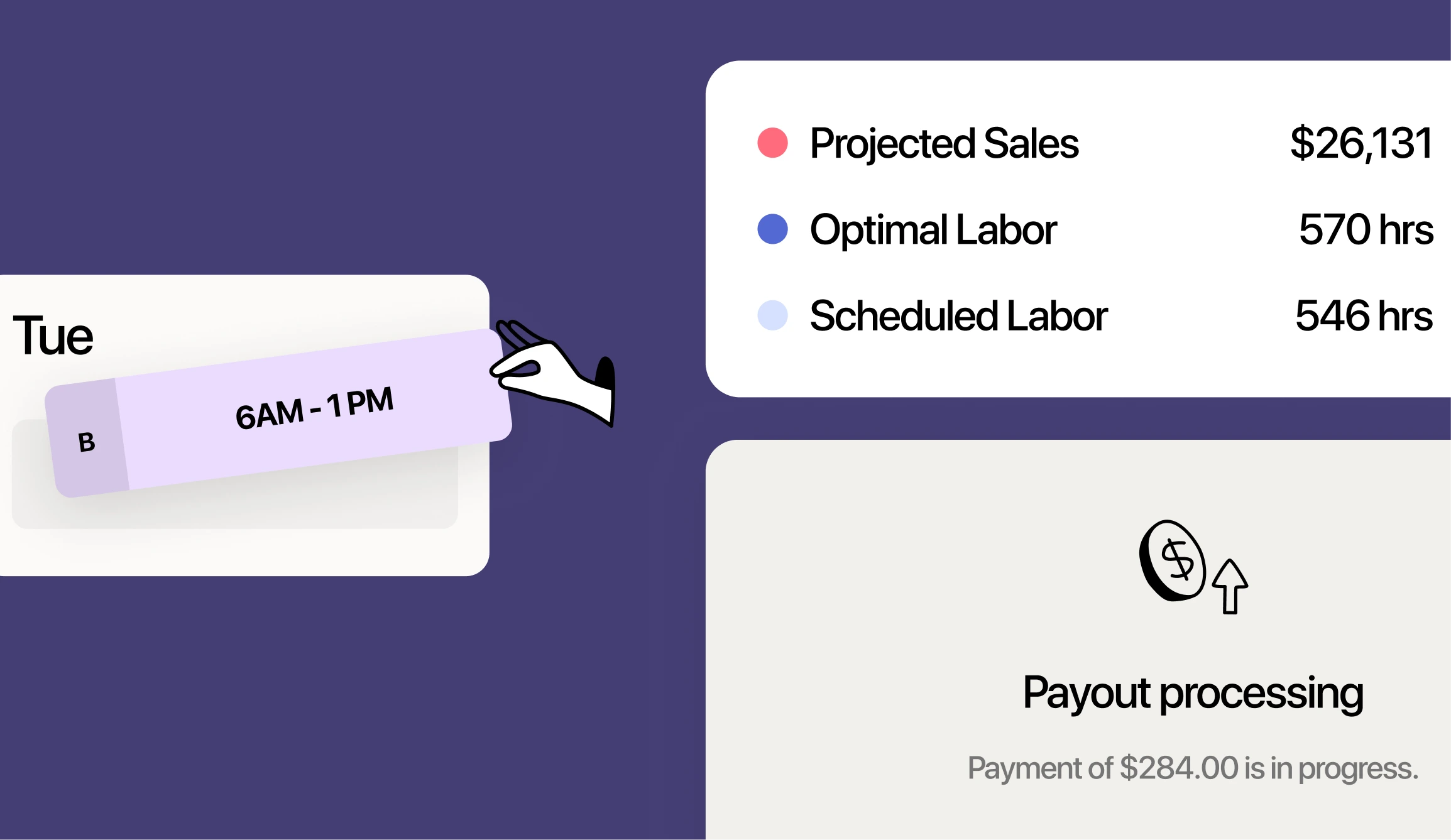
7shifts pulls real-time gross sales from Aloha and uses them to forecast how busy you’ll be. You schedule to what the numbers say, not to a hunch.
The starting point depends on your setup. Table Service imports up to 30 days of sales history, so you get a running start. Quick Service starts fresh, and projections warm up in about one to two weeks.
Once forecasts settle in, they run up to 95% accuracy. That means you staff to real demand and stop over- or under-scheduling. Dedicated scheduling also saves managers hours each week, time they can spend on the floor instead of a spreadsheet.
For groups running multi-location restaurant management, each store forecasts from its own Aloha sales, so a downtown unit and a suburban one each get their own plan.
Control labor costs with schedule enforcement
Schedule Enforcement means staff can only clock in when they’re actually scheduled. If someone tries to punch in early or on an off day, the system blocks it, which protects your labor budget before the cost is baked in.
This creates a tight loop. You schedule to forecasted demand, enforce clean punches, Aloha records accurate labor, and your labor percentage stays where you planned. Each step feeds the next.
The savings are real. Clock-in enforcement can prevent about $508 per month in unbudgeted labor, and restaurants using 7shifts reduce labor costs up to 3% per location. Over a few units, that adds up fast when you control your labor costs this way.
2026 Labor Costs Playbook
Increase your bottom line with insights from over 500 restaurant pros—learn the true cost of employee turnover, the best way to manage labor costs, and proven strategies to protect profits.
Turn Aloha hours and tips into an accurate pay run
Once labor and tip syncing are turned on, hours and tips flow straight from Aloha. The schedule you built becomes the punches you pay against, and tips sync in to feed your pools and payroll once you’ve set your tip calculation rules.
That’s the heart of using 7shifts as your restaurant payroll software: the same platform that plans the week also pays for it. Here’s how it handles the tricky parts.
Tip pooling for tipped FSR teams
Tip pooling is when tips get collected and shared among staff by a set of rules, instead of each person keeping only what lands at their table. Credit card tips sync from Aloha and feed both your tip pools and payroll.
You can build custom pools that match how your house really works, like a server tipping out to bussers, the bar, and the back of house, with separate rules for cash and card. That replaces error-prone math by hand. Managers can spend up to eight hours a week calculating tips manually, and automated tip pooling hands that time back.
Tip credits, overtime, and staying compliant
A tip credit lets an employer count a worker’s tips toward the minimum wage. Under the federal tip credit rules, an employer of a tipped employee is only required to pay $2.13 per hour in direct wages if that amount combined with the tips received at least equals the federal minimum wage. State laws vary, so check your local rules before you set pay.
If you want the full picture, this guide on how tip credits work walks through the details. 7shifts also handles dual-rate overtime, which is when a staffer works two jobs at different pay rates, like a cook who also serves. It blends those rates for overtime automatically.
Break and overtime tracking round it out, so you catch issues before payday. Built-in labor compliance tools help you stay on the right side of the rules across every shift.
Keep every location consistent
For a group of two to five full-service units, one dashboard shows labor across every Aloha location at once. You see the whole business in a single view instead of logging into each store.
Standardized role templates keep every store working from the same structure. Within each location, schedule templates let you reuse a proven week’s schedule instead of rebuilding it from scratch. Permissions follow your structure, too. Give someone account-wide access, and they see every location; assign a manager to just one store, and that’s all they’ll see.
Payroll and reporting come together in the same place. You run pay and read consolidated labor numbers from one screen, which keeps your rules and your results consistent across the group.
Getting started on 7shifts with NCR Aloha
Setup is guided, and you don’t have to flip everything on at once. Start with one location and expand once you’re comfortable.
Here’s the order:
- Confirm your Aloha setup: Check that you’re on version 12.3 or newer with an active Aloha Connect license, working with your reseller if needed.
- Request the integration: Turn it on from your 7shifts account with help from the team.
- Map roles and employees: Match your Aloha staff and roles to 7shifts before enabling any sync.
- Switch on your syncs: Enable sales, actual labor, tips, Employee Sync, and Wage Sync.
Once one store runs smoothly, repeat the steps for the rest. 7shifts integrates with 50-plus restaurant POS systems and is used by 1.5 million restaurant pros, so the path is well worn.
Frequently asked questions
Does 7shifts integrate with NCR Aloha POS?
Yes. 7shifts connects to NCR Aloha through Omnivore and syncs your sales and time-clocking data automatically.
How much does the Aloha integration cost?
Omnivore charges $34.99 per month per location for the connection. Your 7shifts plan is priced separately and depends on your locations and features.
Which version of Aloha do I need?
You need Aloha Table Service or Quick Service version 12.3 or newer, plus an active Aloha Connect license at each location.
Do tips from Aloha sync into payroll?
Credit card tips sync from Aloha into 7shifts. To get them into payroll, you’ll set up your tip calculation rules — how tips are split and reported — after your first sync.
Can 7shifts run payroll across multiple Aloha locations?
Yes. You can run payroll and see consolidated labor reporting across every location from one dashboard.
Bring scheduling and payroll together on Aloha
The loop is simple. Aloha captures your sales, hours, and tips, and 7shifts turns them into schedules built to demand and pay runs that come out right, across every unit you run.
That’s why 7shifts is the best scheduling and payroll software for full-service restaurants on NCR Aloha. It’s restaurant-native, it connects through Omnivore, and it closes the gap Aloha leaves open.
Ready to see it work? Pick one location, connect it to Aloha, and start a free trial.

Justin Holmes, CMO
Justin Holmes
CMO
CMO at 7shifts