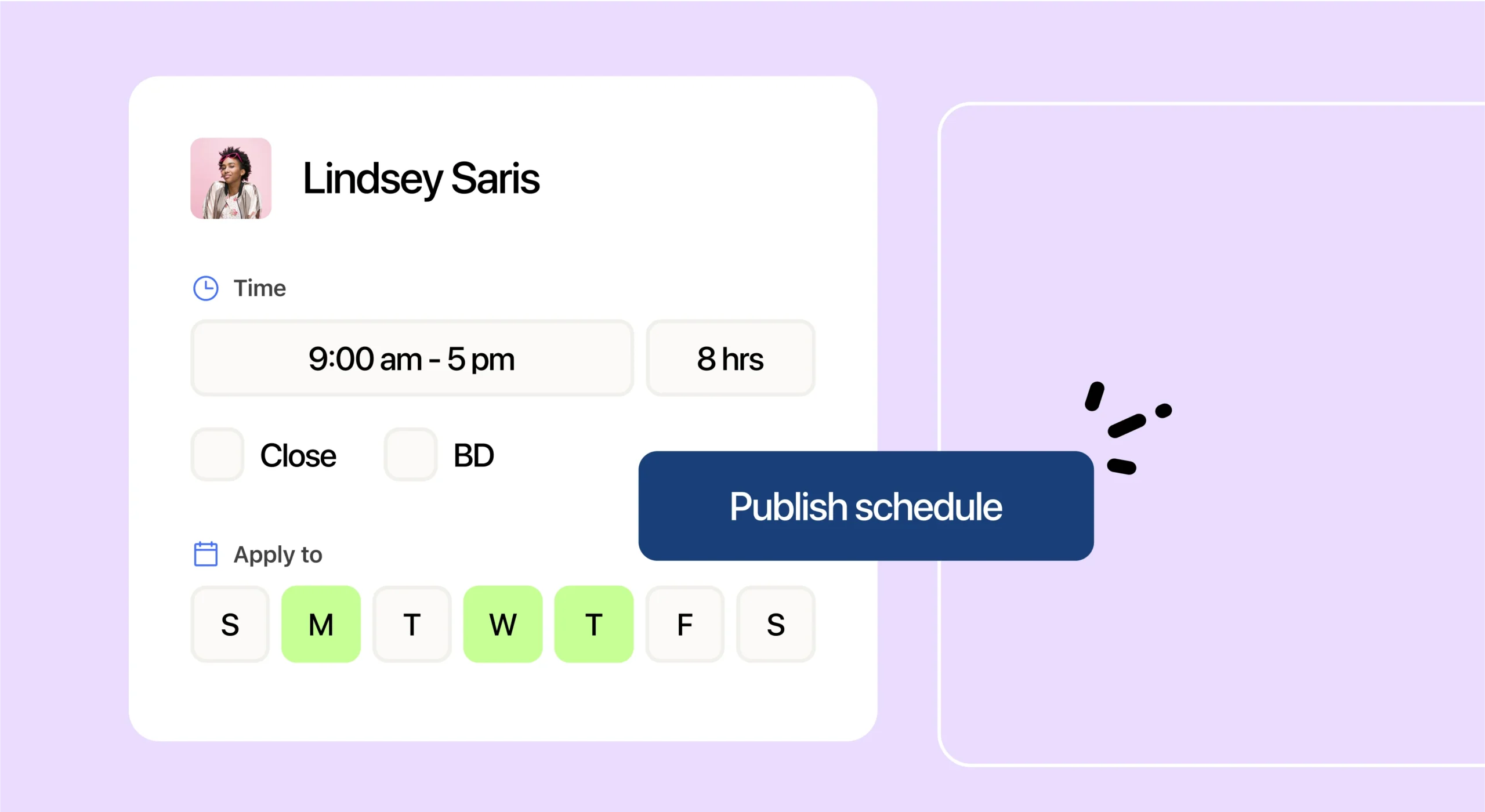
The short answer for Square restaurants
7shifts is the best scheduling and payroll software for full-service restaurants on Square because it’s built only for restaurants, and it plugs right into Square. When you connect your POS to 7shifts, your sales, schedules, hours, and tips all share the same data. Square runs your payments well, but full-service teams also need smart scheduling, sales forecasting, and tip pooling made for servers, bartenders, and bussers. That’s the gap 7shifts fills.
A POS, or point-of-sale system, is the software you use to ring up orders and take payments. Here’s what you’ll get in this guide: how the Square integration works, how hours and tips flow into pay, and real results from a restaurant group that runs both.
Why Square restaurants need more than a POS for scheduling and payroll
A full-service restaurant (FSR) is a place where guests sit down, order from a server, and pay at the end of the meal. That means servers, bartenders, bussers, and a kitchen team, all on different pay rates and different tip rules. A POS handles the sale, but it wasn’t built to plan those shifts or split those tips.
Labor is your biggest controllable cost, so getting schedules and pay right protects your profit. Among full-service respondents, salaries and wages (including benefits) represented a median of 36.5% of sales in 2024, according to the National Restaurant Association’s full-service labor costs research. When labor eats up that much of every dollar, guessing at your schedule gets expensive fast.
What full-service restaurants actually need
If you’ve outgrown a whiteboard or a basic payroll tool, you know the pain points. Here’s what a full-service team really needs from its scheduling and payroll setup:
- Sales-based scheduling: Staff to real demand, not a hunch, so you’re covered on a busy Saturday and lean on a slow Tuesday.
- Multi-role pay: Pay a server who also bartends the right rate for each shift, with no back-end math.
- Tip pooling for every tip type: Split card, cash, and auto-gratuity tips fairly across the team that earned them.
- Compliance help: Track hours, breaks, and tipped wages so payroll stays clean and accurate.
- Fast onboarding: Get new hires set up quickly, because restaurant turnover is high and hiring never really stops.
Every one of these has a dollar tied to it. Full-service restaurants reported a median income before taxes of 2.8% of sales, per the National Restaurant Association’s data on thin restaurant margins. At that margin, every hour scheduled and every tip counted really matters.
Here’s how 7shifts and Square work together to cover each need:
| What full-service teams need | How the 7shifts + Square integration delivers it |
|---|---|
| Schedule to real demand | Square net sales feed AI-powered labor forecasts inside 7shifts |
| Pay multiple roles correctly | Actual labor syncs from Square, so each role’s hours pay at the right rate |
| Fair, fast tip pooling | Card, cash, and auto-gratuity tips pull in and split automatically |
| Control labor at the terminal | Schedule Enforcement blocks unscheduled clock-ins on the Square terminal |
| Keep records in sync | Employee Sync creates and matches profiles across both systems |
How the 7shifts and Square POS integration works
The setup is quick. In 7shifts, you head to Integrations, search for Square, log in, and pair each Square location with the matching 7shifts location. Owner Megan Vidal of The Kookaburra Coffee said connecting the two was simple: “It was so easy. I think it took a minute, and then all of our sales populated.”
Once you’re connected, Square net sales sync on by default, and 7shifts imports up to 90 days of your past sales. One setup note: both systems must share the same time zone and the same 5:00 AM to 5:00 AM workday so your numbers line up. You can read the Kookaburra Coffee story for a full look at how it plays out in a real restaurant group.
Smarter schedules from real Square sales
Sales forecasting means predicting how busy you’ll be so you can staff to match. In 7shifts, your live Square net sales feed AI-powered labor forecasts, with initial projections showing up after about one to two weeks of data. From there, managers build schedules around demand instead of gut instinct.
That’s a big deal for a full-service floor. Vidal runs shops in a Florida tourist town, where a random three-day weekend can sneak up on you. The forecast flags that busy weekend before it hits, so the team staffs up in time. If you run more than one spot, you can forecast sales by location and plan each one on its own rhythm.
2026 Labor Costs Playbook
Increase your bottom line with insights from over 500 restaurant pros—learn the true cost of employee turnover, the best way to manage labor costs, and proven strategies to protect profits.
Tip pooling built for Square tips
Tip pooling is when a team combines its tips and splits them by a set rule, so everyone who helped earn them gets a fair share. The Square integration pulls in credit card tips, cash tips, and auto-gratuities, then feeds them into your pools automatically. To capture cash, just turn on “Declare cash tips” in your Square Dashboard.
From there, 7shifts splits the pool by hours worked, points, or percentages, so you can match how your team actually shares tips. Here are the Square tip sources it collects:
| Square tip source | What it covers |
|---|---|
| Credit card (CC) tips | Tips added to a card payment |
| Cash tips | Cash tips your team declares in Square |
| Auto-gratuity | Automatic service charges, often on large parties |
This removes the nightly spreadsheet grind. With tip pooling software, the math runs on its own, and you can learn how tip-outs work across hours, points, and percentages before you set your rules.
Payroll that already knows your hours and tips
Because actual labor and tips sync from Square, payroll starts with real numbers instead of hand-entered ones. When a barista in training earns one rate and a full barista earns another, 7shifts pays each role correctly with no back-end calculation on your part. That’s how you run restaurant payroll that’s built for tipped, multi-role teams.
A tip credit lets employers count some tips toward the minimum wage they owe. Under the federal tipped wage rules, an employer of a tipped employee is only required to pay $2.13 per hour in direct wages if that amount combined with tips at least equals the federal minimum wage; otherwise, the employer must make up the difference. State laws vary, so always check your own state’s rules.
Accurate tip tracking also protects real tax savings. The FICA tip credit lets employers reduce taxable business income by the employer share of Social Security and Medicare taxes (currently 7.65%) paid on certain employee tips. Miss the tip reporting, and you can miss the credit.
Keeping labor honest with Schedule Enforcement
Schedule Enforcement means staff can only clock into Square when they have a scheduled shift in 7shifts. If someone isn’t scheduled, a manager has to approve the clock-in right at the terminal. That small gate keeps early and surprise clock-ins from quietly padding your labor cost.
Two things to know: this feature may require an upgrade to Shifts Plus within your Square account, and grace periods aren’t supported yet. Even so, it’s a simple way to hold the line on labor at the source.
One profile everywhere with Employee Sync
Employee Sync can automatically create a 7shifts profile when you add someone in Square, so your records match in both systems. It keeps names and locations lined up without double entry. You do still assign each person’s role in 7shifts, and you’ll need to map your employees and roles first.
Built for full-service teams, not just small cafes
7shifts is built only for restaurants, so it speaks the language of a full-service floor: servers, bartenders, bussers, tip pools, and mixed pay rates. That focus is why the everyday details, like a shift that pays two different rates, just work.
It scales, too. Multi-location groups and franchises can connect several Square accounts to a single 7shifts account, so every unit rolls up into one place. That gives owners one view of labor, sales, and tips across the whole business.
Getting started with 7shifts and Square
Getting up and running is straightforward:
- Connect Square: In 7shifts, go to Integrations, select Square, log in, and pair each location.
- Map roles and employees: Match your Square roles and staff to 7shifts so data lands on the right profiles.
- Turn on actual labor and tips: Enable the labor sync and switch on “Declare cash tips” in Square so cash tips come across too — card tips and auto-gratuities sync automatically.
- Set up your tip pools: Choose whether to split by hours, points, or percentages.
Give it a little time, since past sales can take a few hours to load. Ready to see it on your own numbers? Start a free trial and connect your Square account today.
Frequently asked questions
Still weighing whether 7shifts fits your Square setup? Here are quick answers to the questions full-service operators ask most.
Does 7shifts work with Square POS?
Yes. You can connect in minutes. Sales sync automatically once connected, and you can enable actual labor and tip syncing from there.
Can I still use Square Payroll with 7shifts?
Yes. 7shifts adds restaurant-specific scheduling, forecasting, and tip pooling on top of Square, and 7shifts Payroll is also available if you’d rather run it all in one place.
How does 7shifts handle tips from Square?
7shifts pulls in card, cash, and auto-gratuity tips from Square, then splits them into custom pools by hours, points, or percentages.
Does it work for multiple locations on Square?
Yes. You can connect multiple Square accounts to a single 7shifts account, which is ideal for franchises and multi-location groups.
How much time can it save?
It depends on your setup, but The Kookaburra Coffee cut scheduling time by four to five hours per store each week and trimmed payroll processing by three to four hours a week.

Rebecca Hebert, Sales Development Representative
Rebecca Hebert
Sales Development Representative
Rebecca Hebert is a former restaurant industry professional with nearly 20 years of hands-on experience leading teams in fast-paced hospitality environments. Rebecca brings that firsthand knowledge to the tech side of the industry, helping restaurants streamline their operations with purpose-built workforce management solutions. As an active contributor to expansion efforts, she’s passionate about empowering restaurateurs with tools that genuinely support their day-to-day operations.