

Use This Free Budget Template to Cut Costs and Boost Restaurant Profits With
Free restaurant budget template (Excel spreadsheet)
- Avoid going over budget
- Track every dollar with ease
- Plan for long-term success
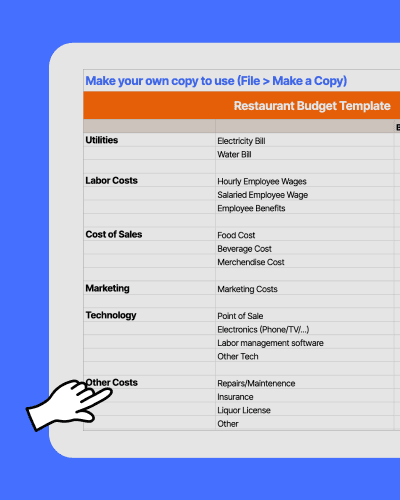

Restaurant Budget Template.xlsx
A quick overview on restaurant budgeting
What is a restaurant bduget?
A restaurant budget is a financial plan that estimates revenue and maps out spending across key categories, like food and beverage, labor, rent, utilities, and marketing, typically on a monthly or annual basis. More than an accounting exercise, it's a decision-making tool that helps operators stay profitable, catch cost overruns early, and plan ahead for slow seasons.
How do I start a restaurant budget?
Start by gathering your revenue and expense history from the past 12 months (if you're new, lean on industry benchmarks). Break your costs into fixed expenses—rent, insurance, loan payments—and variable ones like food, labor, and supplies. Set revenue targets based on your covers, average check size, and seasonal trends, then work backward to see what you can spend in each category. A restaurant budget template can make this a lot easier.
Learn moreWhat is a restaurant budget template?
A template for budgeting helps restaurants track expenses, control costs, and plan for growth. It organizes income, labor, food costs, rent, utilities, and other business expenses in one place so that managers can easily monitor financial performance.
How to use this free restaurant budget template
1. Fill in the budget for recurring expenses (utility bills, labor costs, cost of sales).
2. Use the Actual column to record real spending throughout the month.
3. Identify areas where spending exceeds the budget.
4. Plan strategies to reduce unnecessary spending.
Why do restaurants need an Excel template to plan their budget?
Having a visual of your restaurant’s finances lets owners and managers spot areas where they’re overspending. This Excel budget template compares how much you allocate for each expense with the actual amount spent. This way, you know where to allocate resources or cut costs.
What is the difference between a budget template and accounting software?
This Excel tool gives a clear breakdown of costs, like payroll, food, and marketing, at a glance. Accounting software, on the other hand, provides more advanced features, like tax tracking and invoicing. Both tools are essential for financial management, but a budget template offers simplicity and quick insights.
How can a restaurant budget template help reduce costs?
Using a Google Sheets or Excel template for budgeting lets you see where money is being spent inefficiently. It lets you learn helpful strategies for creating a small business budget plan, like negotiating better supplier contracts, optimizing staff schedules, and reducing food waste.
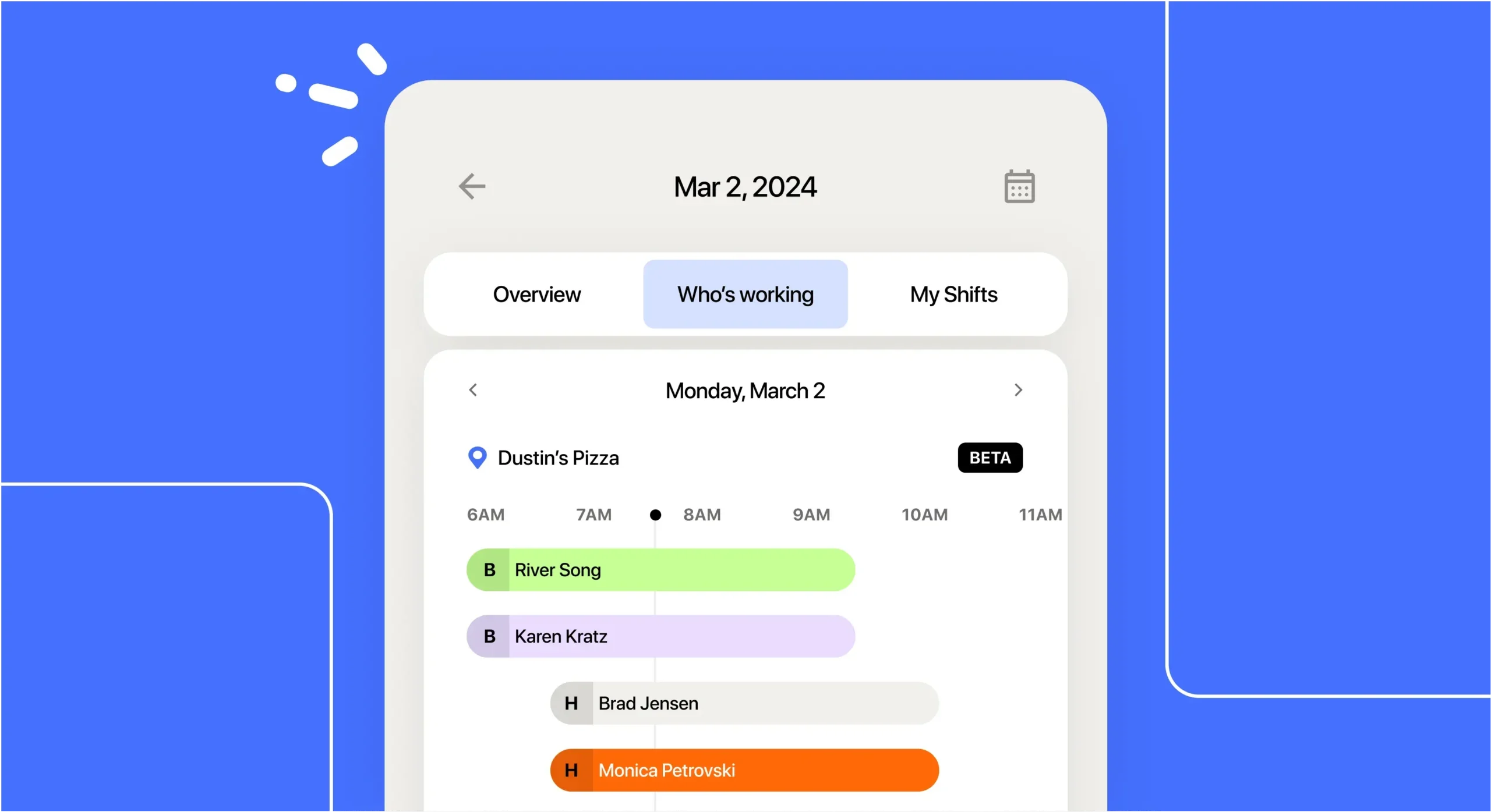
How does this free template stack up to 7shifts?
Compare how functionality of this Excel sheet against a robust team management platform like 7shifts.
 | Restaurant Budget Template | |
| Customizable to your restaurant |  |  |
| Free | | |
| Sharable with your team | | |
| POS integration for automatic sales tracking | |  |
| Robust labor, sales, and compliance reports | | |
| Easy schedule builder | | |
| Free mobile apps | | |
| Communication tools (chat, announcement) | | |
| Online manager log book | | |
| Labor budgeting tool | | |
| Labor compliance tools | | |
Having a plan is just the beginning








Why should I set a restaurant budget?
Control costs
Labor, food costs, rent, and utilities can add up quickly. A template for budgeting helps you break down these expenses so you can see exactly where your money is going.
Reduce overspending
Careful tracking is necessary when allocating funds for ingredients, payroll, and marketing, which can quickly go over budget. A financial tracking form lets you compare planned vs. actual spending so you can adjust before it’s too late.
Prepare for emergencies
Emergencies don’t wait until you have money to spare. Having a budget and sticking to it makes you ready for equipment repairs, supply shortages, or sudden drops in sales, which can happen any time.
Plan for growth
Whether you want to expand, hire more staff, or invest in marketing, you need a solid budget plan. A budget template can get you where you want to go by tracking projections and actual performance.
Customize your finance form
1. Do more detailed expense tracking.
2. Add projections to track long-term goals.
3. Color-code different sections for easier scanning.
Find out why 1.5 million restaurant professionals love 7shifts
Key expenses to track to stay on budget
Utilities
Utilities are essential for keeping a restaurant running, covering electricity, water, and gas. Tracking these costs helps prevent excessive usage, such as high electricity bills from kitchen equipment running during off-hours or water waste from leaks.

Labor Costs
Labor costs include wages, overtime, and payroll taxes. Overstaffing during slow periods or failing to adjust shifts based on peak hours can lead to unnecessary spending and lower profits.
Cost of Sales
The cost of sales covers ingredients, beverages, and other items needed to serve customers. If food costs rise due to supplier price changes or waste from over-ordering, it directly impacts menu pricing and overall restaurant profitability.
Marketing
Your marketing budget includes advertising, promotions, and events that attract customers. Without tracking ad performance, a restaurant might overspend on social media ads that don’t bring in enough new customers to justify the cost.
Technology
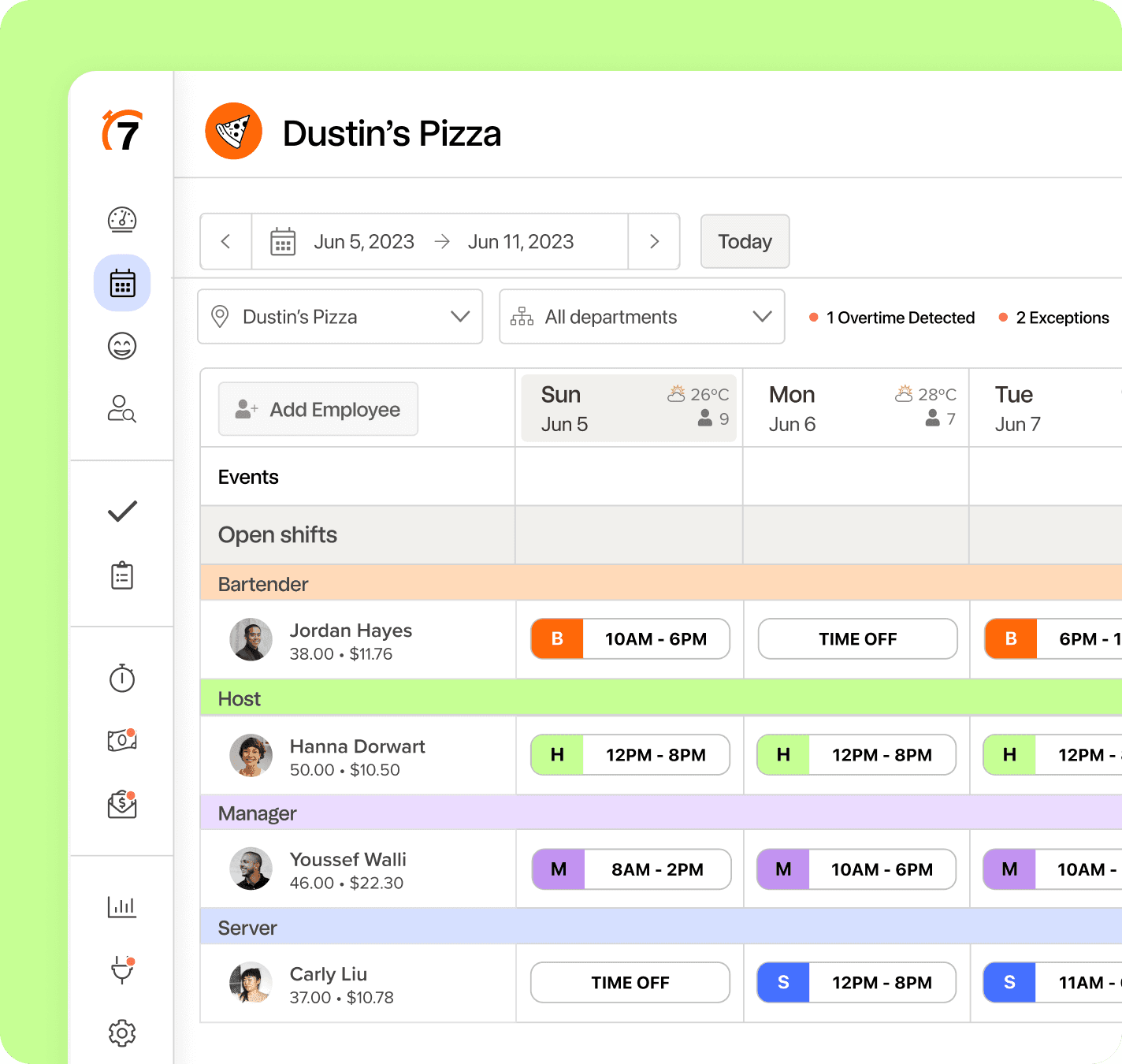
Technology expenses come from tools used in the restaurant, like POS systems. Failing to budget for subscriptions or upgrades can lead to outdated systems that slow down service and hurt customer experience.
Other Costs
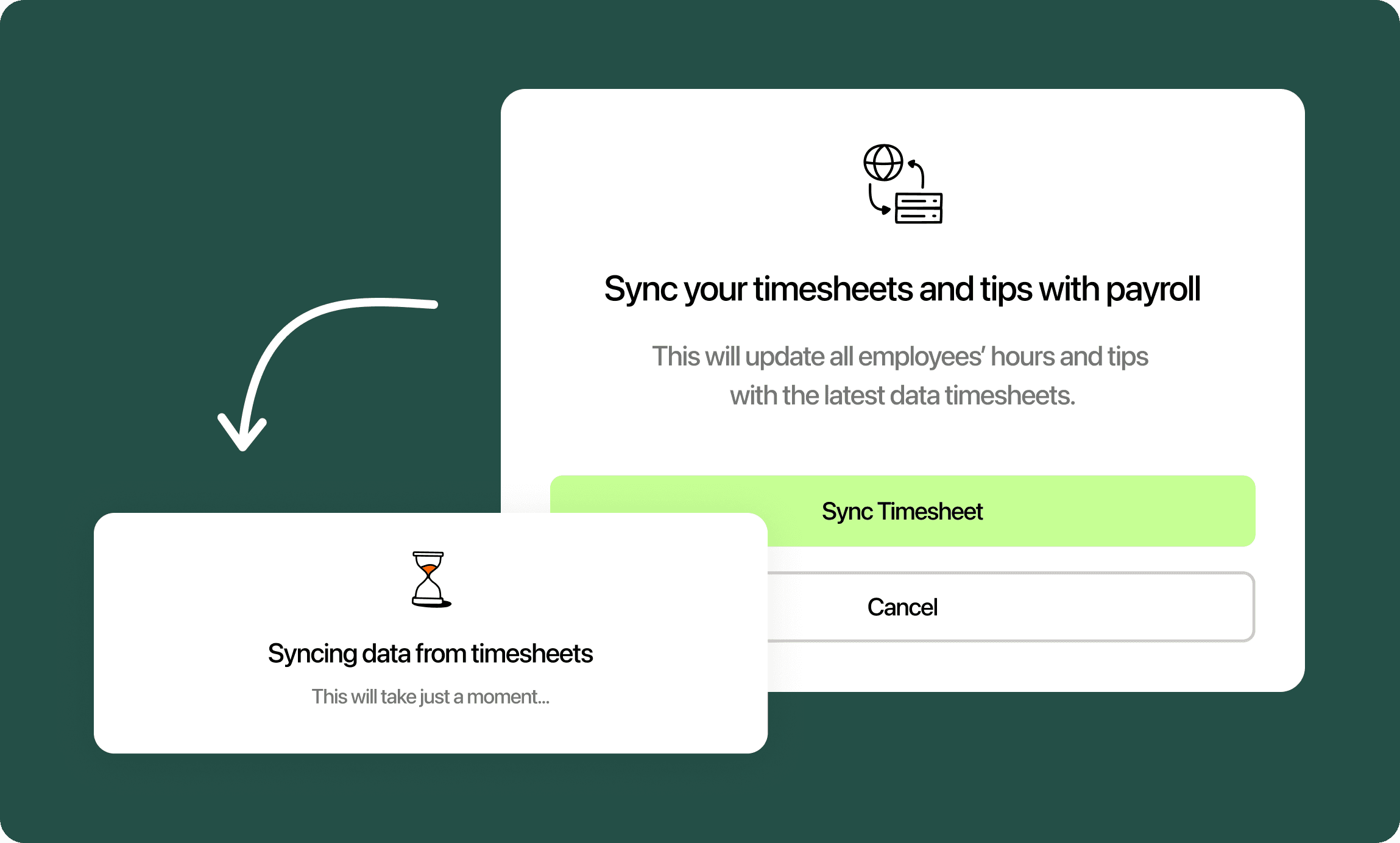
Plan for unexpected expenses, like equipment repairs, insurance, and licensing fees. If you don’t set aside funds for emergency repairs, a sudden kitchen breakdown can disrupt service and lead to lost income.
Budgeting is just one piece of the puzzle
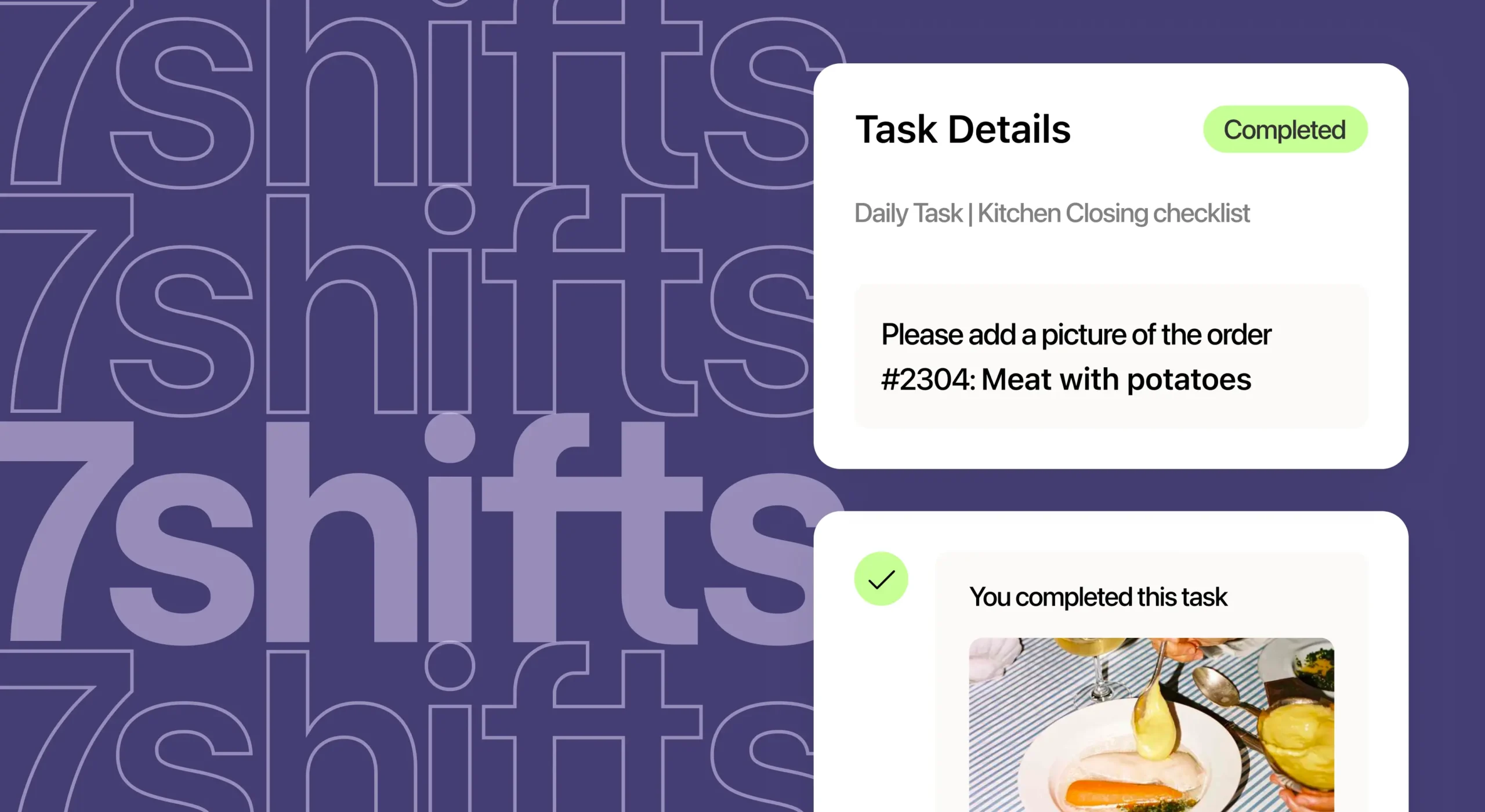
Track expenses and achieve financial success with 7shifts. Our restaurant management tool helps you manage labor costs, optimize payroll, and track real-time sales by integrating with your POS system.

Frequently asked questions
Yes, the restaurant budget template is completely free to download as an Excel (.xlsx) file — no email required. You can customize it to match your restaurant’s specific expense categories, add your own line items, and use it month after month. If you want to go beyond manual tracking, 7shifts offers a free trial that includes built-in labor budgeting tools connected directly to your POS data.
The template is designed for a single location, so if you’re running two or more restaurants, you’d need to create a separate copy for each one and track them individually. That works fine for a small group, but it gets time-consuming fast. 7shifts lets multi-location operators view labor costs and sales data across all their locations in one dashboard, which is a much faster way to stay on top of your numbers as you grow.
You should review your budget at least once a week, not just at the end of the month. Weekly check-ins let you catch overspending in real time — for example, if your food costs are running 5% over budget in week two, you still have time to adjust ordering before the month closes. Monthly reviews are useful for spotting trends and planning ahead, but weekly reviews are what actually prevent budget blowouts. Setting aside 30 minutes every Monday morning to compare your actual vs. budgeted spend is one of the simplest habits that separates profitable restaurants from struggling ones.
The average restaurant profit margin falls between 3% and 9%, depending on the type of restaurant and how tightly costs are managed. Full-service restaurants typically land in the 3–5% range, while fast-casual and quick-service concepts can reach 6–9% because of lower labor and overhead costs. That thin margin is exactly why tracking every expense category — even small ones like cleaning supplies or credit card processing fees — matters so much. A budget template helps you see where small leaks are adding up before they become a real problem.
Free Restaurant Management Templates
See all templates
Tip Pooling Template
Download the free excel tip pooling calculator to help determine and distribute tips to your employees using tip pools.
Download now
Manager Log Book Template
Get the template to help you keep track of what's going on in your business.
Download now
Sales Dashboard Template
Use the restaurant sales dashboard template to help you track sales & labor.
Download now
Restaurant Schedule Template
Download the best restaurant excel-file schedule template to help create your staff work schedules.
Download now