
Free Restaurant Tip Pooling Calculator Template
Split tips quickly and fairly with this free tip pooling calculator
- Track tips received at a glance
- Cut down on tip distribution errors
- Make tip sharing transparent
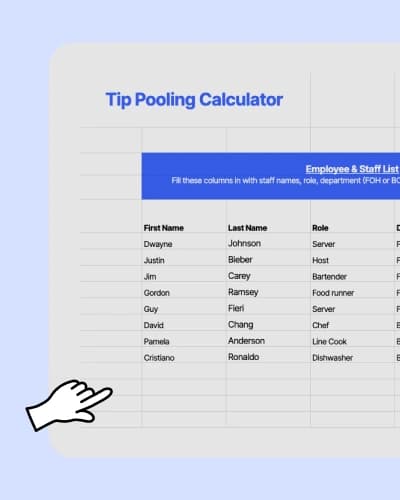

Tip Pooling Calculator.xlsx
A quick overview of tip pooling
What is tip pooling?
Tip pooling is when a restaurant collects tips from a shift (or a set time period), puts them into a shared pool, and then splits them among eligible employees using a set rule—like hours worked, role percentage, or a points system. Restaurants use tip pooling to make tip distribution more consistent across the team, especially when multiple people contribute to the guest experience. Tip pooling rules can vary based on federal, state, and local laws, so it’s important to confirm what applies to your restaurant before setting it up.
How do restaurants calculate tip pooling fairly?
One common method: divide total tips by total hours worked, then multiply each person's hours by that per-hour rate. If your team collected $500 over 50 combined hours, each hour is worth $10—so a server who worked six hours earns $60, a busser who worked four earns $40. Some restaurants instead use percentage of sales or role-based point weighting to better reflect back-of-house contributions. Whatever method you choose, document your rules, share them with your team, and apply consistently.
Learn moreWhat is a tip pooling calculator?
A tip pooling calculator helps restaurants calculate tip amounts, so they can split those tips among their staff in a fair way. This way, managers can see how each employee contributes to the business, whether they’re a server, a line cook, or another key team member.
How to use your tip pool calculator
1. Enter each employee’s name, role, and department.
2. Type in tips collected and hours rendered by each employee.
3. Check the tip calculation, which is based on the number of hours worked.
Why do restaurants need a tip pooling calculator?
A tip pooling calculator gives you a clear way to calculate and split tips. Instead of doing endless math by hand, this calculator keeps everything in one place. It helps tip pooling feel simpler, prevents conflicts, and frees your team to focus on delivering great service.
Benefits of tip pools for each type of restaurant

Fine dining restaurants
Higher check averages typically mean bigger tips. Spreading those tips across the full team, from server assistants to sommeliers, maintains top-notch service at every table.
Casual dining restaurants
Large tables and quick turnarounds can leave some servers with bigger sections than others. Tip pooling balances those differences so the entire team benefits from peak hours.
Cafés and coffee shops
Tip jars can fill quickly with small bills and coins, but these add up by day’s end. Pooled tips make sure baristas and bakers both get recognized for their service.
This tip pooling calculator is just the beginning









Automate what this calculator can't with 7shifts
Save your team from manual math. 7shifts handles tip tracking and distribution automatically, from the first hour worked to the final payout.
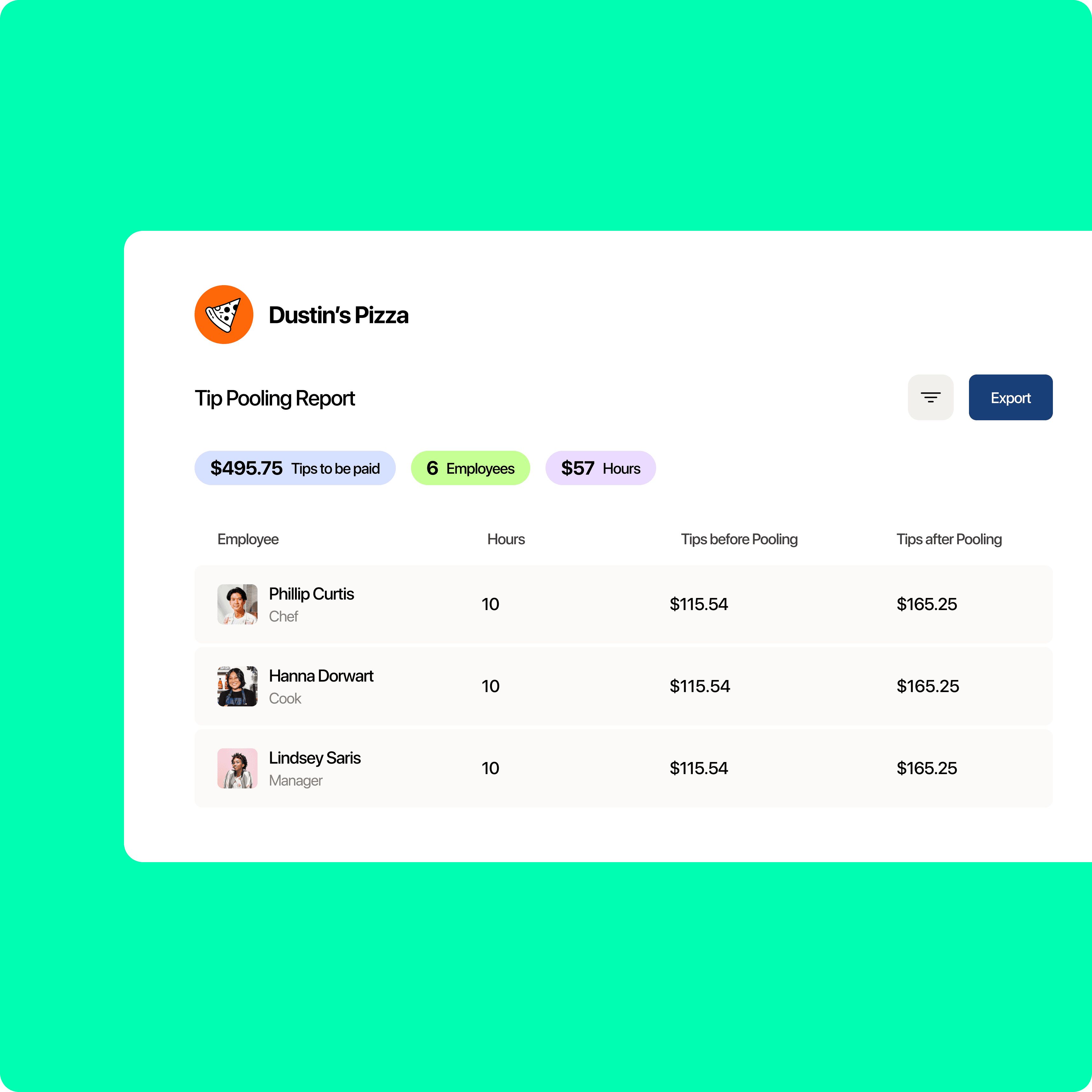
Enjoy fair tip pooling
No more guesswork when you calculate and distribute tips. Our tip management tool makes it easy to handle every tip for any role.
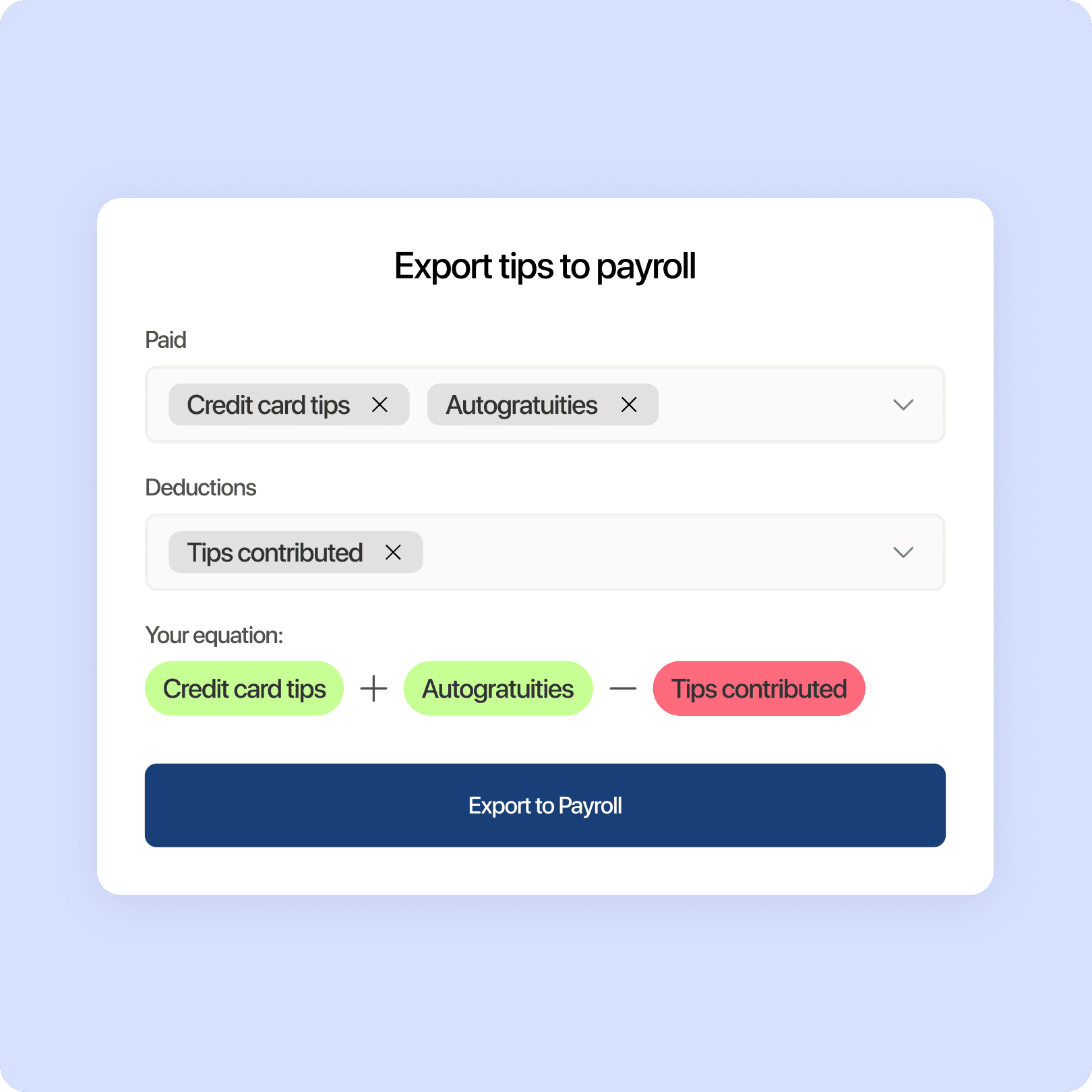
View more data with ease
Stop wrestling with multiple templates. Our tool helps you combine tip pool totals with employee information in seconds.
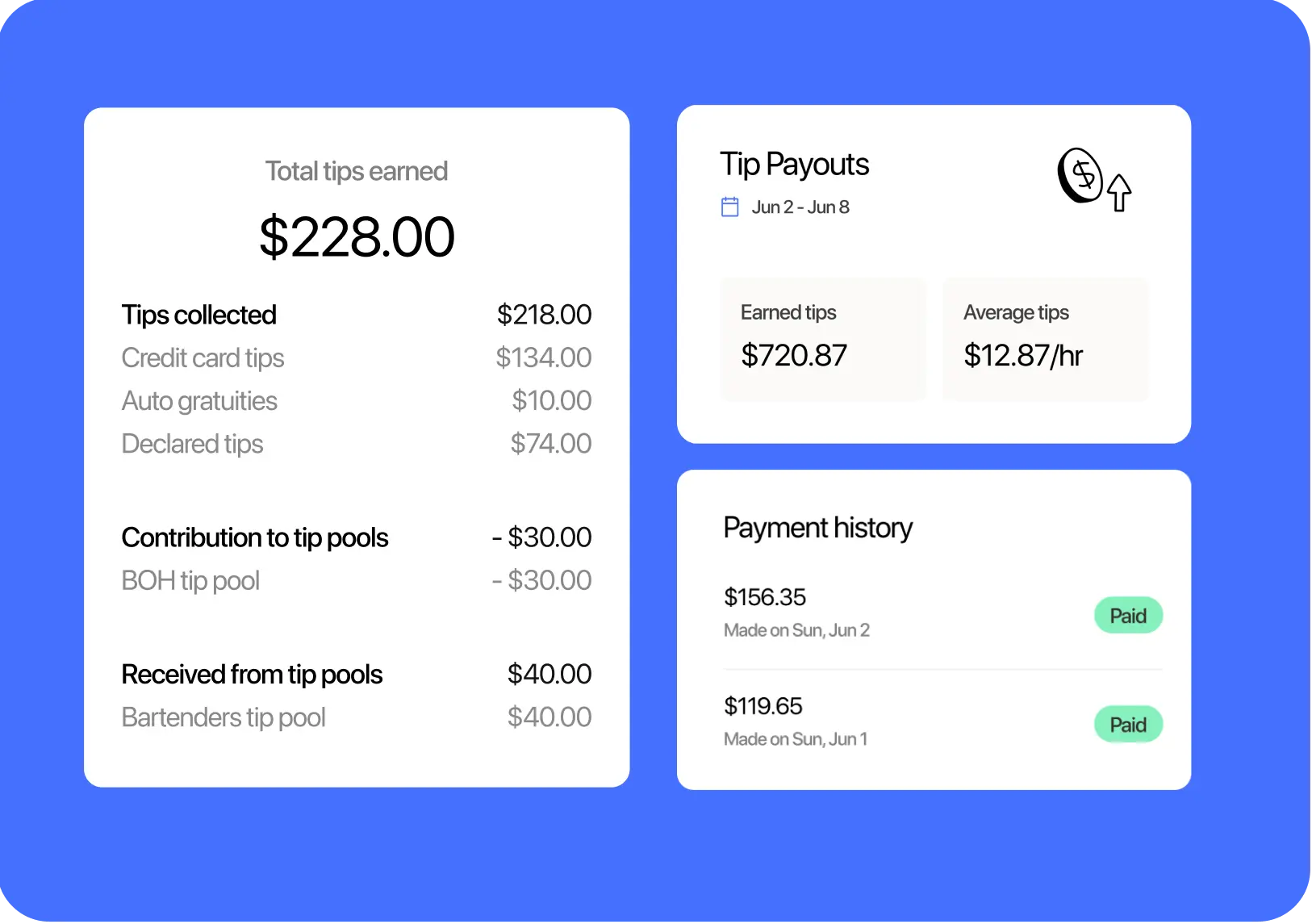
Calculate tips quickly
Tired of spending hours calculating tips? Let our tip management tool do the heavy lifting, so you can distribute them quickly and accurately.
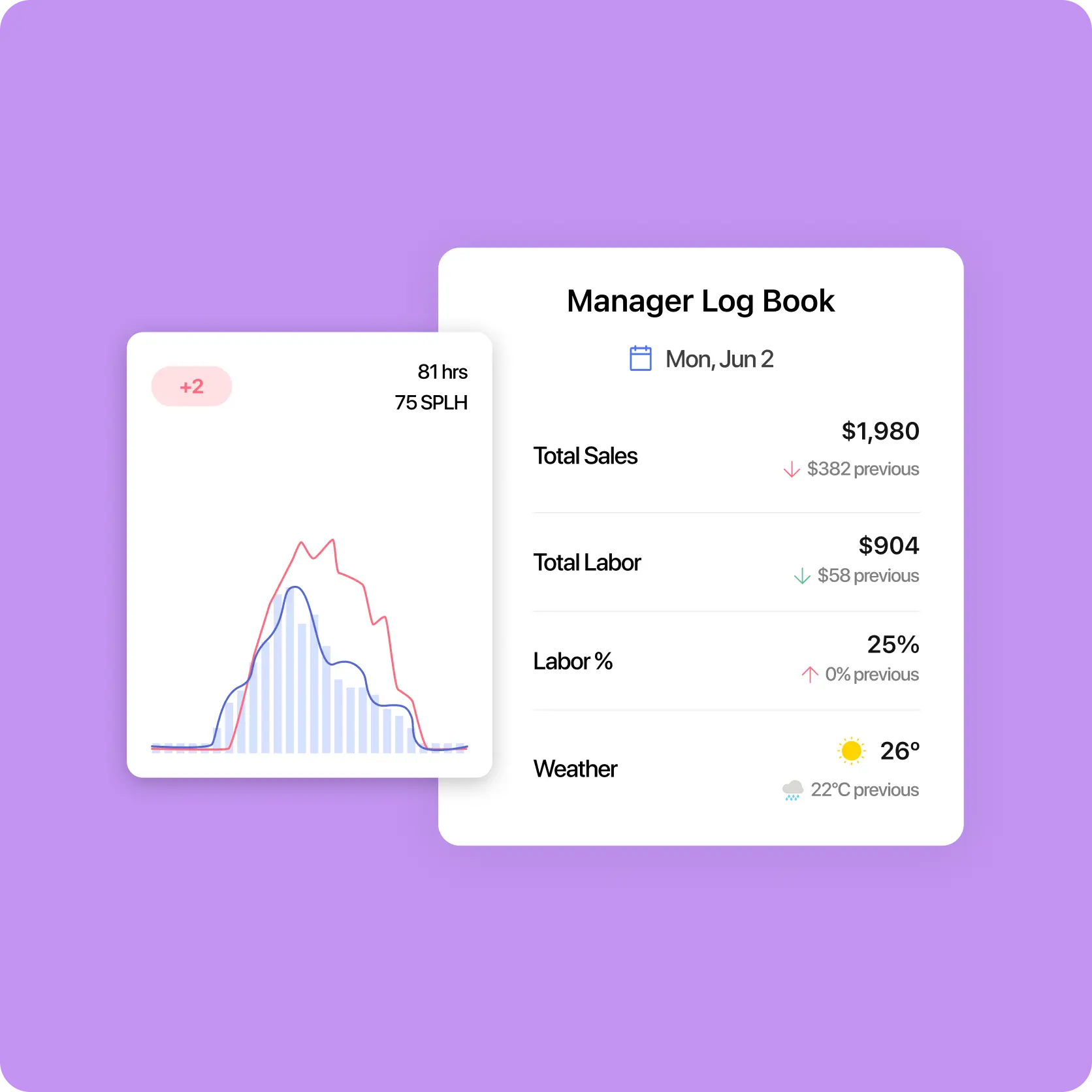
Gain insights into your team’s performance
See which employees delight your customers best. Track each shift’s tip totals and identify who contributed the most.
How does this free template stack up to 7shifts?
Here is how a free Excel template stacks up against 7shifts.
 | Tip Pooling Template | |
| Contribute by percentage of tips |  |  |
| Enter tips manually | | |
| Distribute tips based on hours worked | | |
| Automatically sync POS tip contribution | |  |
| Contribute by percentage of sales | | |
| Distribute tips based on custom percentage | | |
| Distribute tips based on points weighting | | |
| Automatically send tips to payroll | | |
| Pool tips by daypart | | |
| Set-and-forget tip pool configuration | | |
More on the benefits of 7shifts for tip management
Automatic tip pooling for every shift
No more manually saving and updating spreadsheets or doing your own tip pool math. 7shifts updates everything in real-time, saving your restaurant both stress and labor costs.

More than a calculator
With 7shifts, you get a tool that shows you the bigger picture. You can track labor costs, optimize scheduling, and understand your team’s performance beyond just tip calculations.

100% transparency in tip management
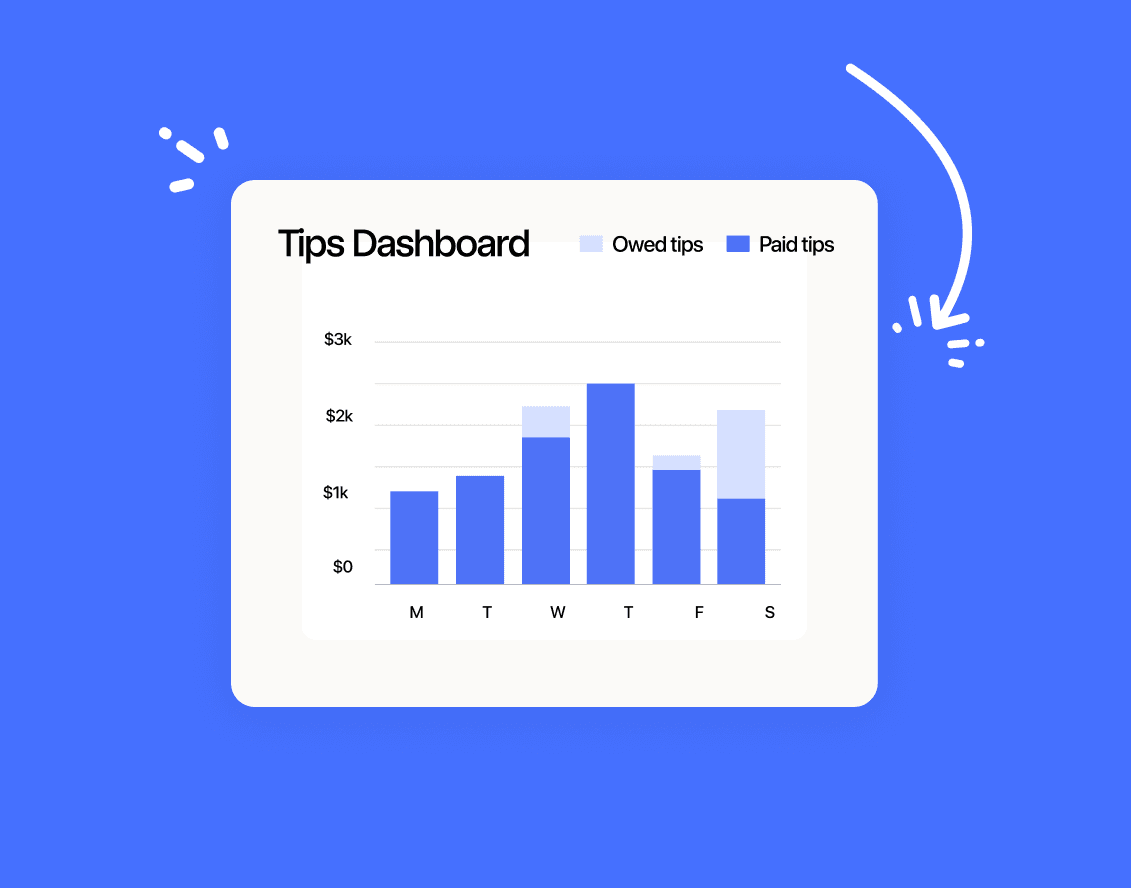
Let your team see exactly how each tip is divided without waiting for end-of-shift reports. 7shifts’ tip pooling dashboard shows your staff how much they’re owed right away.

Find out why 1.5 million restaurant professionals love 7shifts
Templates
See all templates
Time-Off Request Template
Get the free restaurant time-off request template to easily manage employee requests.
Download now
Sales Dashboard Template
Get the restaurant sales dashboard template to help you track sales & labor.
Download now
Food Cost Percentage Template
Get the food cost percentage template to to control costs and improve profits.
Download now
Restaurant Schedule Template
Get the best restaurant excel-file schedule template to help create your staff work schedules.
Download now
Stop stressing over tips
No more complicated spreadsheets, manual calculations, or team disputes. 7shifts transforms tip pooling from a headache into a simple, transparent process that keeps your staff motivated and focused on delivering the best service every time.

FAQs on tip pooling
Yes, tip pooling is legal in the United States under federal law, but the rules depend on whether your restaurant takes a tip credit and which employees are included in the pool. Under the Fair Labor Standards Act (FLSA), employers who pay tipped employees the full minimum wage (without a tip credit) can include back-of-house staff like cooks and dishwashers in a tip pool. Employers who do take a tip credit can only pool tips among traditionally tipped employees. State laws vary significantly—some states have stricter rules—so it’s worth reviewing your state’s specific regulations or consulting an employment attorney before setting up your pool.
Some best practices for tip pooling include:
- Write down your tip pool rules and share them before the shift, not after payroll closes.
- Decide what counts as pooled tips (credit card tips, cash tips, tip jar tips), and stick to the same approach every shift.
- Keep an audit trail of totals, hours, and payouts so you can answer questions fast when someone’s doing the math after a long close.
Tip sharing means each server decides how much of their tips received they want to give to others, such as bussers or barbacks. On the other hand, tip pooling places all tips into one pool and then uses a set percentage or rule to distribute tips among the team. Both methods are types of tip splitting, but tip pooling is usually more structured. Read more on our blog: Tip pooling vs. tip sharing.
Check the total tip amount collected. Then, decide how you want to distribute it among your team. With 7shifts, you just need to enter the total tip amount collected, and it’ll automatically distribute tips based on your set rules. You can choose to split tips by percentage per role, hours worked, or custom tip pools.
First, decide which employees are part of your pool (servers, bartenders, etc.). Next, pick a system to distribute tips, like dividing by the percentage of sales or service hours.]
Afterward, outline any special rules or pooled tips for slow shifts, large parties, or unique role tasks. Make sure to set clear guidelines and keep everyone informed to reduce misunderstandings and conflicts.
Set up a tip pool with 7shifts by choosing employees who’ll receive tips for a certain shift. Our tip management tool will then split the tips based on the rules you set. You can adjust for slow shifts, large parties, or unique roles for even more customization.
Tip calculation errors are one of the most common causes of staff disputes and turnover in restaurants—even a small mistake can feel deeply unfair to an employee who depends on tips as a significant part of their income. If errors happen repeatedly, they erode trust and can create legal exposure if employees believe they’re being shorted. Manual spreadsheets are especially vulnerable to formula errors, especially when shift data changes at the last minute. 7shifts automatically syncs tip data from your POS and applies your pooling rules in real time, so there’s an auditable record every shift that both managers and staff can see.
Under the 2018 amendment to the FLSA, restaurants that pay all employees the full federal minimum wage (and don’t take a tip credit) are allowed to include back-of-house employees—including cooks and dishwashers—in a tip pool. This change was designed to give operators more flexibility to share tips with kitchen staff who contribute to the guest experience but don’t receive tips directly. However, managers and supervisors are explicitly excluded from tip pools under federal law, regardless of the method used. Always check your state law as well, since some states have additional restrictions that go beyond the federal standard.
A spreadsheet requires you to manually enter tip totals, hours worked, and employee information after every shift—and any change to the schedule means updating the sheet again. 7shifts connects directly to your POS system to pull tip data automatically, then applies your pre-configured pooling rules (by hours worked, percentage of sales, custom percentage, or points weighting) without any manual input. The result is available to both managers and staff in real time through the 7shifts dashboard, so there’s no end-of-shift scramble and no room for the kind of calculation errors that cause disputes. For restaurants running multiple locations or complex tip formulas, this difference can save hours of admin work every week.
7shifts’ Tip Management add-on lets you set your pooling rules once — by hours worked, role, or percentage of sales — and it applies them automatically to your sales data from that point on. Managers and staff can see the breakdown through the 7shifts dashboard, so there’s no end-of-shift scramble or manual spreadsheet math once rules are configured.
A spreadsheet-based calculator works for a single location, but it gets unwieldy fast when you’re managing two or more. Each location needs its own file, and any change to your pooling rules means updating every sheet manually. 7shifts lets you manage scheduling, labor, and tip data for all your locations from one dashboard, so your rules stay consistent and your managers aren’t stuck doing redundant admin work.
The most straightforward method is to divide total tips by total hours worked, then pay each employee based on their hours. For example, $800 in tips across 80 combined hours means each hour is worth $10 — a bartender who worked 6 hours gets $60, a busser who worked 4 hours gets $40. If your team includes back-of-house staff with different contribution levels, a role-based or percentage-of-sales method may feel fairer. Whatever method you use, write it down and share it with your team before the first shift it applies.