

Free Manager Log Book Template
Say goodbye to scattered notes and missing logs
- Get an overview of shift details, labor data, and sales trends in one place
- Keep restaurant staff informed on day-to-day operations
- Improve compliance and accountability
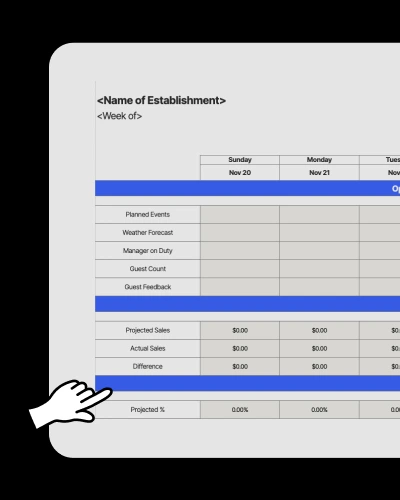

Restaurant Manager Log Book Template.xls
What is a manager log book?
A restaurant manager log book is a tool that helps restaurant managers track daily operations, shifts, labor costs, and sales trends. It acts as a centralized log where managers can record important business details, such as staff updates and scheduling issues.
How managers should use the log book
1. Add your restaurant’s name and the week you’re using the log book for.
2. Fill in details like sales, guest count, inventory, equipment, and cleaning schedules.
3. Track which manager is on duty, who’s covering which shifts, and any scheduling adjustments.
4. Compare projected and actual labor and sales data to identify areas for improvement.
Why do restaurants need a manager log book?
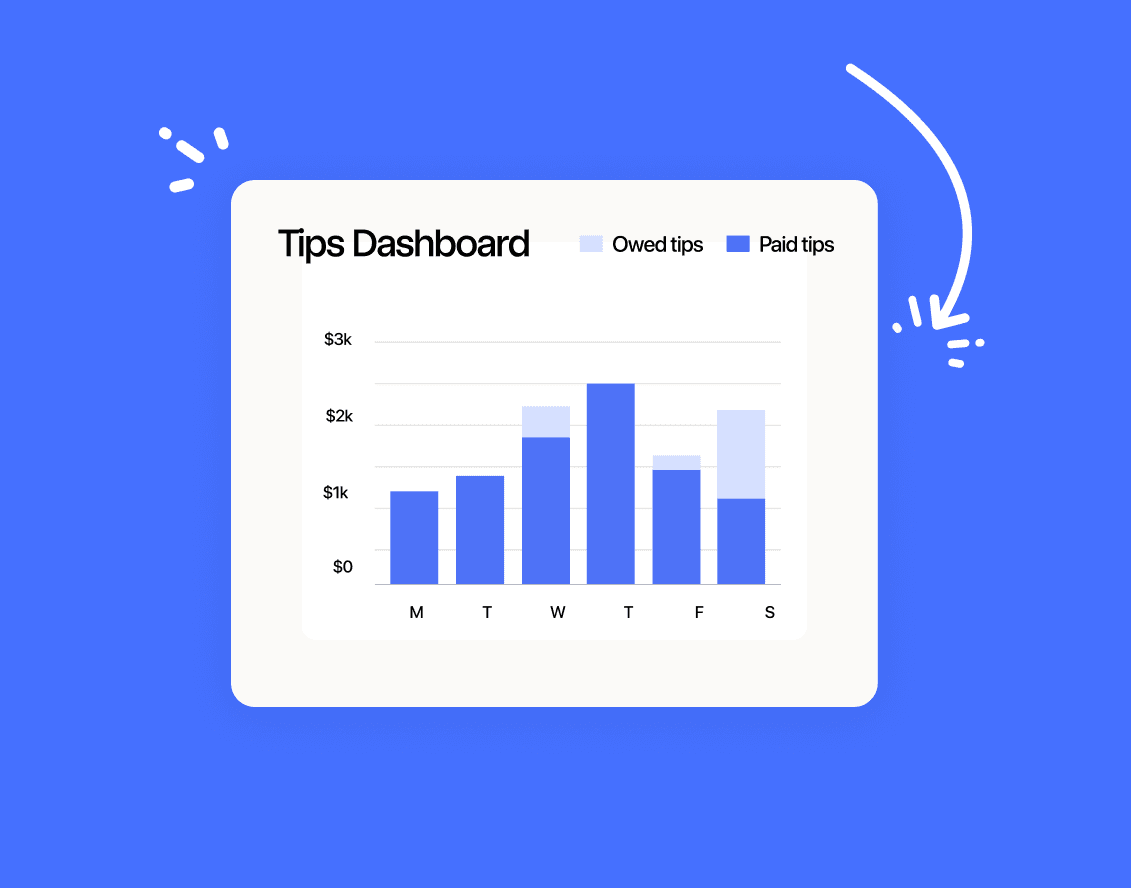
Without a structured log book, managers can miss critical details like employee performance and sales fluctuations. A manager log book makes sure that your operations are well-documented to improve management decisions.
What should be included in a manager log book?
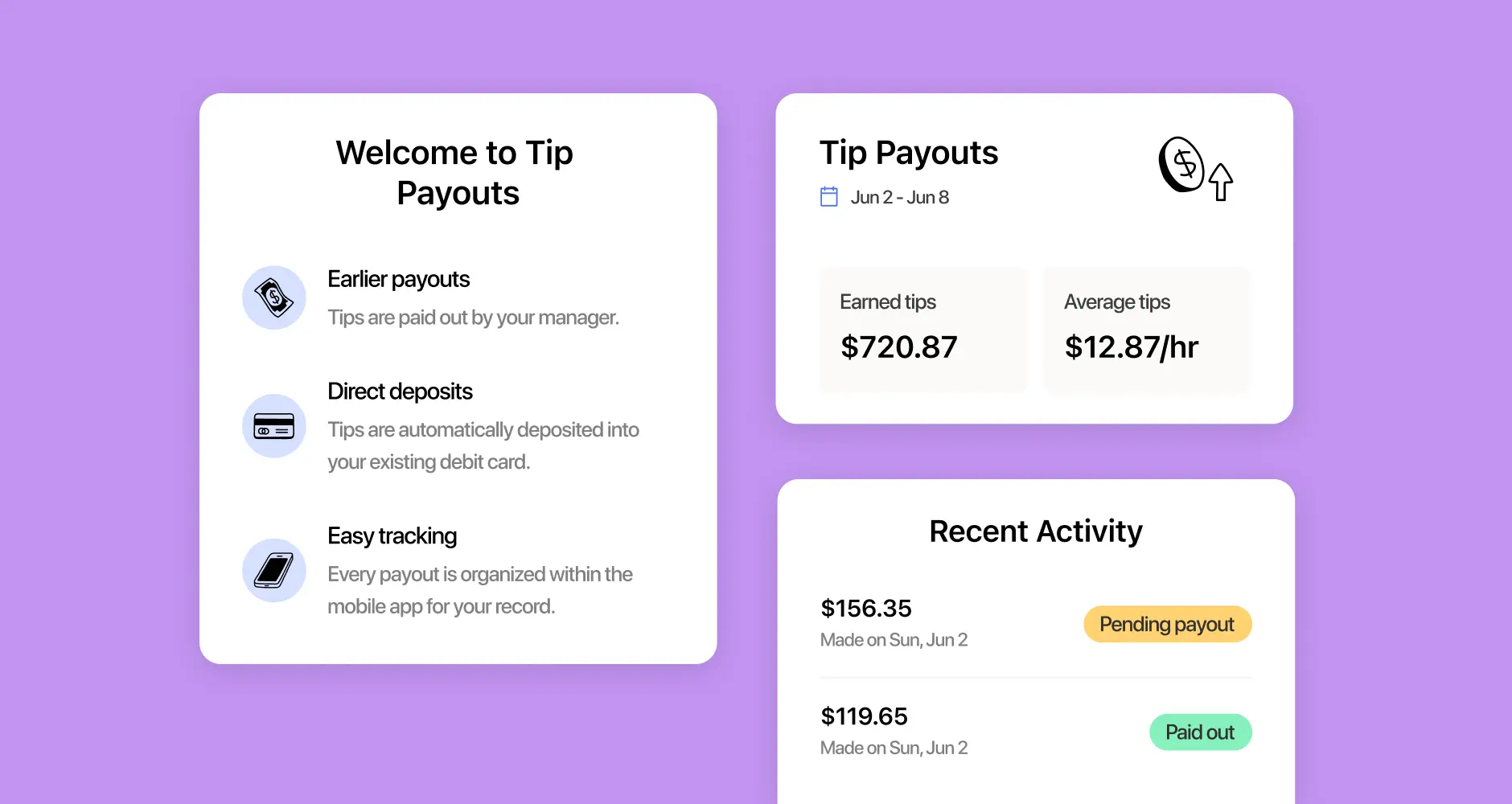
Manager logbooks should have all the key details restaurant managers need to track daily operations, including shift details, sales and labor data, staff updates, compliance, and maintenance.
What are the benefits of using a digital log book?
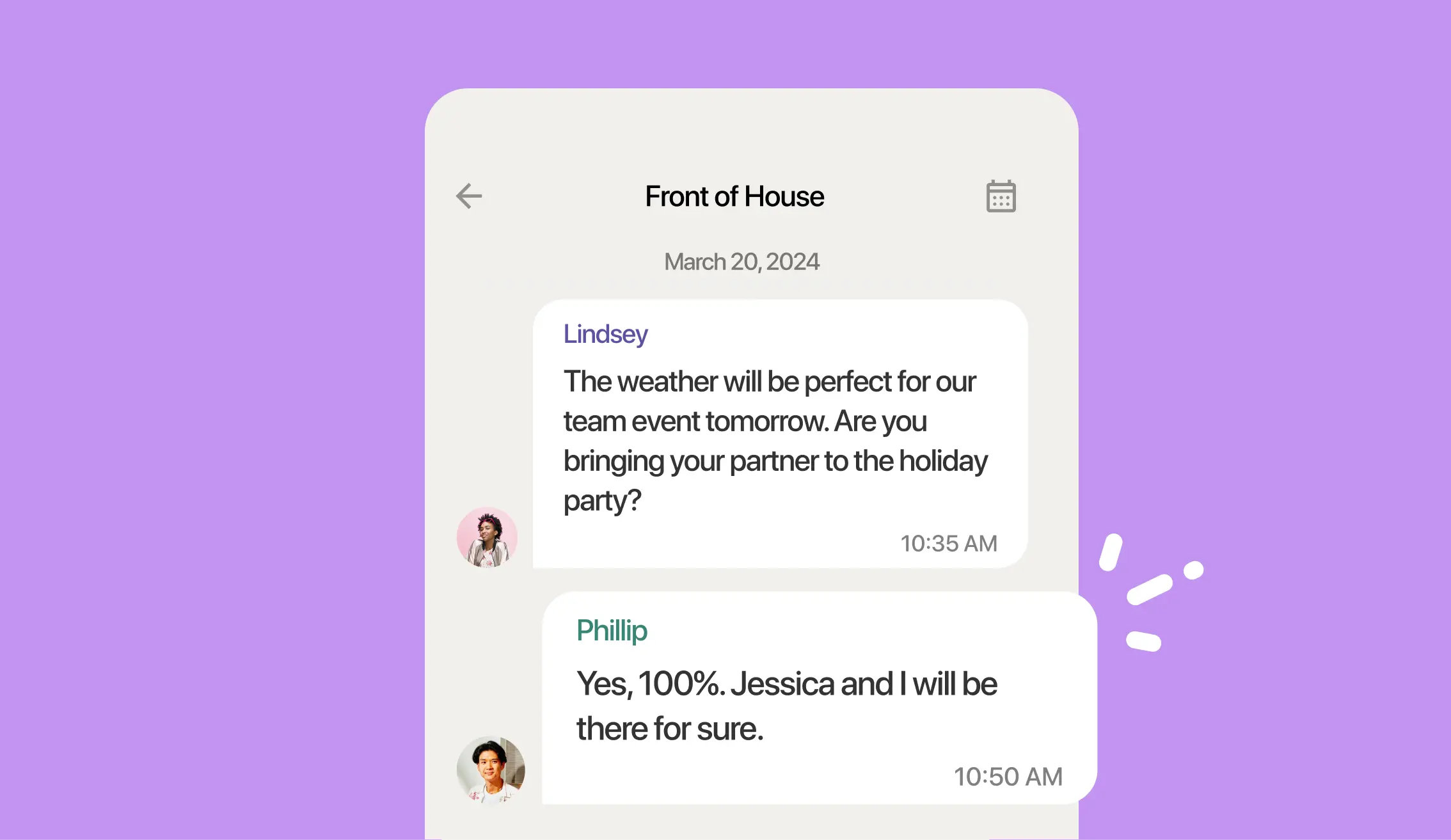
A digital manager log book offers more efficiency and better tracking than traditional paper logs. Managers can update logs online, providing information to all other managers in real time.
How does this free template stack up to 7shifts?
Compare how the functionality of this Excel sheet stacks up against a robust team management platform like 7shifts.
 | Manager Log Book Template | |
| Complete manager log book |  |  |
| Customizable to your restaurant | | |
| Free | | |
| Sharable with your team | |  |
| Free mobile apps | | |
| Completely customizable categories to track | | |
| Sortable, searchable, and trackable manager notes | | |
| Automatically emails your management team | | |
| Easy manager note taking | | |
| Robust labor, sales, and compliance reports | | |
| Employee time-off and availability submissions | | |
| Communication tools (chat, announcement) | | |
| Labor budgeting tool | | |
| Labor compliance tools | | |
That is just one piece of the puzzle








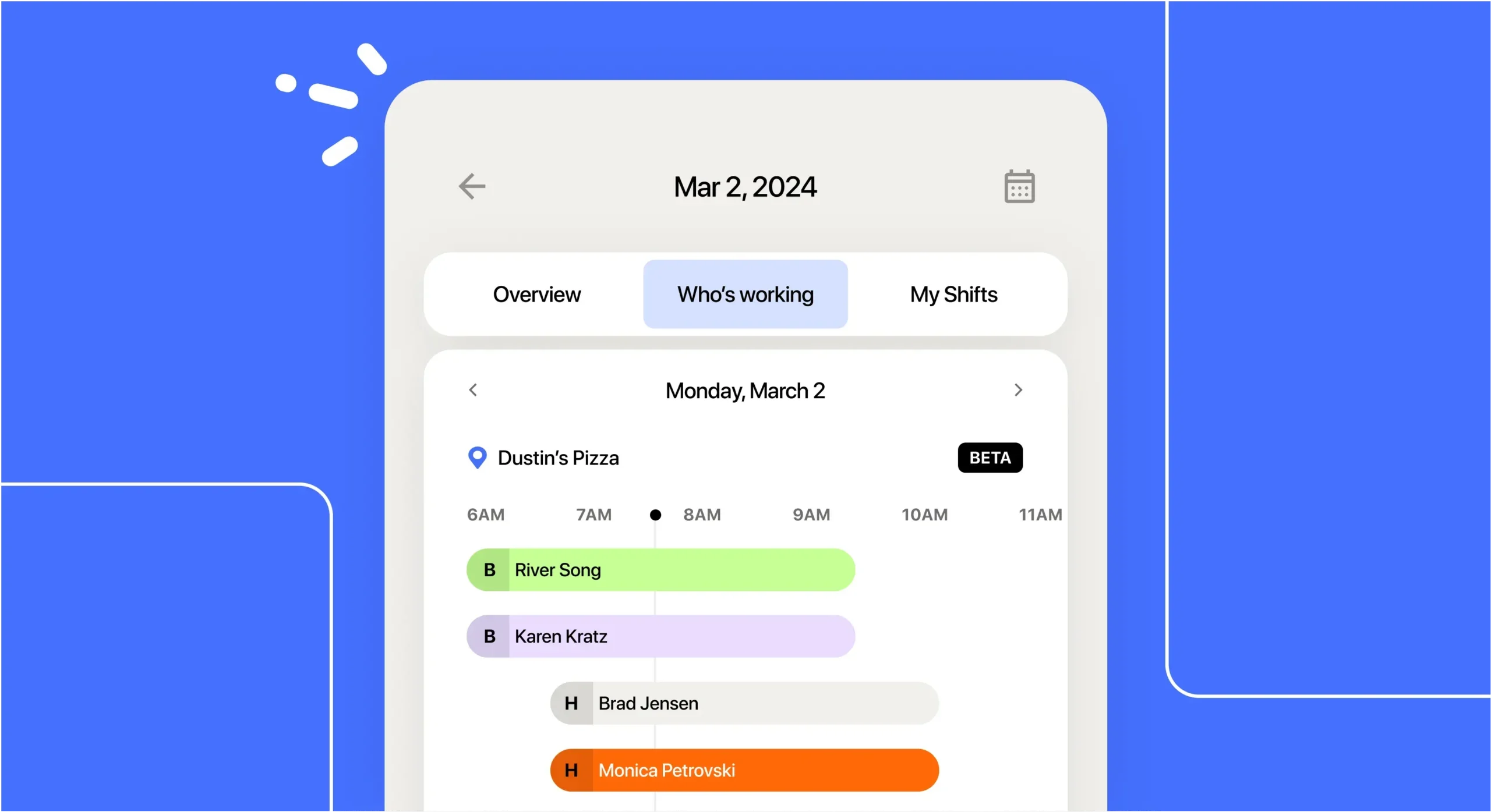
Schedules that match your restaurant’s needs
Building a schedule can be time-consuming, but with 7shifts, restaurant managers can quickly create, edit, and share shift schedules to support your day-to-day tasks.
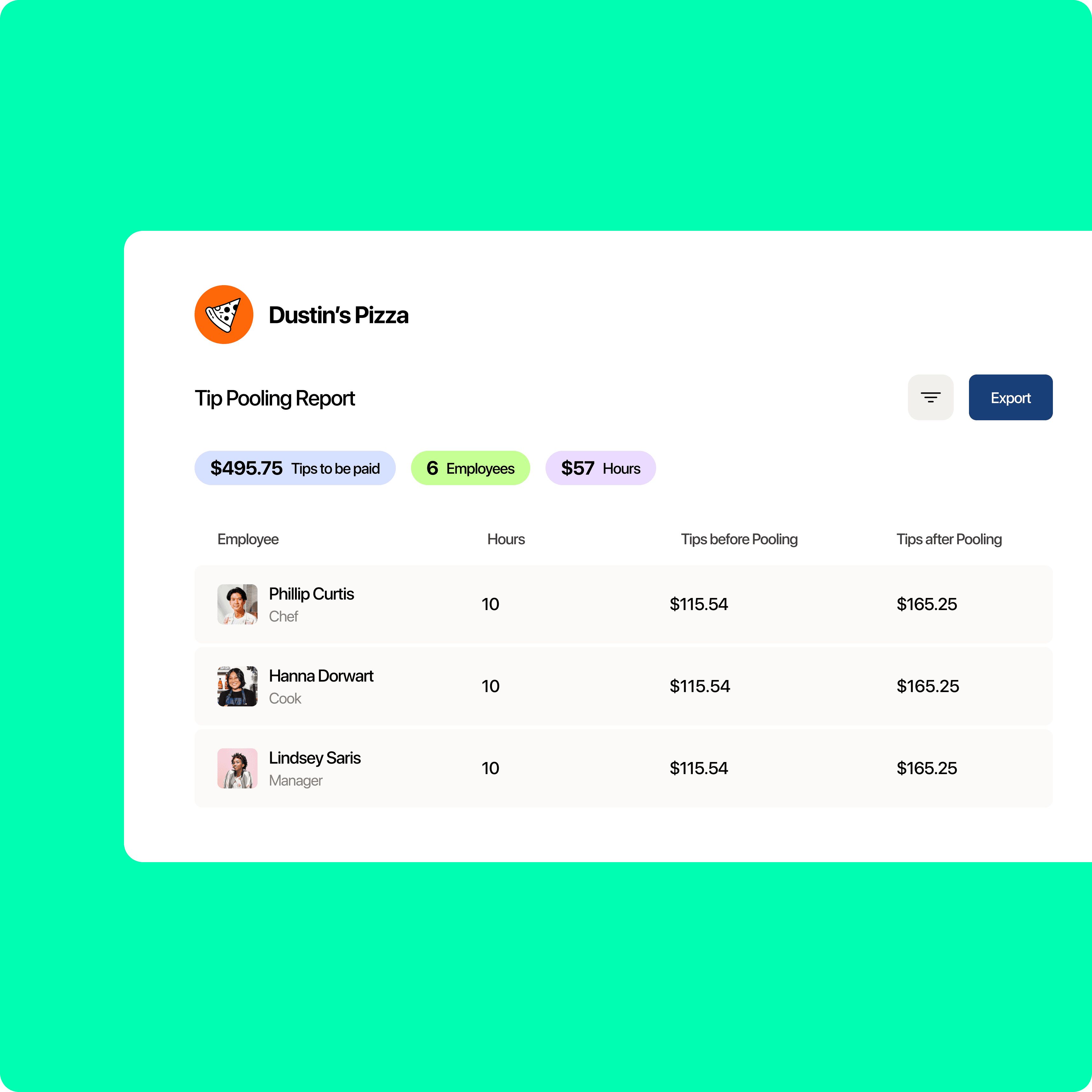
Real-time labor data to reduce unnecessary costs
Monitor sales, scheduling, and labor data right away for better restaurant budgeting. Automated reports let you see where adjustments are needed to stay profitable.
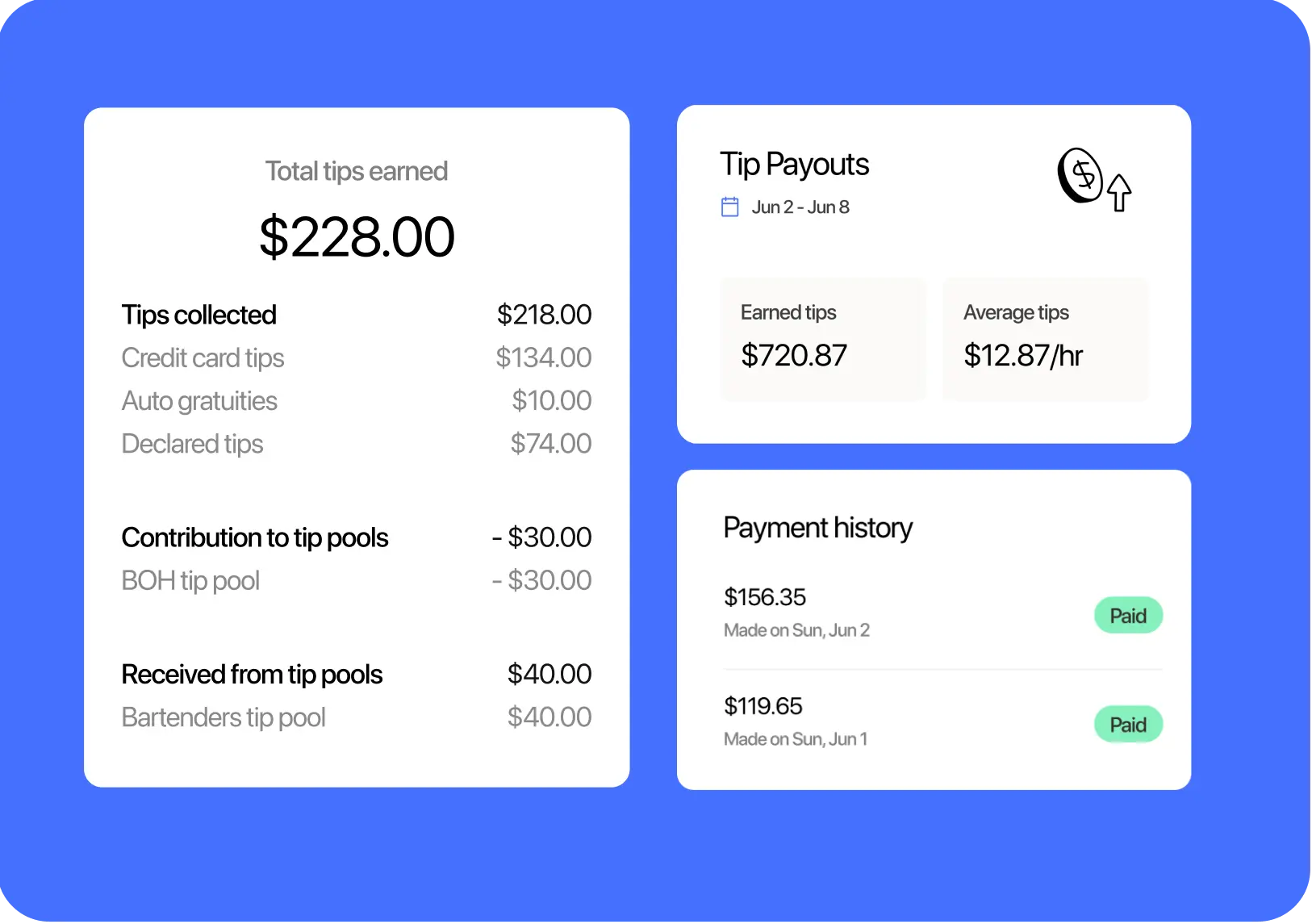
Built-in messaging for better team communication
No more missed shifts or last-minute schedule changes. 7shifts keeps all managers and staff informed with instant notifications, direct messages, and announcements.

Easy labor law and scheduling compliance
Automatically track overtime and breaks to follow labor laws while recording information accurately for smooth and efficient management.
Customize your manager log book
1. Edit the Operations Notes section to include details like special promotions, supplier issues, or local events.
2. Add a dedicated Customer Feedback field to track complaints, compliments, and suggestions for improvement.
3. Expand the Personnel Notes section to include individual employee performance reviews and attendance entries.
4. Include a Shift Coverage Log to document no-shows, last-minute shift changes, and other scheduling adjustments.

Find out why 1.5 million restaurant professionals love 7shifts
Manager log book strategies for different restaurant types
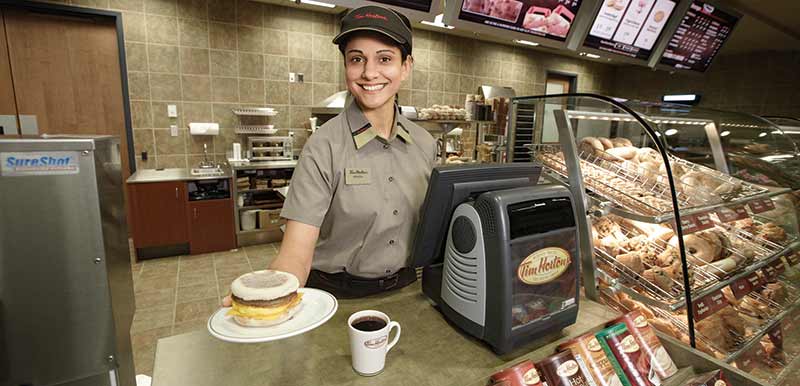
Quick-service restaurants
Fast-paced restaurants need quick, organized tracking. A manager log book helps by logging high-volume shifts to track peak hours and labor costs.
Casual restaurants
Casual restaurants need to balance fast service with strong team management. Use a manager’s log to see how well staff handle rushes and record guest feedback.

Full-service restaurants
For full-service restaurants, a manager’s logbook is crucial for addressing service issues, optimizing staffing and payroll, and planning future strategies.
Best way to organize your manager log book
1. Organize information by date.
2. Add shift notes for questions and concerns.
3. Track scheduling updates for each entry.
4. Create custom categories and metrics like maintenance and customer feedback.
Get more insights on staff shifts and scheduling trends
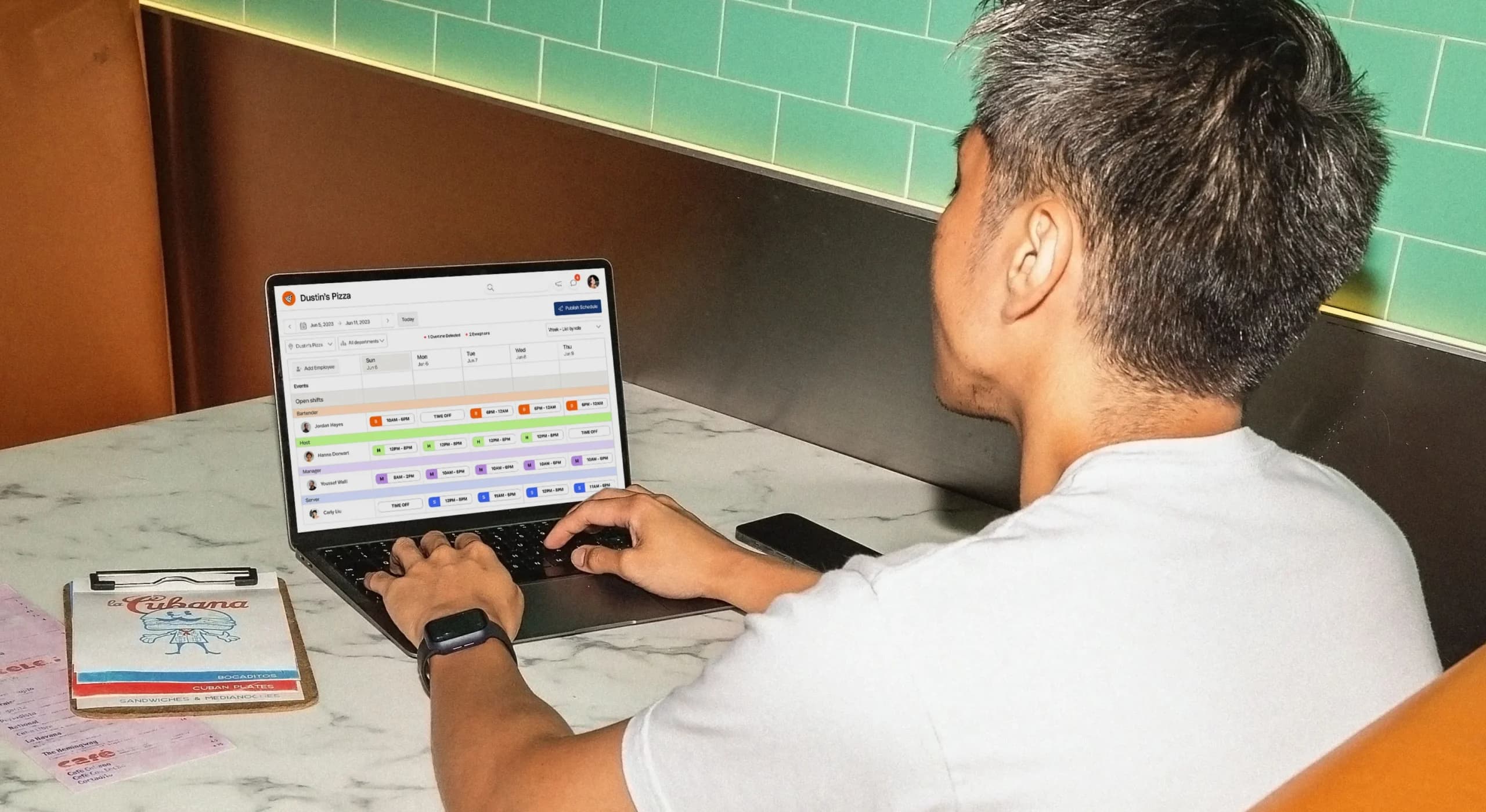
Track your daily operations more easily with the 7shifts manager log book. Stay on top of staff performance, shift trends, labor costs, and sales data with POS integrations to deliver the best service to customers.

Frequently asked questions
Yes — the 7shifts restaurant manager log book template is completely free to download with no sign-up required. It’s a file you can start using immediately, and you can customize it to fit your restaurant’s specific tracking needs. There are no hidden costs, and you don’t need a 7shifts account to use it.
You can use the template across multiple locations, but you’ll need to maintain a separate file for each one since it’s an Excel spreadsheet. If you’re managing two or more locations, a platform like 7shifts gives you a shared log book for your management team at every location — with automatic daily email summaries sent to everyone assigned to each site, so nothing gets lost between shifts.
A shift report is a snapshot of one specific shift — sales, covers, and any notable incidents. A manager log book is the running record that collects all of those shift reports over time, giving you a searchable history of your restaurant’s operations. Think of the shift report as a single page and the log book as the whole binder. Having both means you can respond to what happened tonight and also identify patterns — like which shifts consistently run over on labor — week over week.
7shifts has a built-in digital manager log book that goes well beyond what an Excel template can do. Inside 7shifts, managers can write and categorize shift notes, tag entries, and have the log automatically emailed to the full management team at the end of each shift. Unlike a spreadsheet, the 7shifts log book is connected to your real labor and sales data, so your notes and your numbers live in the same place. The free template is a great starting point, but the built-in tool is designed for teams that need more speed, accountability, and visibility.
The easiest way is to move your entries into a shared digital tool instead of a spreadsheet or paper binder. Platforms like 7shifts let every manager add entries directly into a shared Log Book, with categories for things like sales, labor, and shift notes. You can also turn on a daily email summary — sent automatically or on demand — to everyone assigned to that location, so nothing gets missed between shifts. This gives you the same structure as a manual log book, minus the risk of a notebook getting lost or a spreadsheet version going out of sync across your team.
Yes. Since the manager log book template is an Excel file, you can print any section for managers who prefer a physical copy during their shift. Keep in mind a printed log won’t sync with other locations or update in real time — if you’re managing more than one site, you’ll need to re-enter or file printed pages manually to keep a searchable record over time.
Free Restaurant Management Templates
See all templates
Tip Pooling Template
Get the free excel tip pooling calculator to help determine and distribute tips to your employees using tip pools.
Download now
Profit Margin Calculator
Use the profit margin calculator to determine the profit margins of your restaurant and how to improve.
Download now
Restaurant Budget Template
Get the free restaurant budget template to determine the budgeting of your restaurant.
Download now
Restaurant Schedule Template
Get the best restaurant excel-file schedule template to help create your staff work schedules.
Download now