Free Restaurant Sales Dashboard Template
Make sense of restaurant sales with an easy-to-use dashboard
- Track key restaurant KPIs at a glance
- See which menu items are driving sales
- Make smarter business decisions with real-time data
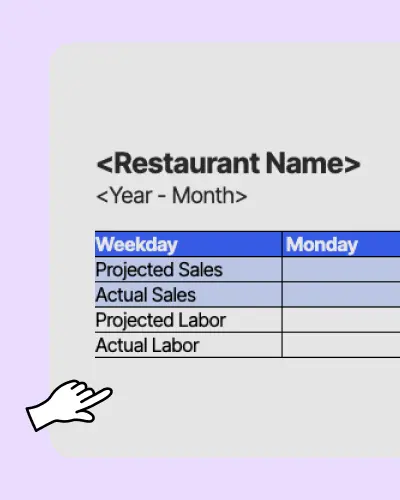

Restaurant Sales Dashboard Template.xls
What is a restaurant sales dashboard?
A dashboard for restaurant sales is a tool that helps restaurants track key metrics like sales, labor costs, and performance in one place. It provides real-time data so restaurant managers can make informed business decisions to improve operations and profitability.
How to use a restaurant dashboard
1. Add your projected sales and labor costs.
2. Enter actual sales and labor costs from POS and employee tracker.
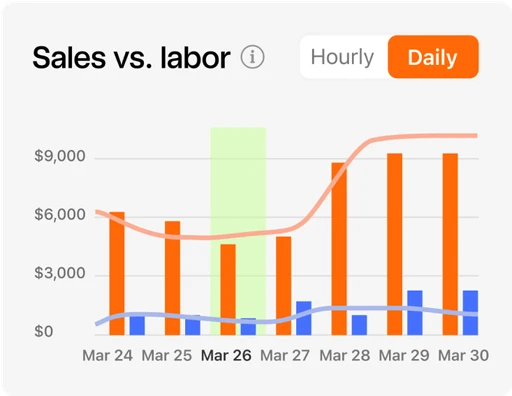
3. Insert a combo chart to visualize your data.
Why do restaurants need a sales dashboard?
A sales and revenue dashboard helps restaurants stay on top of their financial performance by tracking sales, labor costs, and trends in menu item prices. With this tool, operators can manage their business from anywhere, making it easier to control expenses and maximize profits.
What should be included in your sales dashboard?
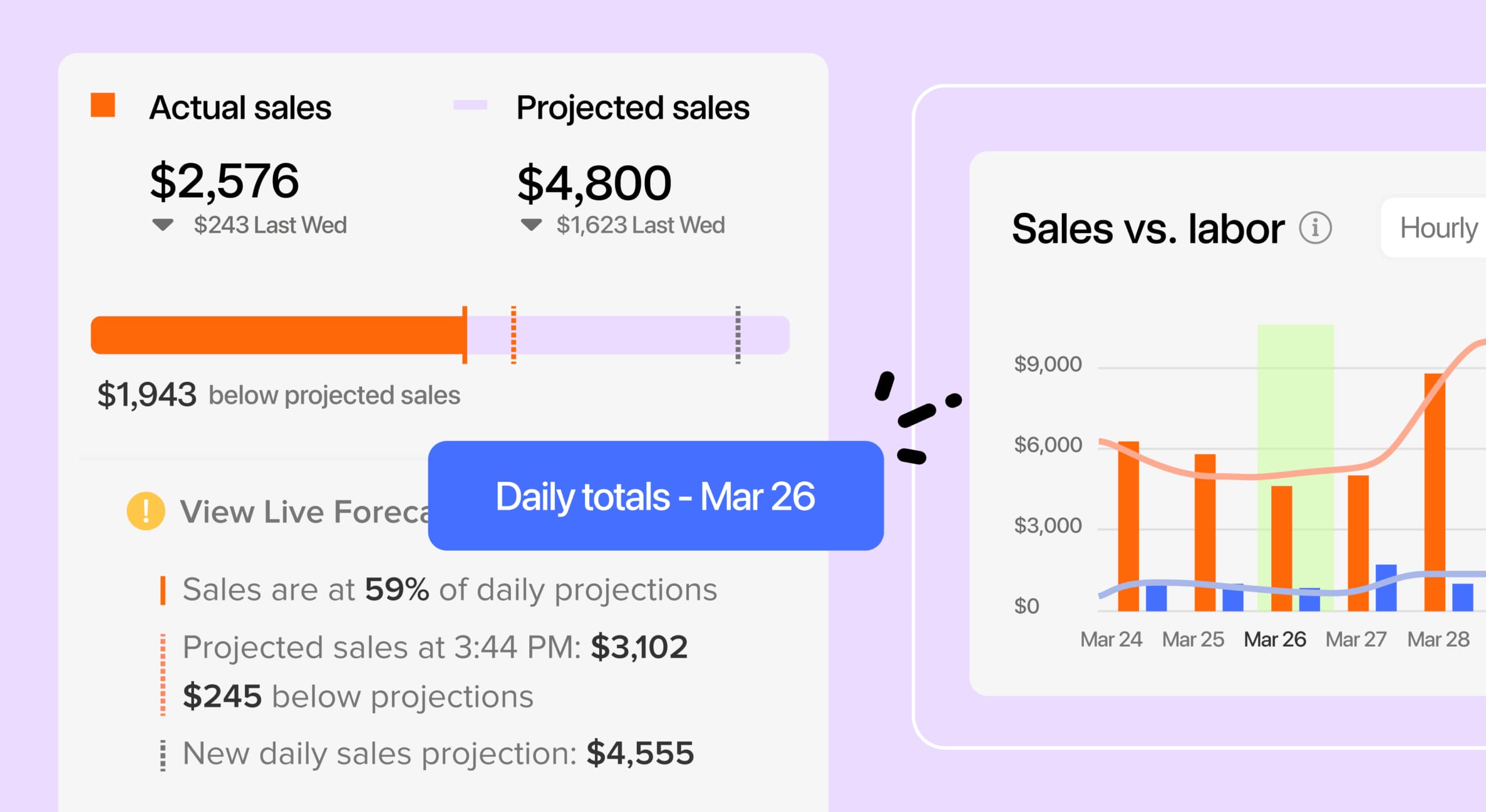
A restaurant dashboard should have key sales and performance data, including daily and weekly revenue totals, Cost of Goods Sold (COGS), average check size, gross profit margin, table turnover rate, online sales, and delivery performance.
What are the benefits of using a sales dashboard?
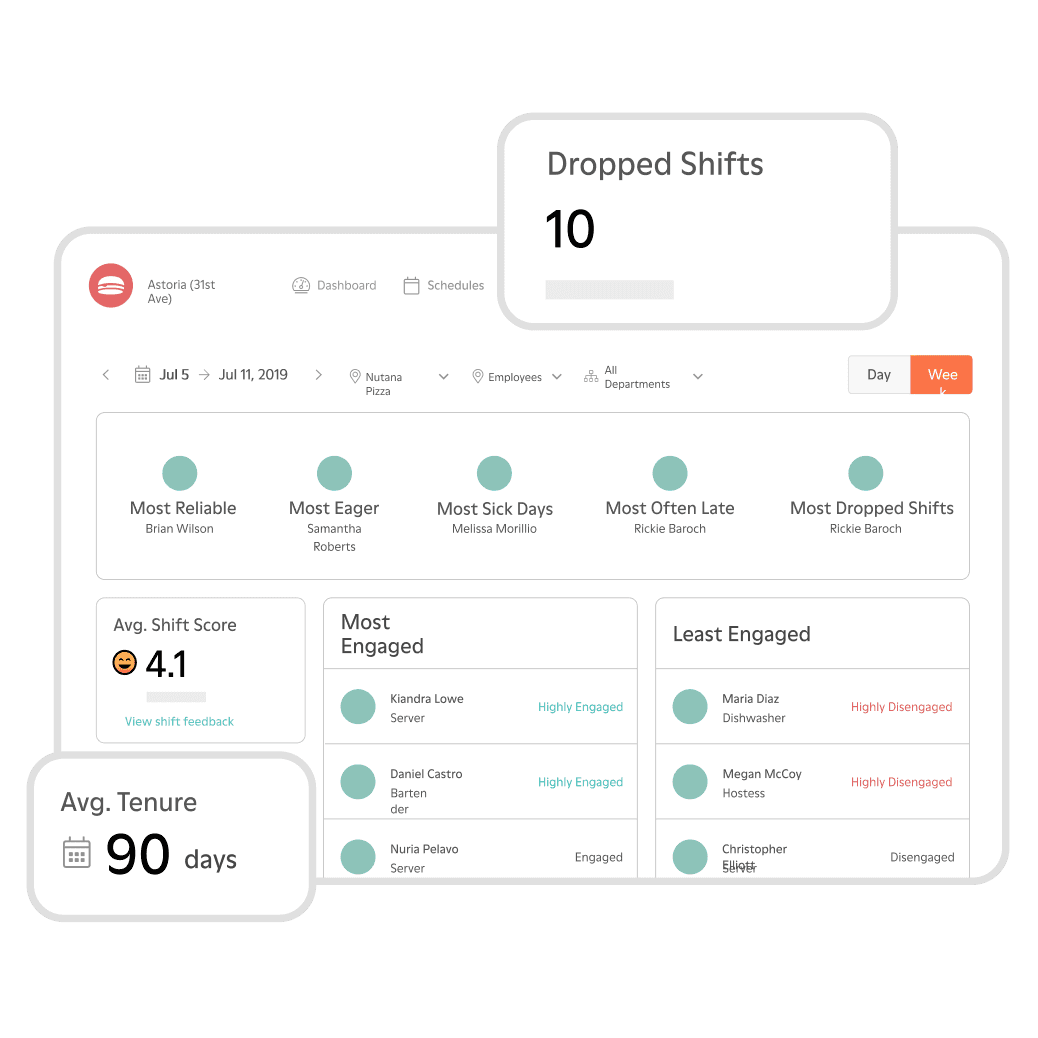
A sales dashboard gives you insights into your restaurant’s performance at a glance, allowing you to quickly identify revenue opportunities. With real-time data visualization, managers can make proactive decisions to optimize operations and reduce unnecessary expenses.
How 7shifts compares to the sales and revenue dashboard Excel template?
See how this free template stacks up against a powerful team management platform like 7shifts.
 | Sales Dashboard | |
| Customizable to your restaurant |  |  |
| Free | | |
| POS Integration for automatic sales tracking | |  |
| Easy schedule builder | | |
| Automatic sales and labor reporting | | |
| Free mobile apps | | |
| Overtime alerts | | |
| Shift swapping | | |
| Communication tools (chat, announcement) | | |
| Sales and weather forecasts | | |
| Labor budgeting tool | | |
| Labor compliance tools | | |
That is just one piece of the puzzle
Running a successful restaurant requires more than just numbers. 7shifts helps restaurant owners simplify operations, improve efficiency, and make data-driven decisions.
Track sales and labor data in real-time
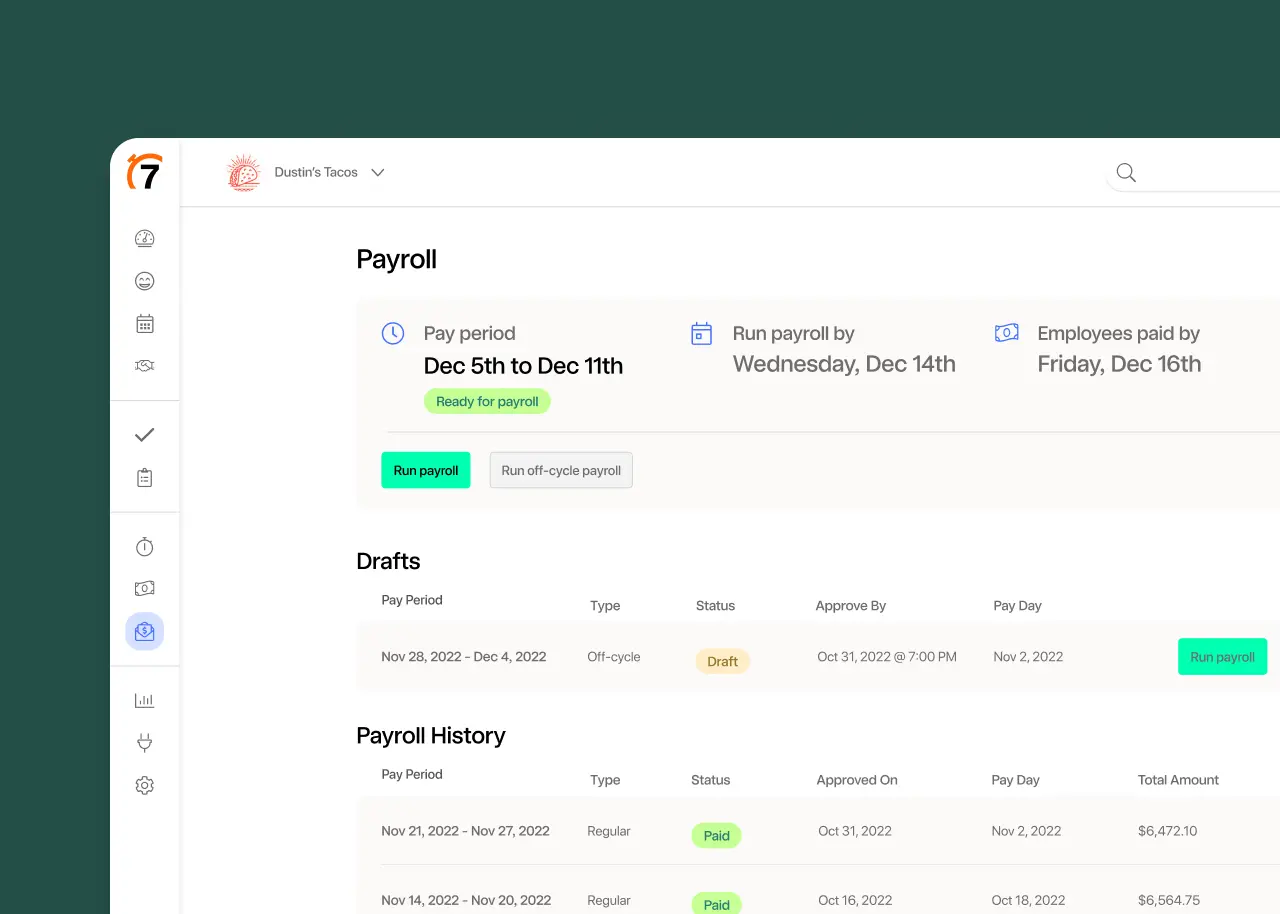
7shifts integrates with your POS system to pull real-time sales and labor costs into your dashboard, allowing you to compare projected and actual sales.
Optimize labor costs based on sales performance
Our restaurant management software helps restaurants track labor costs and schedule the right number of employees for each shift.
Generate automated sales and labor reports
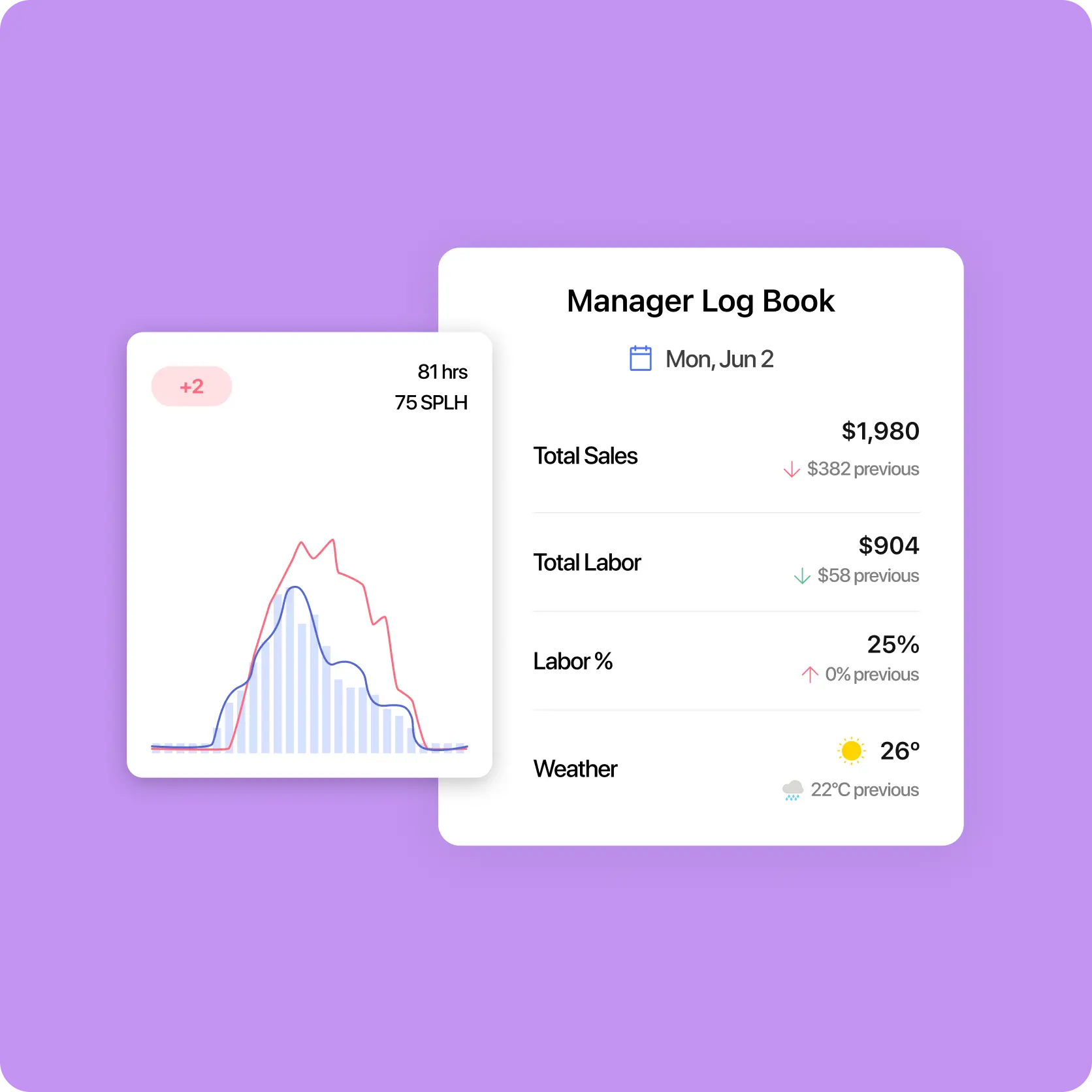
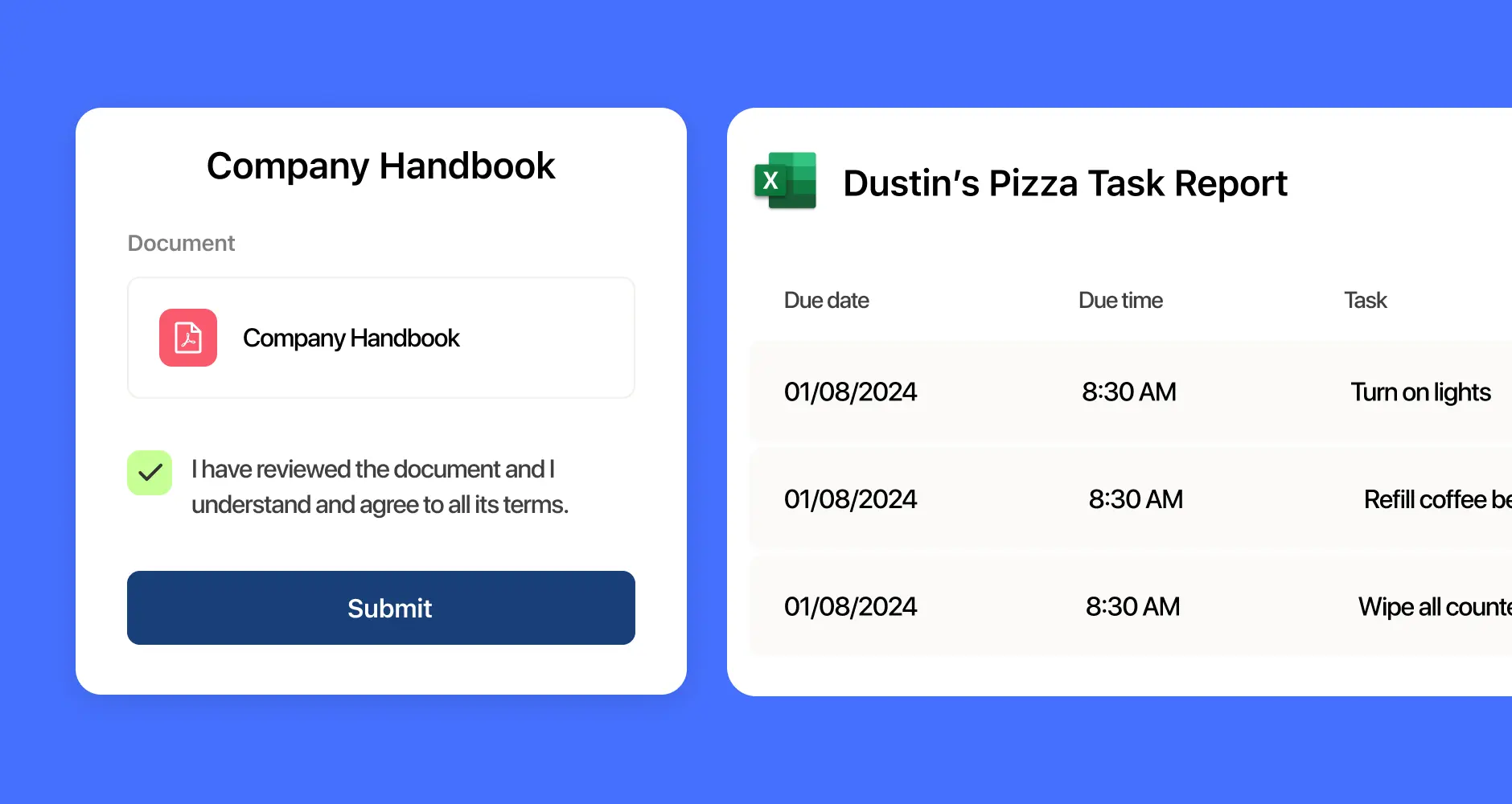
With 7shifts, you can automatically generate sales, labor, and performance reports instead of pulling numbers manually.
Boost revenue with data-backed decisions
Use real-time data to improve your restaurant’s performance. Analyze sales trends, identify peak hours, and adjust staffing accordingly to maximize profitability.
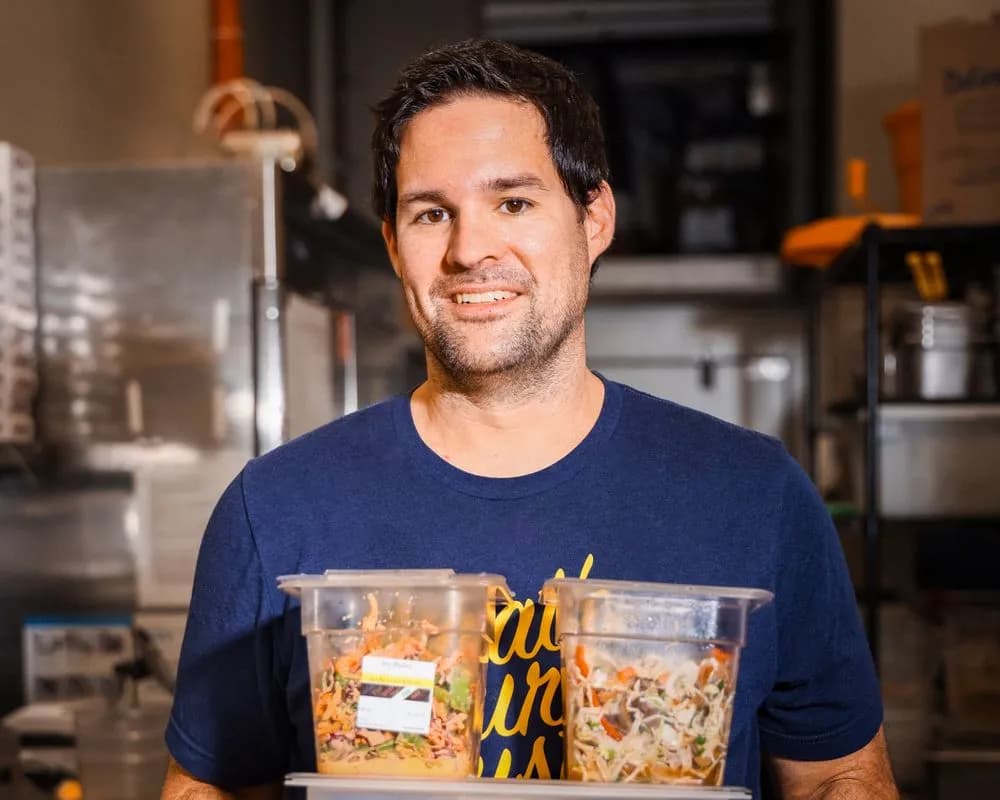
“It is SO easy to use. It is intimidating at first familiarizing yourself with the platform but after a few minutes it feels so natural using it. I used to do all of my scheduling on an excel spreadsheet. It would take two or three times as long as it takes me now on 7shifts.”
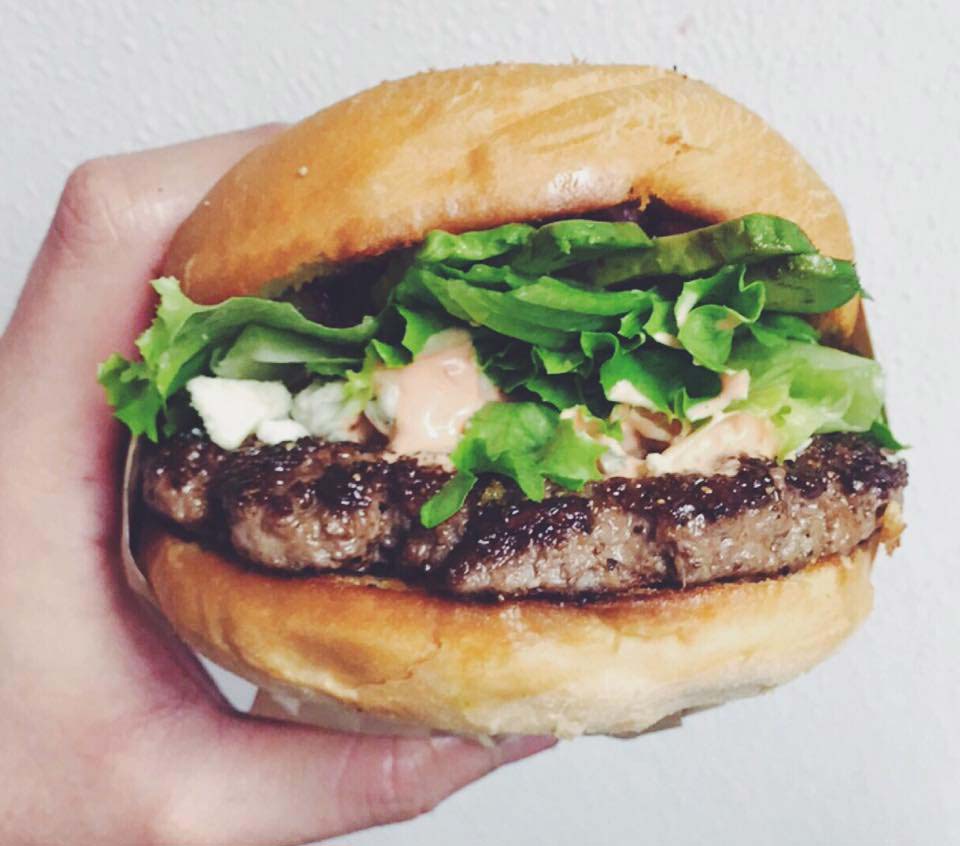
Eddie Cuellar
Restaurant owner, Tower Burger
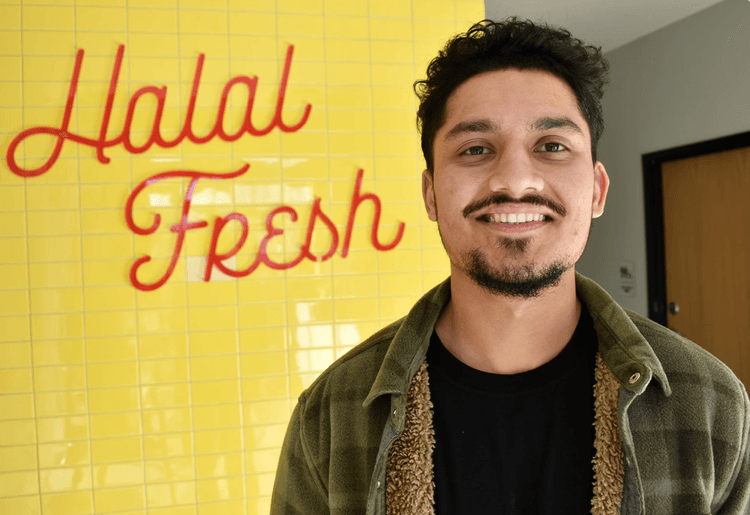
“I was originally drawn to 7shifts because of their simple and easy interface for scheduling, but when I found out they also did payroll, it was a no-brainer. My employees onboarded via the 7shifts mobile app in 10 minutes and I'm already saving hours of time when it comes to processing payroll. Total game changer.”
Fahad Hanif
Owner/Operator, Halal Guys
“If you're a restaurant professional, this is a mandate. If this is a hobby for you, by all means, use something else. Use Excel, use post-it notes if you write it down. But if you're a professional and this is your career and your actual goal is to earn profit for your business, then there's no viable solution or anything that would make sense other than this. There just isn't.”
Mike Bausch
Owner, Andolini's


More than sales
Deliver exceptional service
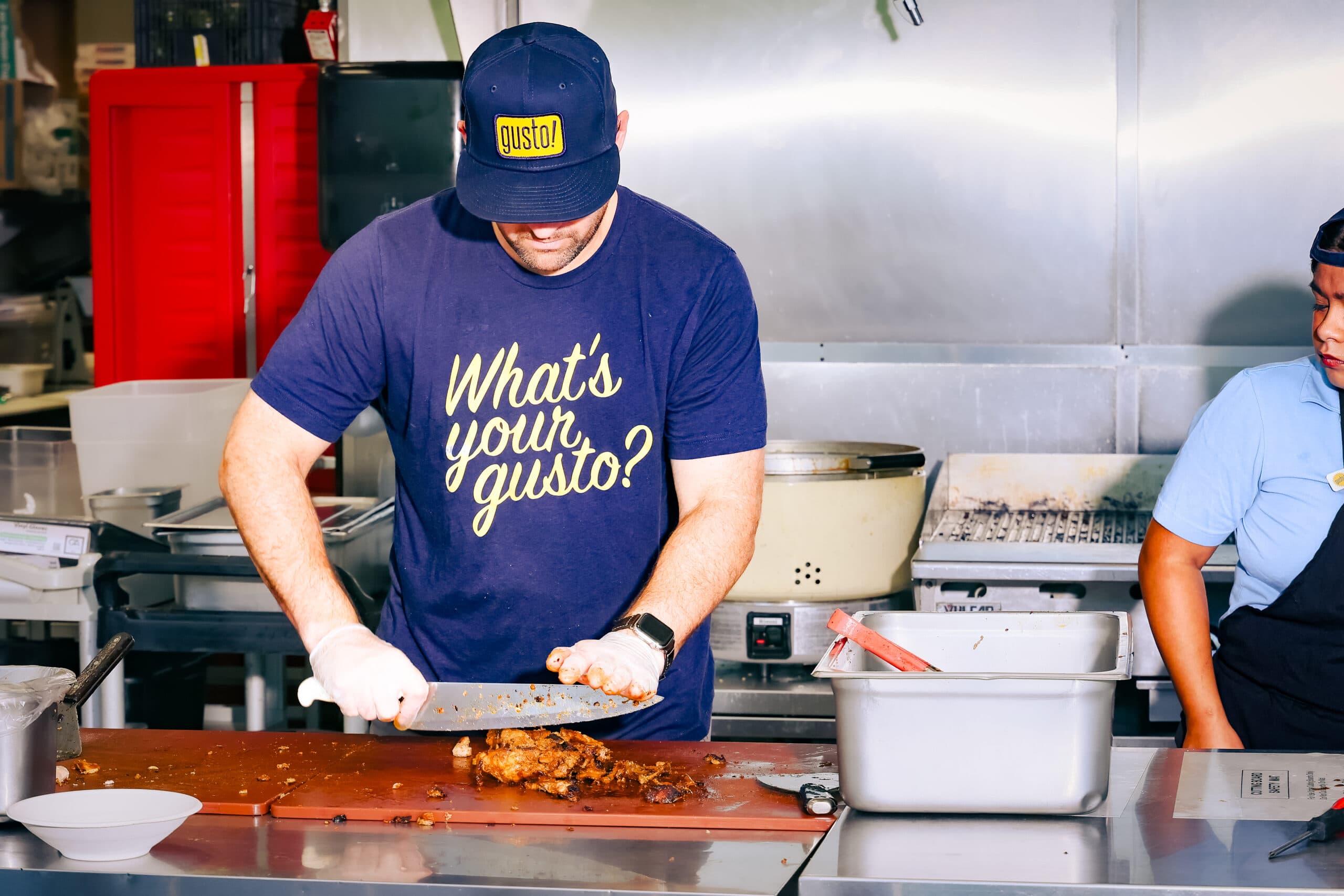
A restaurant dashboard doesn’t just track sales. It helps improve customer experience. By analyzing menu items, table turnover rate, and average check size, managers can adjust operations to enhance service speed and quality.
Keep restaurant operations efficient
From monitoring labor costs to tracking inventory, a well-designed dashboard gives restaurant owners the tools to improve efficiency and reduce waste. It lets you identify bottlenecks quickly and optimize resource allocation.
Take action with confidence
With insights from the sales dashboard, restaurant managers can confidently make strategic decisions that drive growth. The right data empowers you to proactively address challenges and create a more responsive restaurant environment.
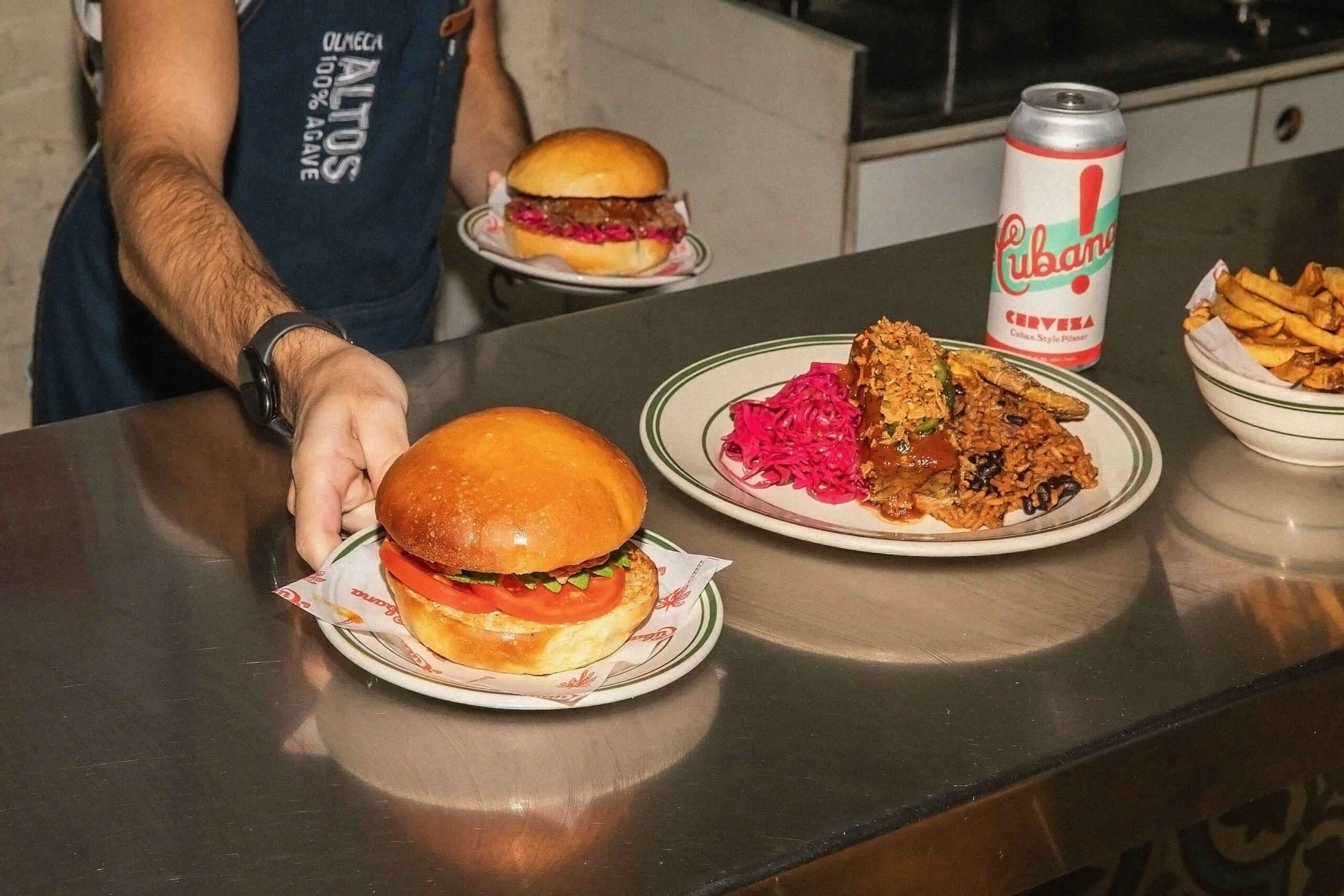
Leverage data for better business decisions







Must-have metrics in your restaurant dashboard
Actual and projected sales
Projected sales are estimates based on trends, while actual sales show real performance. Comparing both helps managers make better decisions about staffing, marketing, and menu changes.
Actual and projected labor costs
Projected labor costs help managers plan schedules, while actual labor costs show how much was actually spent on wages. Monitoring this KPI makes sure that staffing levels match sales performance and customer demand.
Cost of Goods Sold (COGS)
COGS is the total cost of ingredients used to prepare menu items. A high COGS could mean wasted food, poor inventory management, or overpriced ingredients. Keeping this in check helps restaurants stay profitable.
Average check size
The average check size measures how much each customer spends per visit. This is calculated by dividing total sales revenue by the number of transactions. Increase it by upselling menu items or offering promotions to boost restaurant sales.
Table turnover rate
A restaurant’s table turnover rate shows how many times tables are used during a shift. A higher turnover rate means more guests served, leading to higher sales. Tracking this KPI is key in making the most of your seating capacity.
Online sales and delivery performance
With more customers ordering food online, tracking online sales and delivery performance can help you increase efficiency and reach more customers. Monitor revenue from delivery platforms and average delivery times.
Find out why 1.5 million restaurant professionals love 7shifts
Monitoring sales KPIs goes beyond the spreadsheet
A basic dashboard intended for restaurant managers can provide insights to improve operations. But, modern restaurant management requires dynamic, real-time analytics. 7shifts is an all-in-one restaurant management platform that integrates with leading POS systems to pull accurate sales, labor, and performance data. Manage your business easily from anywhere while making data-backed decisions.
Real-time sales and labor tracking
Restaurant managers can visualize their restaurant’s performance in real-time by tracking sales, labor costs, and employee hours all in one place.
Data-driven decision making
7shifts provides insights that help managers make smarter business decisions by analyzing actual vs projected sales and labor costs.

Integrated labor management
Unlike a basic dashboard template, 7shifts combines sales data with labor management tools to create a single solution for restaurant management.
Free Restaurant Management Templates
See all templates
Restaurant ROI Calculator
Use this simple and free restaurant ROI calculator to see how much money you will save on labor by implementing software.
Download now
Food Cost Percentage Template
Get the free food cost percentage template for your restaurant to easily manage and reduce food costs.
Download now
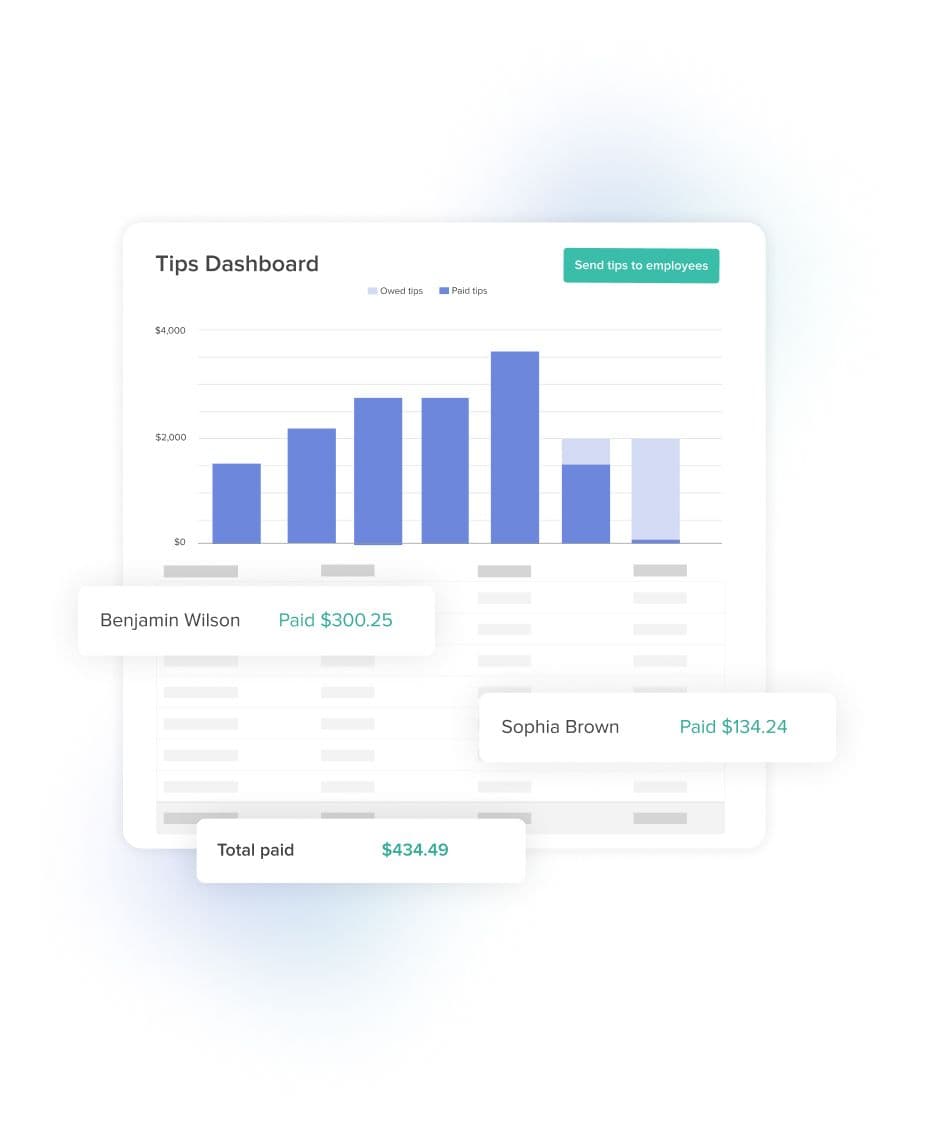
Tip Pooling Template
Download the free excel tip pooling calculator to help determine and distribute tips to your employees using tip pools.
Download now
Restaurant Schedule Template
Get the best restaurant excel-file schedule template to help create your staff work schedules.
Download now

FAQs
You've got questions, we've got answers!
The first step to setting up a dashboard for restaurant sales is choosing the right dashboard template or software. You want one that lets you monitor key KPIs at a glance.
Some dashboards require you to manually input sales data, while robust restaurant management software like 7shifts integrates directly with your POS system for automatic tracking.
Consider factors like ease of use, real-time reporting capabilities, and the ability to track multiple metrics simultaneously. A well-designed restaurant dashboard allows you to monitor menu items to see which are the most profitable. You should also set up user access for restaurant managers so that multiple team members can view and update the dashboard when needed.
A sales dashboard lets you dig deeper into actual sales figures by tracking the performance of individual items. By analyzing which dishes are popular among customers and have the highest profit margins, restaurant owners can make data-driven decisions about which items to highlight on their menus.
Menu optimization might involve removing underperforming items, adjusting pricing, or creating new menu combinations based on insights from sales data. You can also track ingredient costs associated with each menu item to make sure all dishes are profitable.
Tracking the COGS for each recipe helps you identify which menu items are generating the most revenue while maintaining cost-effectiveness. This way, you can adjust your menu to keep your restaurant competitive and sustainable.
Yes, a sales dashboard can generate automated reports that help restaurants track sales, labor costs, and performance without spending hours on manual calculations. With an Excel template, you can set up formulas to automatically calculate key metrics and visualize them in a graph with a few clicks.
Meanwhile, modern restaurant management platforms like 7shifts offer more advanced automated reporting features. These tools can generate comprehensive reports that include detailed breakdowns of sales performance, labor costs, employee productivity, and other critical business insights.
Analyzing past and current sales reports lets managers forecast restaurant sales volume more accurately and prevent overordering inventory. This ensures that menu items are prepped in the right quantities, minimizing spoilage and unnecessary waste.
Monitoring COGS in a sales dashboard also helps restaurant operators identify wasteful spending on unused ingredients. If a particular menu item isn’t selling well, the data will show it, allowing managers to adjust portion sizes, change recipes, or remove it from the menu to prevent waste.
Yes, multiple restaurant managers can access and update a sales dashboard simultaneously. Most restaurant dashboards are cloud-based, allowing real-time collaboration from different devices.
For an Excel-based sales dashboard template, you can upload or create a copy of it on Google Sheets to make it more accessible to your managers anywhere they are. This allows multiple users to view, edit, and update sales data in real-time without needing to send files back and forth.
On the other hand, 7shifts is a cloud-based app that lets you easily share dashboard access with multiple team members. The platform provides role-based permissions, so you can control what level of information each manager can view or modify.
Most full-service restaurants target a labor cost between 28% and 35% of total sales. Quick-service restaurants typically run lower, closer to 25–30%, because of leaner staffing models. Your ideal number depends on your concept, average check size, and local wage rates — but if your labor cost percentage is consistently above 35%, it’s worth reviewing your schedule against your actual sales volume. Tracking this weekly in your dashboard is the fastest way to catch the problem before it compounds.
A dashboard template shows you the numbers — but you have to enter them yourself and build the reports manually. 7shifts connects directly to your POS system (including Toast, Square, Lightspeed, and TouchBistro) to pull real-time sales and labor data automatically, so your dashboard is always up to date. It also combines that data with scheduling, time clocking, and payroll tools, so you can act on what you see — like adjusting tomorrow’s schedule based on today’s sales — without switching between systems. The template is a good starting point; 7shifts is what you use when the manual work stops being worth it.