

Free Restaurant Employee Availability Form Template
Stay organized with an easy-to-use free employee availability form
- Avoid shift conflicts
- Cover all shifts
- Make scheduling faster


Staff Availability Template.xlsx
What is an employee availability form?
An employee availability form is a piece of paper on which your employees indicate when they can and cannot work. It helps managers create better schedules by tracking availability and avoiding last-minute shift changes.
How to use the free availability form
1. Create a new sheet for each role (FOH, BOH, management).
2. Enter restaurant name, schedule period, and operation hours.
3. List employees under the right job roles.
4. Save and distribute the form.
5. Let employees mark their availability.
6. Review and update as needed.
What should your staff schedule form include?
An employee availability form should include the employee’s name, role, and the days and times they are available or unavailable to work. It’s also good to add their contact information to make it easier to reach them in case of schedule changes.
How often should employees update their schedule?
Employees should update their availability form every week to maintain accurate restaurant schedules and avoid last-minute shift conflicts. If there’s a change in availability, they should inform managers as soon as possible for adjustments.
How does this free employee availability form template compare to 7shifts?
Staff availability Excel template versus a robust team management platform.
 | Manager Log Book Template | |
| Easy schedule builder |  |  |
| Customizable to your restaurant | | |
| Free | | |
| Shareable with your team | | |
| Includes employee roles, names, and daily availability | | |
| Free mobile apps | |  |
| Staff easily submit their availability online for manager approval | | |
| Staff can easily request time-off for approval | | |
| Schedule is automatically updated with availability and time off | | |
| Staff can easily swap shifts | | |
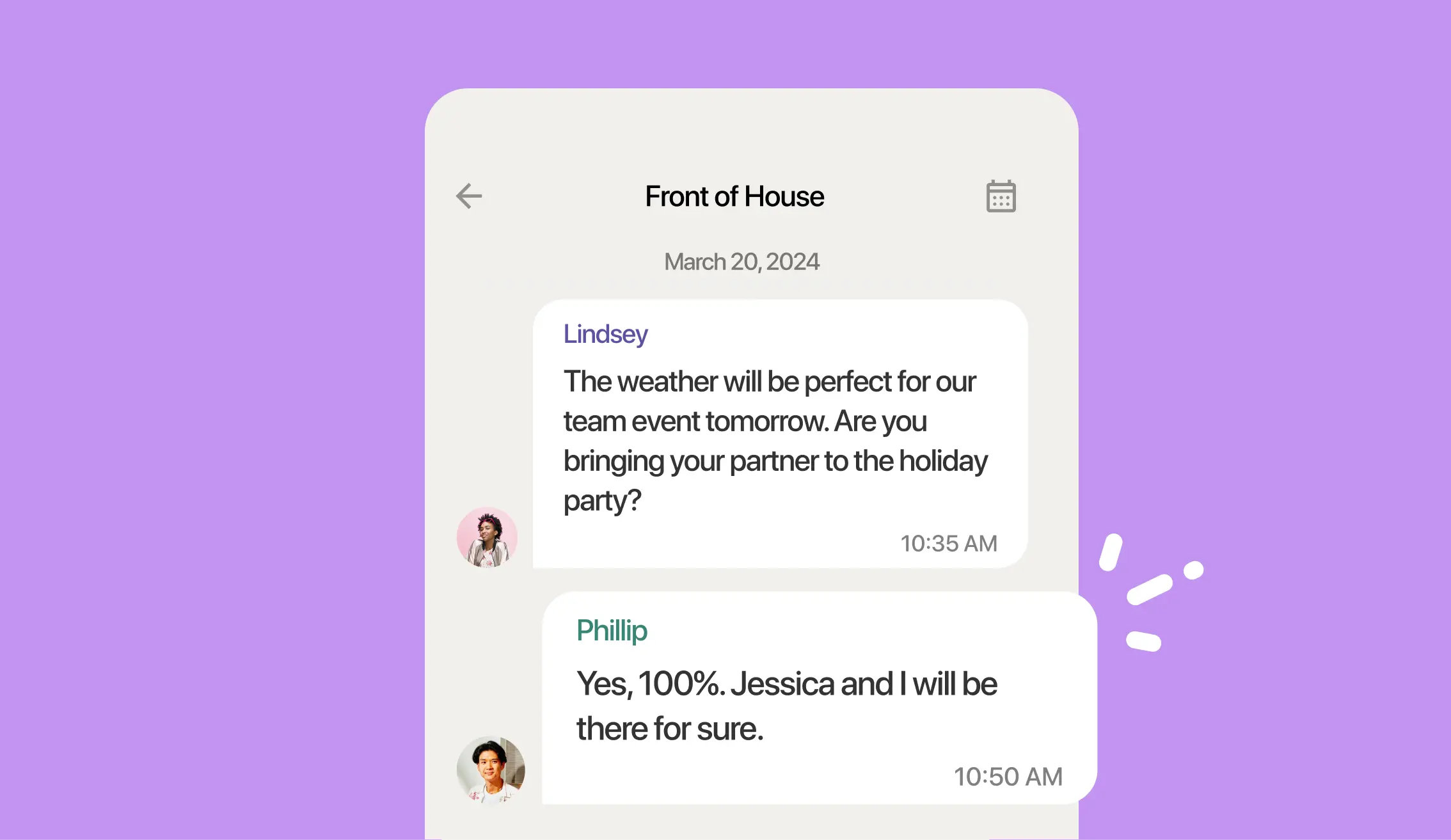
| Communication tools (chat, announcement) | | |
| Sales and weather forecasts | | |
| Labor budgeting tools | | |
Why do restaurants need a staff schedule form?








Keep employee work schedules organized
Run your restaurant smoothly by keeping employee schedules well-documented and transparent. Templates and scheduling tools provide managers with a single place to manage staff shifts.
Avoid shift shortages and overtime
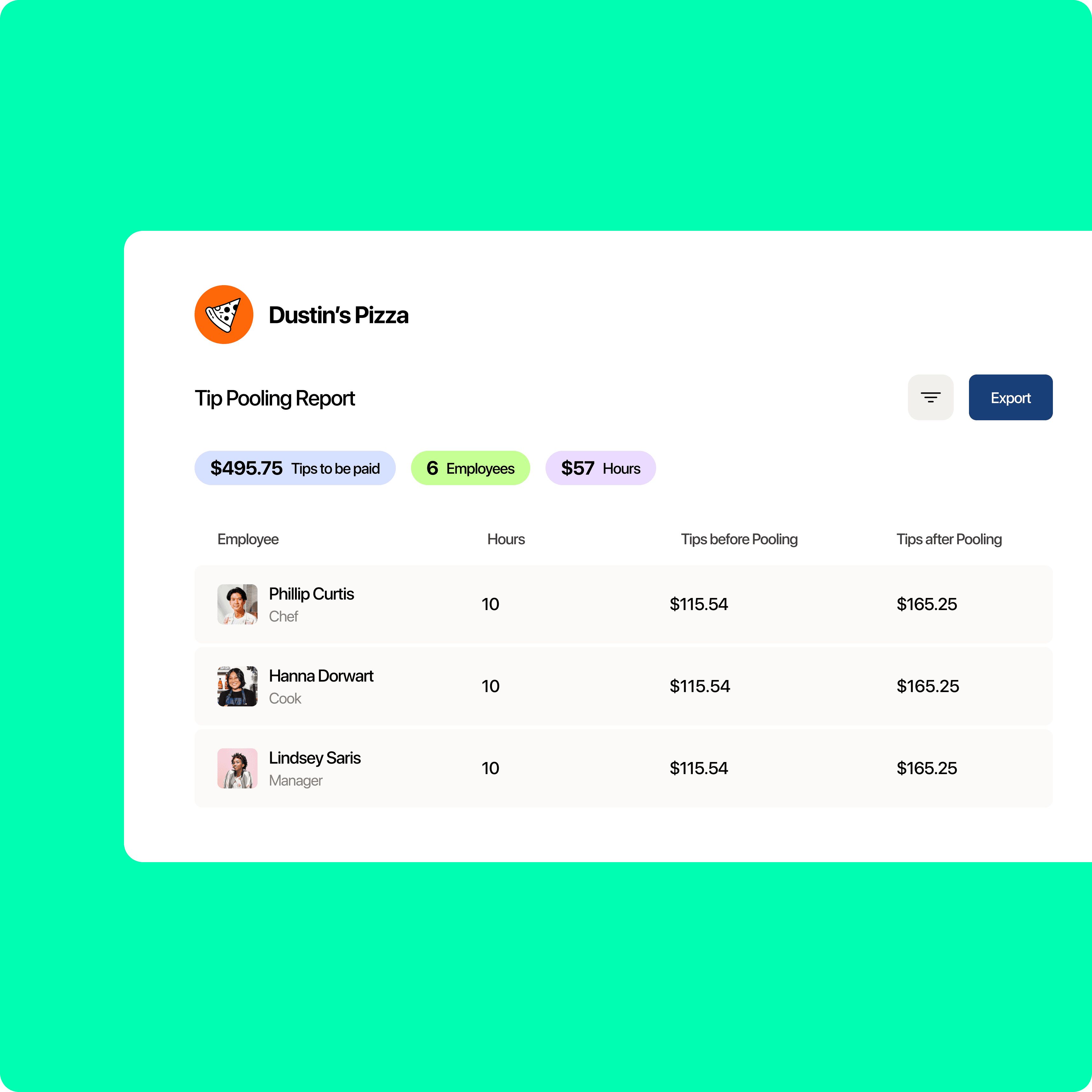
A clear availability form helps restaurants identify potential shift gaps and reduce unnecessary overtime. Effective scheduling balances your team’s workload and prevents unnecessary labor costs.
Save time and reduce scheduling confusion
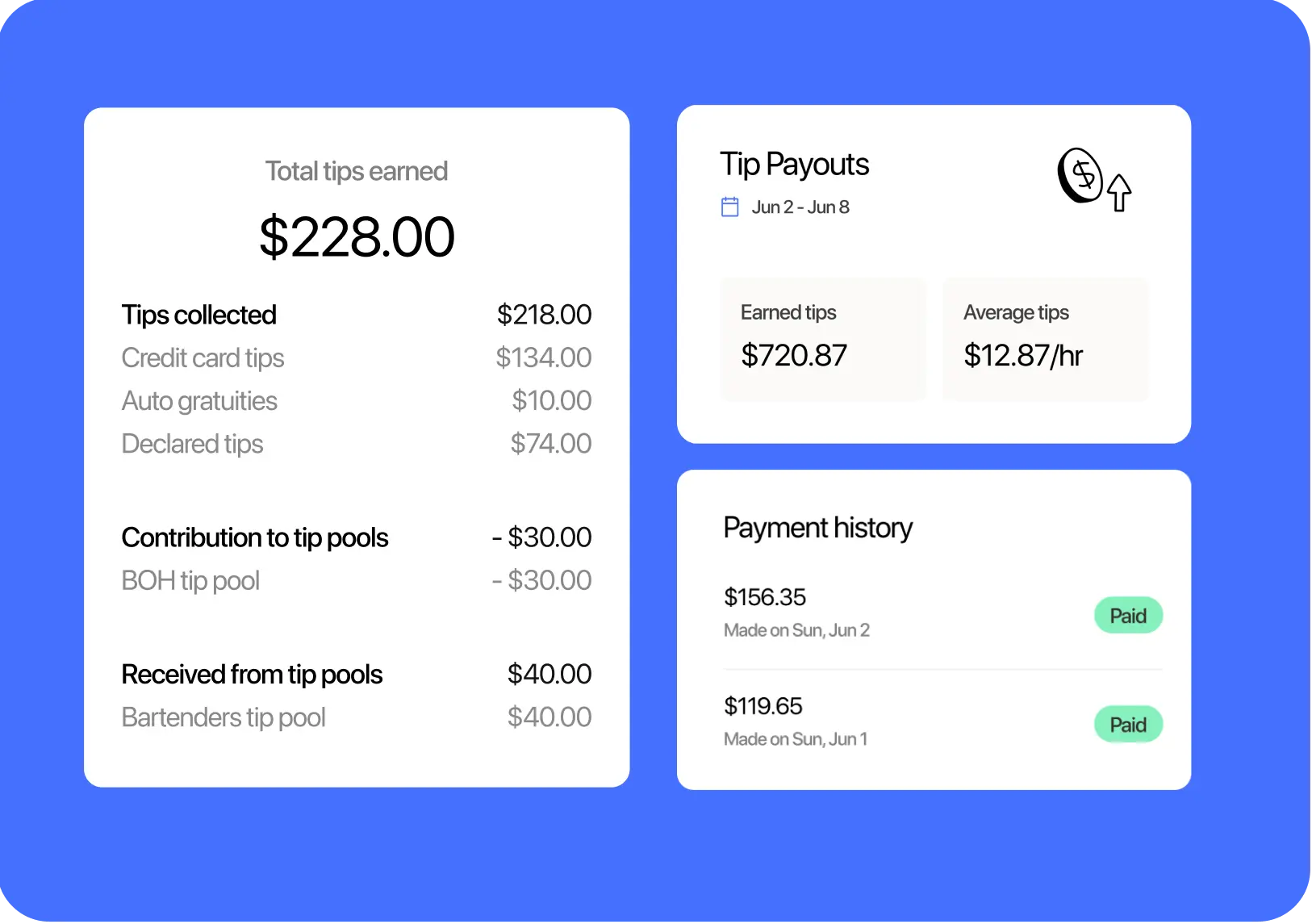
Having a single file for your team’s schedule saves you time from constantly calling or messaging employees to confirm their availability. It also keeps employees informed about their shifts to avoid confusion.

Improve team communication
An employee availability sheet lets your team communicate their work preferences clearly. It helps staff coordinate their schedules without sacrificing personal commitments, demonstrating respect for employees’ work-life balance.
Comply with labor laws
This form helps restaurants follow labor laws by making sure employees are scheduled within legal work hours. It also prevents over-scheduling and upholds the required breaks for a healthy work environment.
Have a reference for future schedules
Keeping track of employee availability forms allows restaurants to build better schedules over time. By reviewing past availability, managers can anticipate work patterns and plan for busy periods.

Find out why 1.5 million restaurant professionals love 7shifts
Tracking shift schedules is just one piece of the puzzle
Checking employee availability is important, but it’s just one part of running a smooth restaurant. Tools like 7shifts can boost your operational efficiency by offering scheduling, shift swaps, and real-time updates.
Quick and easy schedule creation
7shifts helps you build schedules in minutes, saving you time and reducing your work stress. With drag-and-drop tools, managers can quickly adjust shifts without needing multiple forms or spreadsheets.
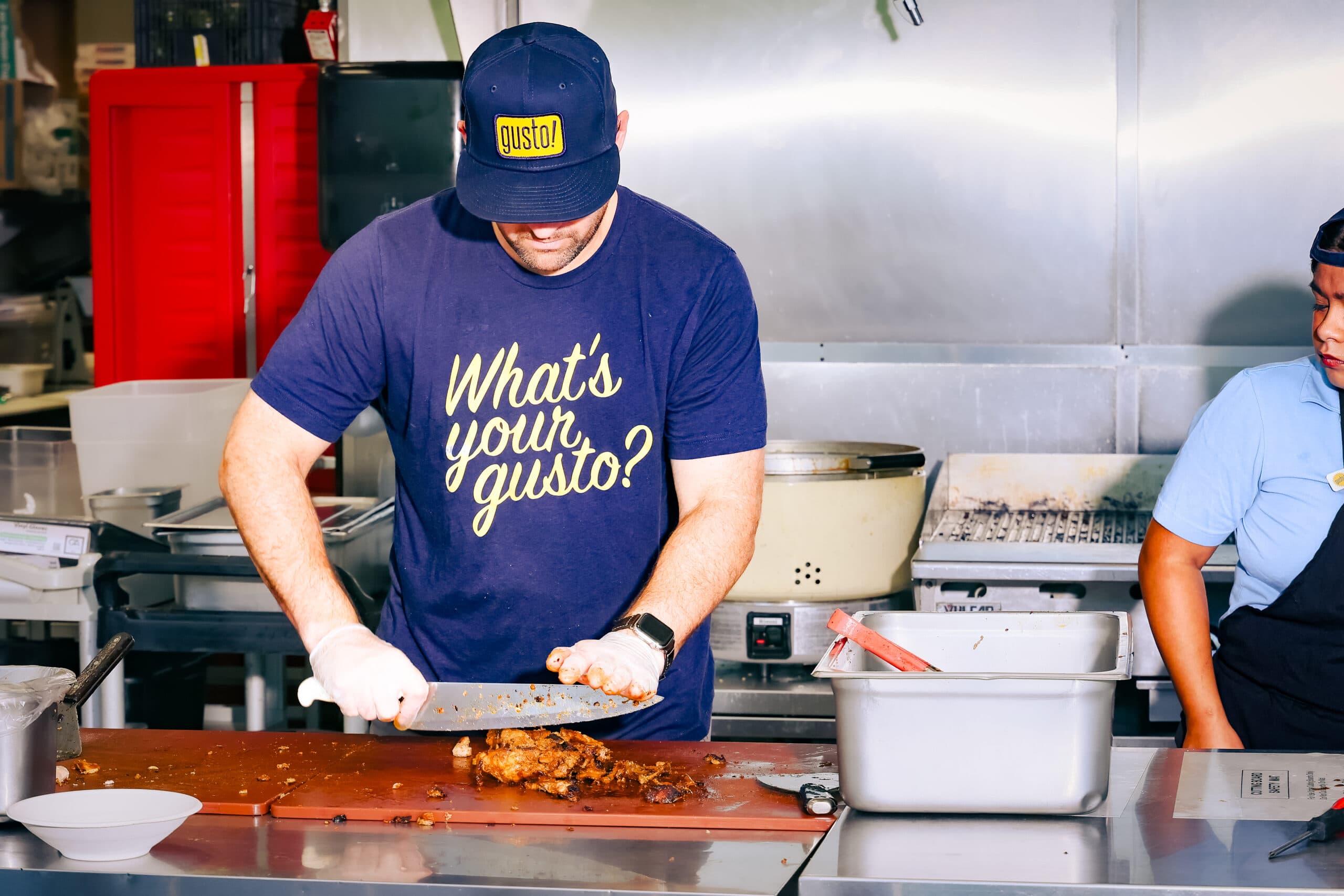
Shift swaps without the hassle
Employees can easily swap shifts within the app and reduce last-minute scrambling to fill spots. Managers can approve swaps quickly so that every shift is covered without disrupting the schedule.
Automatic availability updates
7shifts syncs employee availability with the schedule, so there’s no need for manual updates. Whenever an employee changes their availability, the schedule reflects the change automatically.
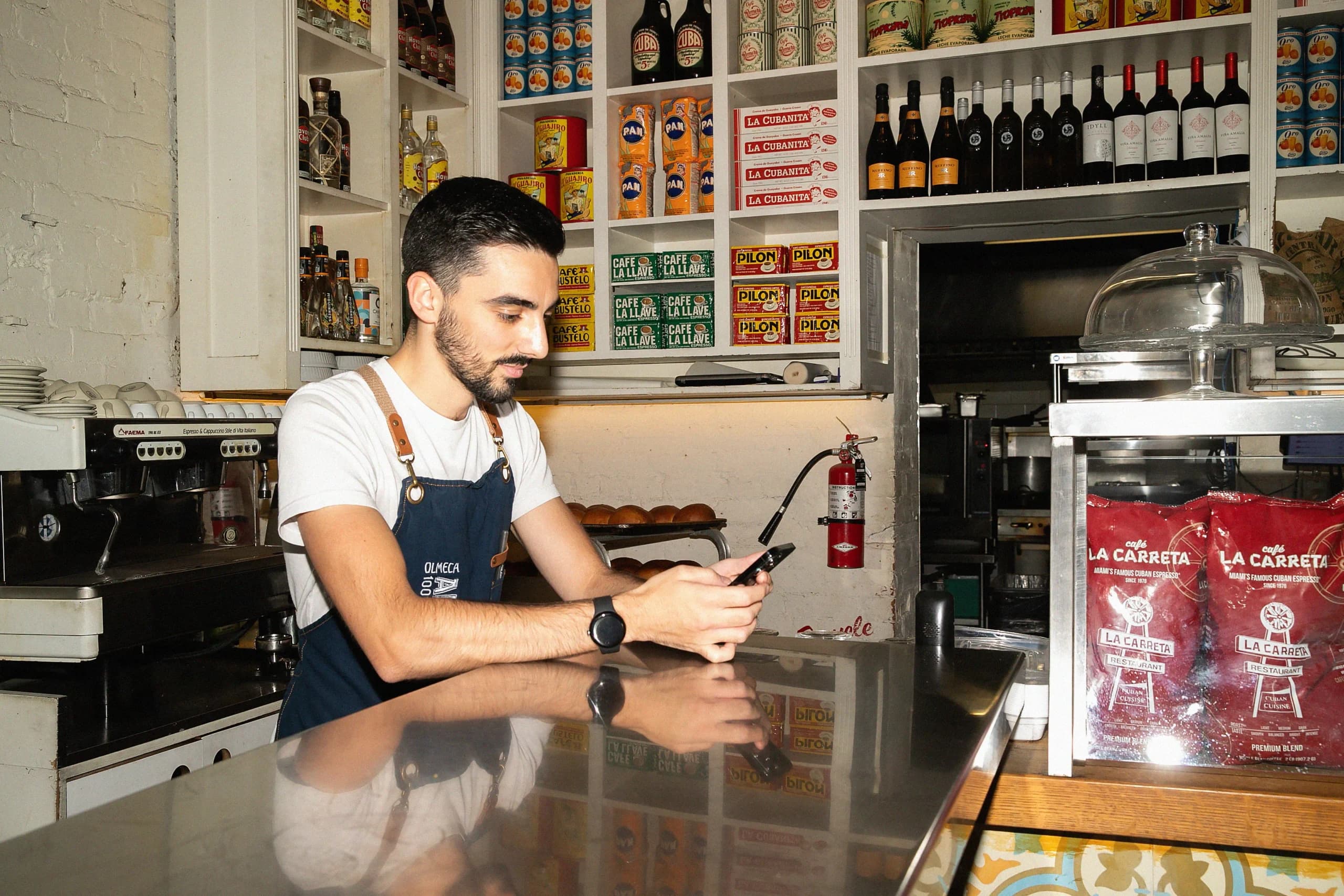
Reduce no-shows with shift reminders
Automated shift reminders help employees stay on track of work commitments. Employees get notified before their shift, so there’s no need for last-minute calls or emails, reducing no-shows.
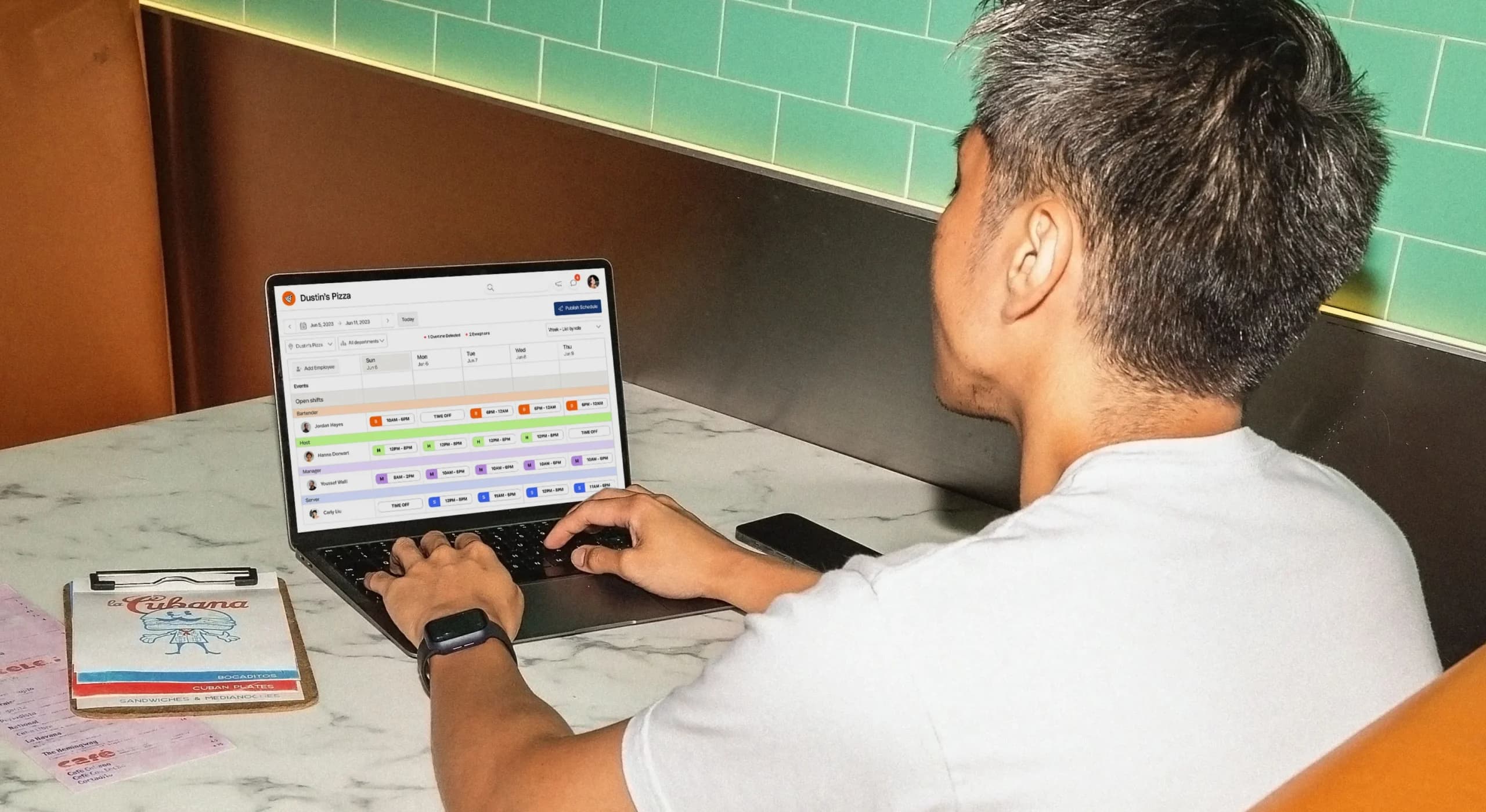
Eliminate unnecessary paperwork
With 7shifts, employees can submit their work availability online. This way, managers no longer need to sort through piles of paper or digital files to track employee schedules, reducing administrative burden.
Consider employee preferences
Employees can set their preferred shifts, so they’re scheduled at the best times for them. This improves employee satisfaction and reduces turnover by creating a work environment that considers individual needs.

Transition from paper forms to digital scheduling
Switching from a paper form template to a digital scheduling system saves time and reduces errors. With a platform like 7shifts, you can track employee availability and update schedules in real-time, improving overall efficiency.
How employees benefit from digital scheduling
Digital scheduling gives employees more control over their work lives. They can easily view their shifts, request time off, and communicate schedule changes directly through the 7shifts app.
How managers benefit from digital scheduling
Tools like 7shifts save managers time by automating scheduling tasks. They can quickly create shifts, approve time-off requests, and manage team availability with just a few clicks.
How restaurant owners benefit from digital scheduling
Restaurant scheduling software provides restaurant owners with deeper insights into labor costs, specifically through scheduling efficiency and team performance. This data can help them improve the business’s bottom line.
Take the stress out of scheduling with 7shifts

Frequently asked questions
A restaurant employee availability form should include the employee’s full name, job role (e.g., server, line cook, host), and their available and unavailable days and times for each day of the week. It’s also worth capturing their preferred shift times, a contact phone number or email, and the date the form was last updated. For restaurants with FOH and BOH staff, organizing the form by department makes it easier to spot coverage gaps at a glance. The more specific the information you collect upfront, the less back-and-forth you’ll deal with when building the weekly schedule.
The most common way to collect employee availability is to distribute a paper or digital form at the start of employment and ask staff to update it whenever their availability changes. For restaurants, a digital form or scheduling app works better than paper because it’s easier to store, search, and update — especially when you’re managing 15 or more staff across FOH and BOH roles. Tools like 7shifts let employees submit and update their availability directly through a mobile app, which automatically syncs with the schedule so managers don’t have to manually cross-reference forms. Starting with a free template is a good first step if you’re not ready to switch to software yet.
Restaurant employees should update their availability any time their availability changes permanently (like a new class schedule or a second job). Requiring updates on a set cadence, such as by Thursday for the following week’s schedule, helps managers avoid last-minute conflicts and reduces the number of shift swap requests. If you’re using a paper or spreadsheet form, build a reminder into your weekly routine; if you’re using a platform like 7shifts, employees can update their availability anytime through the app and managers are notified automatically. Consistent availability updates are one of the simplest ways to cut down on no-shows and understaffing.
No — an availability form and a schedule are two different documents that work together. The availability form is filled out by employees to show when they can work; the schedule is created by the manager to show when they will work. Think of the availability form as the input and the schedule as the output. Using a clear availability form before you build the schedule saves you from having to redo shifts after the fact.
Yes, a free Excel template is a practical starting point, especially for smaller restaurants or those just moving away from paper forms. It lets you organize availability by employee name, role, and day of the week in one place. The main limitation is that Excel doesn’t update automatically — if an employee’s availability changes, someone has to manually edit the file, which creates room for error. For restaurants with 15 or more staff, a scheduling platform like 7shifts handles availability updates automatically and keeps the schedule in sync.
Availability refers to when an employee can work — the hard limits set by personal commitments, a second job, or school. Preferences refer to when an employee wants to work — their ideal shifts or days. Both matter for building a schedule that reduces no-shows and keeps staff happy. A good availability form captures both: it asks for unavailable times as well as preferred shifts. In 7shifts, employees can set both availability and shift preferences directly in the app, so managers have the full picture before they build the schedule.
When an employee’s availability changes after the schedule is already posted, the manager needs to decide whether to adjust the existing schedule or address it in the next scheduling period. For urgent changes, the fastest fix is to open the shift up for a swap so another qualified employee can pick it up. In 7shifts, employees can submit availability changes through the app, and managers get a notification to approve or deny the update — no phone tag required. Building a clear policy around how much notice employees need to give for availability changes (e.g., 72 hours) also helps reduce last-minute scrambling.
It depends on the size of your restaurant and how complex your scheduling is. For smaller restaurants with fewer than 15 staff, one form that includes a “role” field works fine. For larger operations with distinct FOH and BOH teams, separate sheets or tabs — one per department — make it easier to spot coverage gaps by role. The free 7shifts availability template is organized by role, so you can set up separate sheets for servers, hosts, line cooks, and other positions without starting from scratch. The goal is to make sure you can see at a glance whether you have enough coverage in each area for every shift.
Free Restaurant Management Templates
See all templates

Restaurant Cleaning Template
Get the cleaning checklist to help you and your staff stay accountable and ensure cleaning duties are completed properly.
Download now
Server Closing Duties Template
Get the closing checklist template to help you and your ensure closing duties are completed properly.
Download now
Time-Off Request Template
Get the free restaurant time-off request template to easily manage employee requests.
Download now
Restaurant Schedule Template
Get the best restaurant excel-file schedule template to help create your staff work schedules.
Download now