Leave No Tasks Unfinished
Free restaurant cleaning checklist template
- Outline all cleaning duties that need to be completed
- Differentiate tasks between FOH and BOH or by department to boost accountability
- Completely customizable to your restaurant

Restaurant Cleaning Checklist Template.doc
How to use your restaurant cleaning checklist template
Make your space shine with this editable and customizable cleaning checklist.
1. Open the template and add your restaurant, date, and manager details.
2. Edit the expected cleaning duties for each department and role.
3. Add new sections as needed.
4. Save the document with your changes and distribute to staff.

How does 7shifts compare to this free template?
Closing checklist Excel template versus a robust team management platform.
 | Restaurant Cleaning Checklist | |
| Create unique cleaning tasks |  |  |
| Customizable to your restaurant | | |
| Free | | |
| Automatically assign checklist based on shifts or roles | |  |
| Add instructions for checklists | | |
| Get notified of task or checklist completion | | |
| Customize or change checklists on-the-go | | |
| Create different checklists or days, weeks, or months | | |
| View checklist completion rates | | |
| Checklists are digital | | |
Manage your team beyond a paper checklist with 7shifts

Improve team accountability
You want to keep your team accountable for cleaning tasks while still providing them with guidance on what needs to be done. You get that and more with 7shifts. Ditch the paper checklists and whiteboards, and get a continually updated digital restaurant task management system that managers and staff both love.

Up engagement
Increasing communication and expectations can make a huge difference in the lives of your staff. Knowing who is responsible for what tasks, and when they have done them right, means the team can function better together.

Don’t hope it gets done…
Know when it gets done. With 7shifts you receive real-time notifications whenever a cleaning checklist task is completed, who completed it, and which checklist tasks are outstanding. With a complete report on who is completing which checklist tasks and when, you’ll be able to easily stay on top of team accountability.
Integrations to power the future of your restaurant
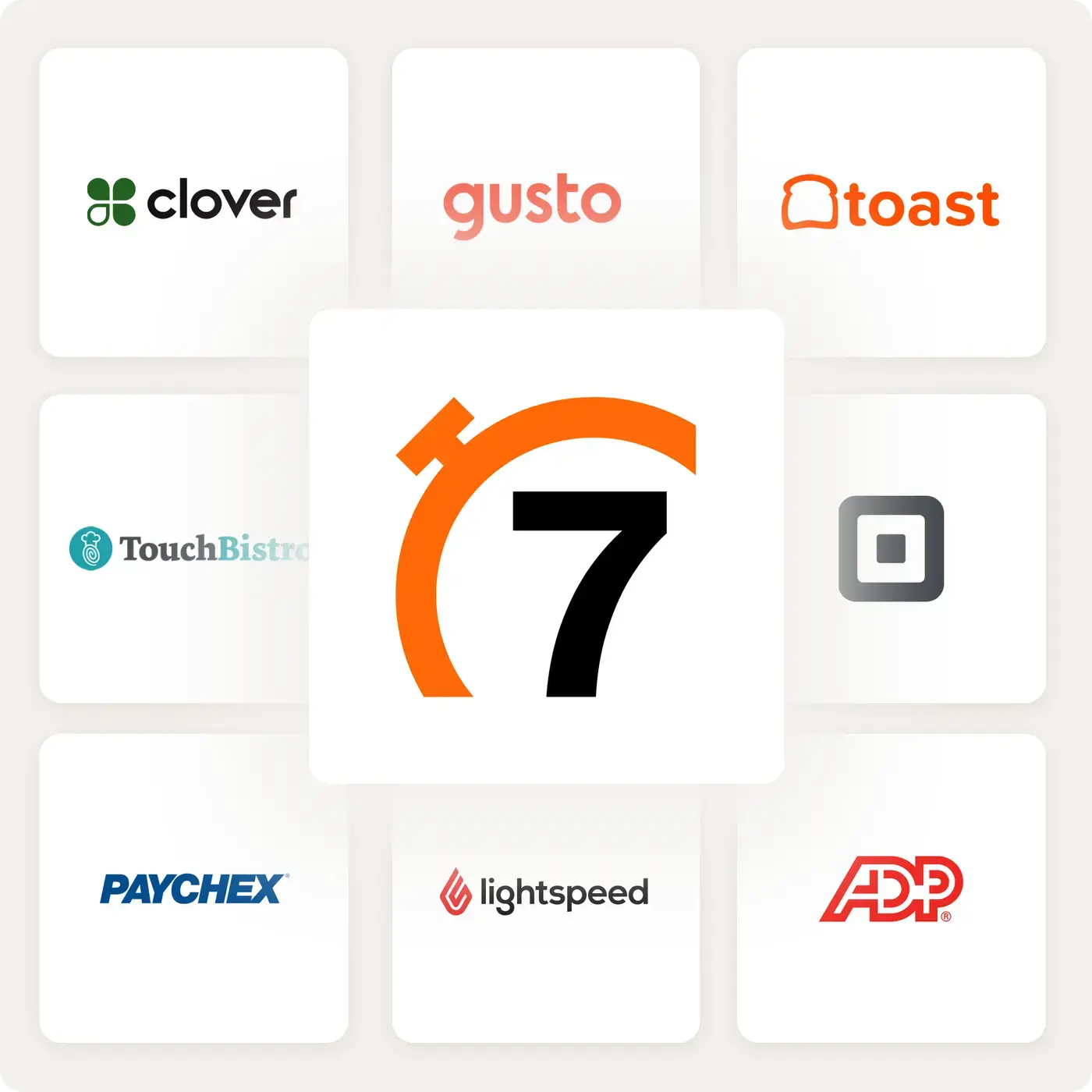
Connect the systems you trust to power your restaurant. 7shifts integrates with dozens of leading POS, payroll, and technologies to create future-proof restaurant schedules and simplify payroll.
“It is SO easy to use. It is intimidating at first familiarizing yourself with the platform but after a few minutes it feels so natural using it. I used to do all of my scheduling on an excel spreadsheet. It would take two or three times as long as it takes me now on 7shifts.”
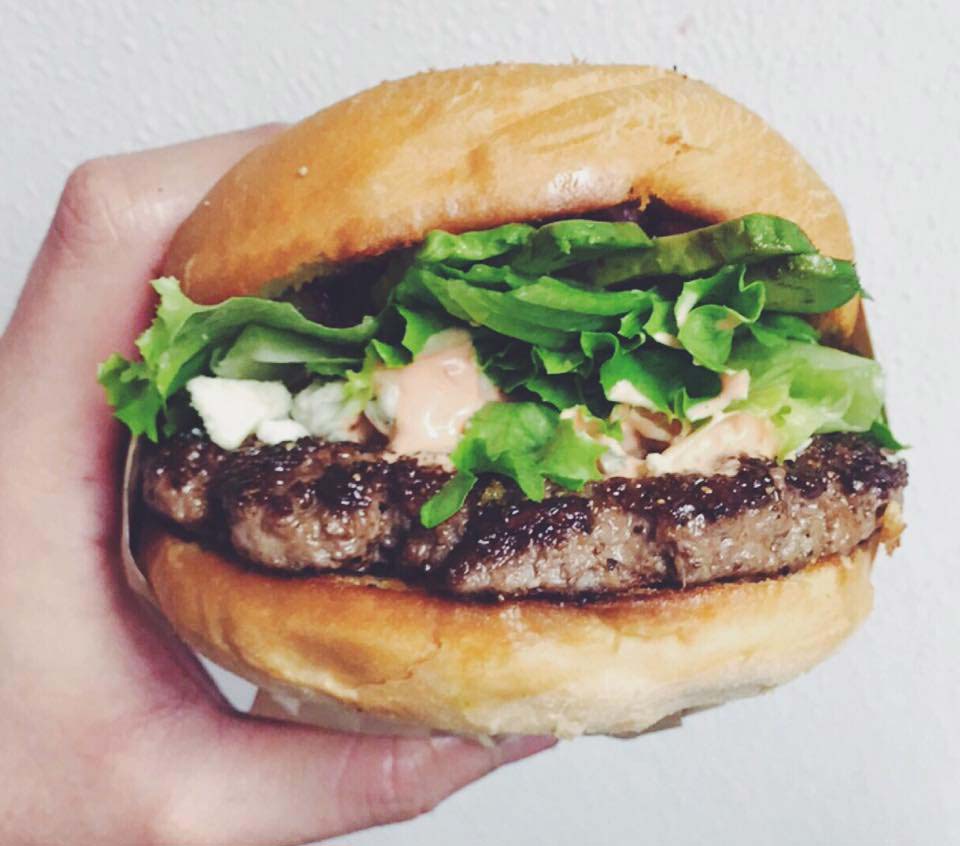
Eddie Cuellar
Restaurant owner, Tower Burger
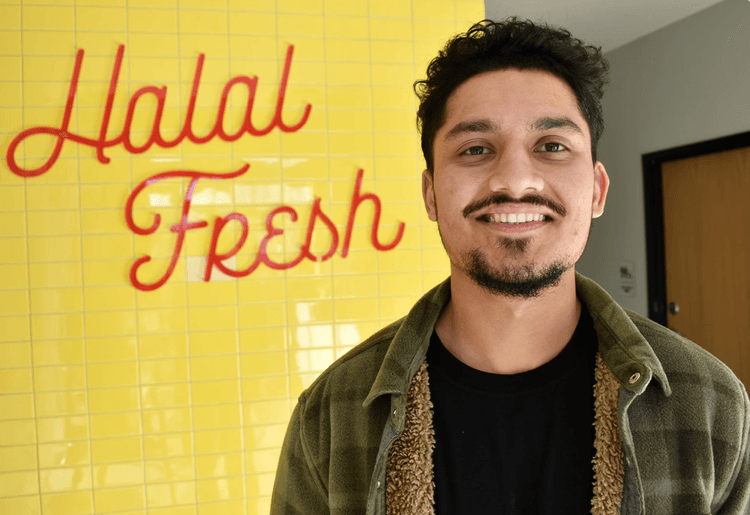
“I was originally drawn to 7shifts because of their simple and easy interface for scheduling, but when I found out they also did payroll, it was a no-brainer. My employees onboarded via the 7shifts mobile app in 10 minutes and I'm already saving hours of time when it comes to processing payroll. Total game changer.”
Fahad Hanif
Owner/Operator, Halal Guys
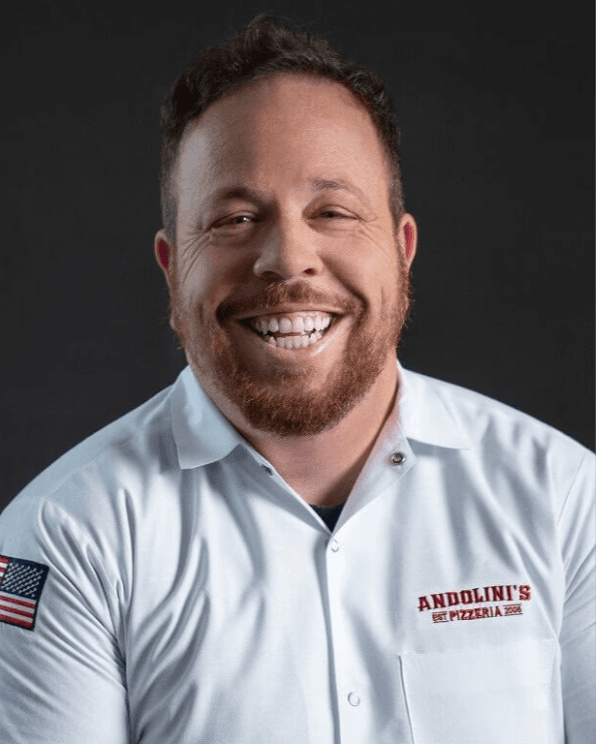
“If you're a restaurant professional, this is a mandate. If this is a hobby for you, by all means, use something else. Use Excel, use post-it notes if you write it down. But if you're a professional and this is your career and your actual goal is to earn profit for your business, then there's no viable solution or anything that would make sense other than this. There just isn't.”
Mike Bausch
Owner, Andolini's

Find out why 1.5 million restaurant professionals love 7shifts

Frequently asked questions
A daily cleaning checklist covers the tasks your team does every shift — wiping surfaces, sanitizing prep areas, mopping floors, and cleaning equipment after service. A deep cleaning checklist covers less frequent but more intensive tasks, like scrubbing behind the fryer, descaling equipment, cleaning hood vents, and washing walls. Both are essential: daily cleaning keeps your restaurant safe and sanitary shift to shift, while deep cleaning prevents the buildup that daily tasks can’t catch. Most operators run deep cleans weekly or monthly depending on their volume.
Yes — the template is fully editable in Word or Google Docs, so you can add, remove, or rename tasks to match how your restaurant actually operates. You can organize it by department (FOH, BOH, bar), by role (line cook, busser, dishwasher), or by frequency (daily, weekly, monthly) — whatever makes the most sense for your team. Once you’ve customized it, save it and distribute it to your staff digitally or print it out for each station. If you want to go further, 7shifts’ task management feature lets you assign checklists digitally, tied directly to shifts and roles, so the right tasks always reach the right people.
Yes — health inspectors check that your restaurant meets local food safety codes, which typically include requirements for how often surfaces, equipment, and facilities are cleaned and sanitized. While the exact rules vary by state or province, most codes require that food-contact surfaces be sanitized after every use, floors and walls be kept clean and in good repair, and equipment like fryers and grills be cleaned regularly. Keeping a completed cleaning checklist on file is a smart habit — it shows inspectors that you have a documented system in place, which can work in your favor during an inspection.
A paper checklist tells your team what to do — but it can’t tell you whether it actually got done. With 7shifts’ task management, managers receive real-time notifications when each task is completed, can see who completed it, and can pull reports on completion rates over time. You can also assign checklists automatically based on shifts or roles, add instructions to individual tasks, and update checklists on the fly without reprinting anything. For operators managing multiple locations or large teams, that visibility makes a real difference in keeping standards consistent.
A solid end-of-day restaurant cleaning checklist should cover: wiping down and sanitizing all prep surfaces and cutting boards, cleaning and covering all food storage containers, scrubbing the grill, flat top, and fryer, sweeping and mopping all kitchen and dining room floors, cleaning the bathrooms, emptying all trash and recycling bins, wiping down the bar and POS terminals, and turning off and securing all equipment. Assigning each task to a specific role — rather than leaving it to whoever’s closing — is what ensures nothing gets skipped. A checklist template makes it easy to standardize this across every shift.
Free Restaurant Management Templates
See all tempaltes

Employee Training Manual
Get the free restaurant employee training manual template for word to document your restaurant processes.
Download now
Server Duties Template
Get the free restaurant server checklist template for word to improve server accountability.
Download now

Staff Availability Template
Get the employee availability template to schedule your staff, and identify vacation and time-off requests.
Download now
Restaurant Schedule Template
Download the best restaurant excel-file schedule template to help create your staff work schedules.
Download now