

Free Timecard Calculator Template
Spend less time managing timesheets with this timecard calculator
- Calculate staff shifts in seconds
- Stay compliant with breaks and overtime
- Completely customizable to your restaurant


Timecard Calculator Template.xlsx
How to use your time calculator template
Add up staff timecards in seconds – saving you time and money.
1. Fill out each field with shift times as AM/PM.
2. Add in break times (if applicable) to stay ahead of compliance.
3. Duplicate tabs for each employee.
4. Your timecard is ready.


Digital Time Tracking
Keeping track of your employees’ hours and overtime can be a full time job. Ease the workload by transitioning from a punch clock to this easy-to-use template. Best of all it keeps your records for payroll updates and easily accessible.

Compliance Problems
If you’ve got compliance on the brain, a time tracking tool like 7shifts can give you some peace of mind. The free integrated time clock allows your staff to clock in and out easily, and allows you access to robust reports about attendance and compliance.
What is the purpose of a time card calculator?
A time card calculator takes the raw shift times your team worked and turns them into totals you can use for payroll. It helps you catch common issues like missing breaks, time entry mistakes, or totals that don’t match what you scheduled.
What’s the difference between a timecard and a timesheet?
A timecard records the specific times an employee clocks in and out each shift, while a timesheet summarizes the total hours worked over a pay period — usually a week or two weeks. In practice, most restaurant managers use the terms interchangeably, but the distinction matters for payroll: timecards give you the raw data, and timesheets give you the totals you hand off to payroll. For restaurants, both documents need to account for breaks, overtime, and any tip credits to stay compliant with wage and hour laws.
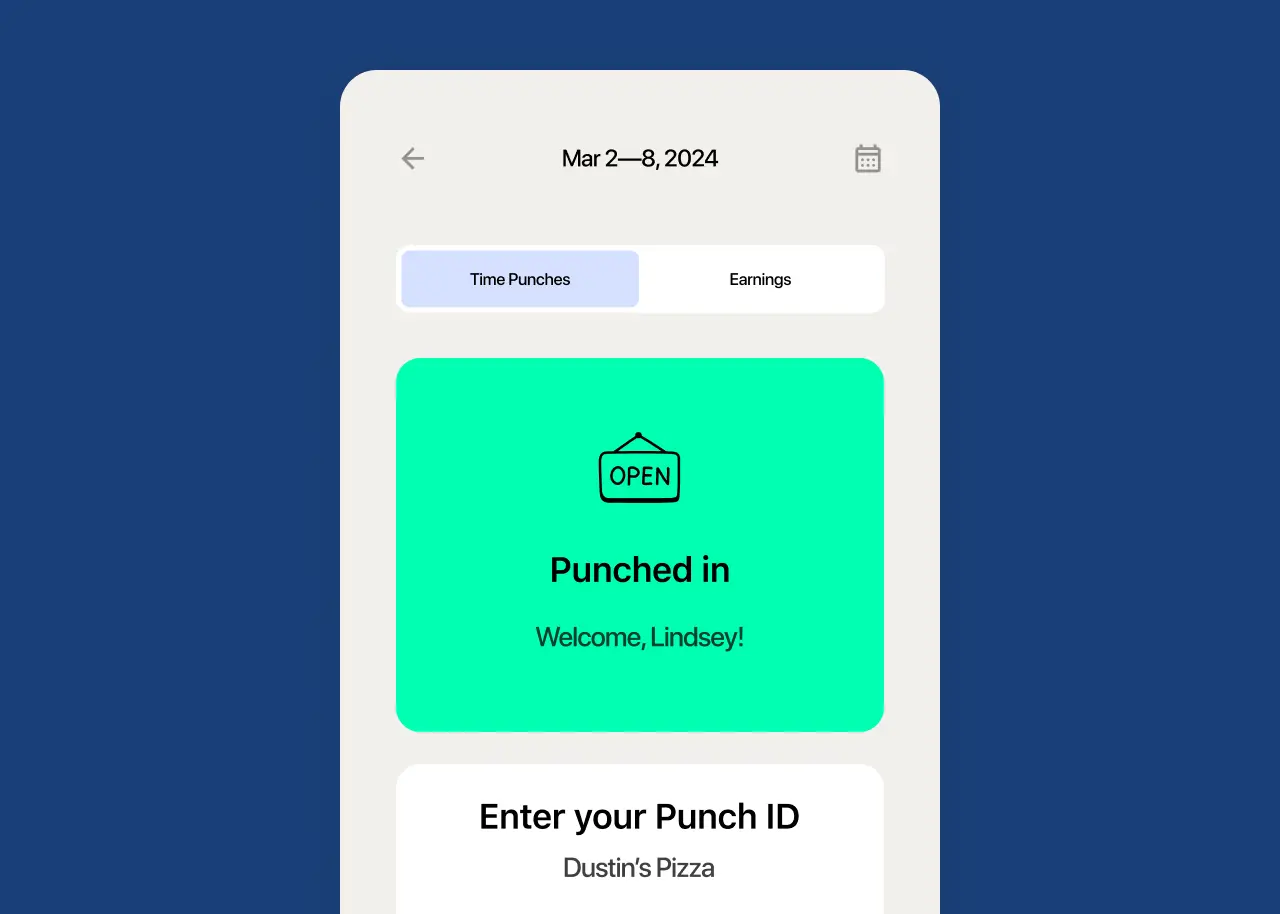
What are the benefits of using this calculator?
You don’t need to do the math by hand for every shift, every employee, every week. You’ll also have a clear record of hours worked, which helps when questions come up about payroll, breaks, or overtime.
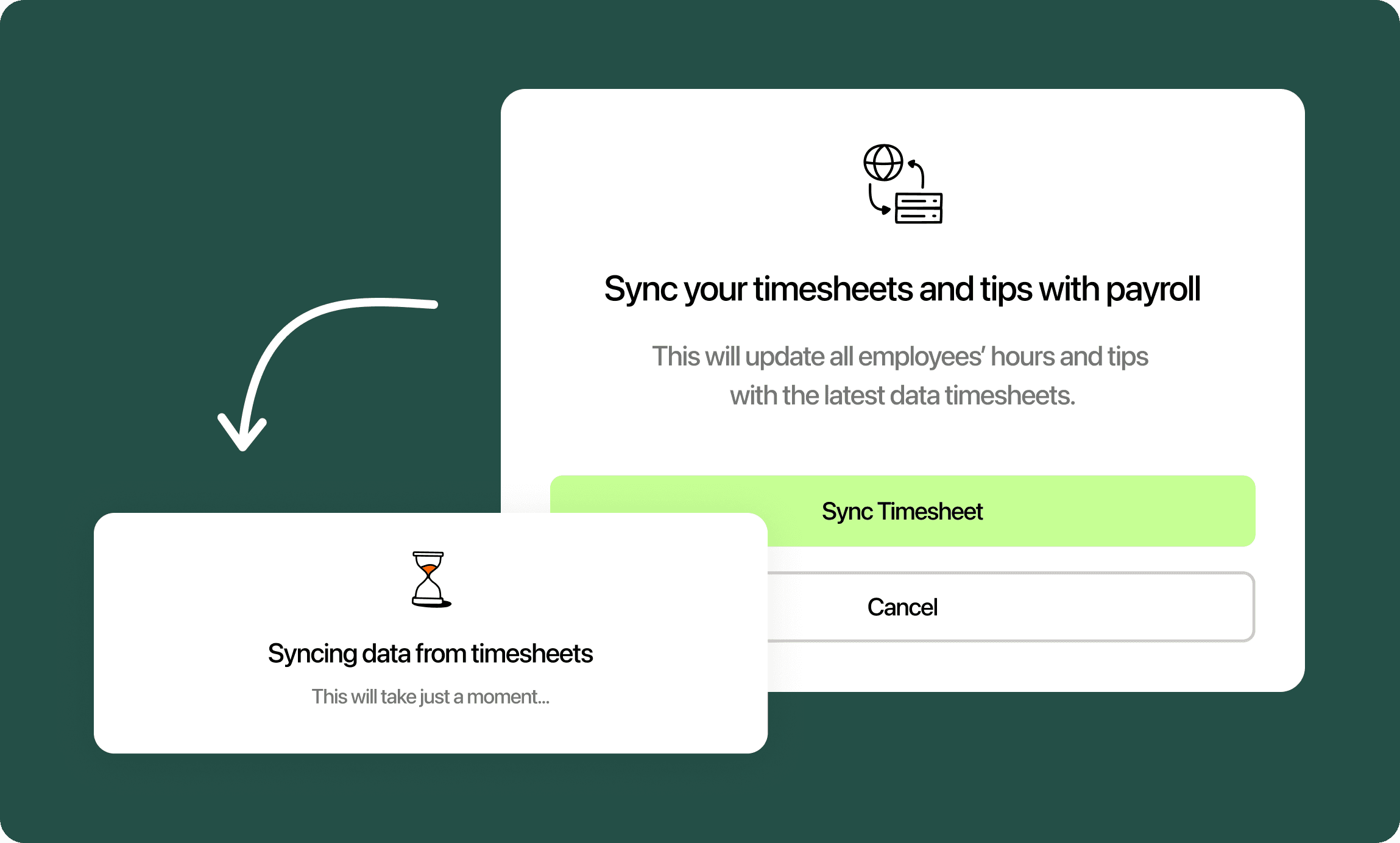
When should I switch from a template to software?
Templates work well when your team is small and schedules don’t change much. If you’re managing lots of tabs, chasing down missed punches, or finding out about overtime after it’s already happened, that’s usually the point where a dedicated time tracking tool starts saving you time.
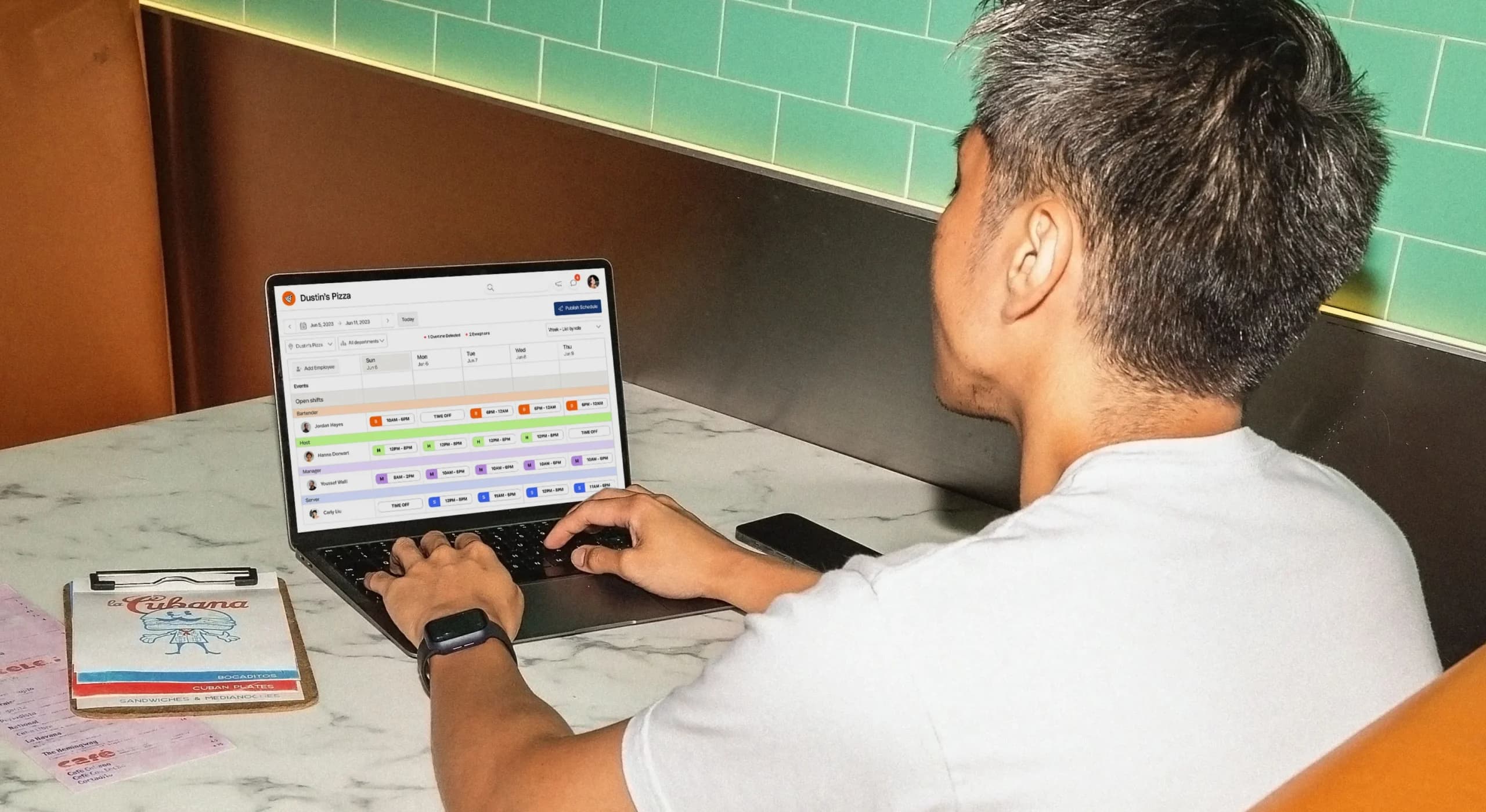
The template is just the beginning
A powerful team management platform like 7shifts can help you keep track of costs, unlock efficiencies, and make your restaurant thrive.









How does this free template stack up to 7shifts?
Compare how functionality of this Excel sheet against a robust team management platform like 7shifts.
 | Timecard Calculator Template | |
| Easy schedule builder |  |  |
| Customizable to your restaurant | | |
| Free | | |
| Easy tablet clock-in and clock-out | |  |
| POS Integration for automatic sales tracking | | |
| Free mobile apps | | |
| Free integration with 7shifts’ robust scheduler | | |
| Overtime alerts | | |
| Automatic sales and labor reporting | | |
| Communication tools (chat, announcement) | | |
| Sales and weather forecasts | | |
| Labor budgeting tool | | |
| Labor compliance tools | | |
“It is SO easy to use. It is intimidating at first familiarizing yourself with the platform but after a few minutes it feels so natural using it. I used to do all of my scheduling on an excel spreadsheet. It would take two or three times as long as it takes me now on 7shifts.”
Eddie Cuellar
Restaurant owner, Tower Burger

“I was originally drawn to 7shifts because of their simple and easy interface for scheduling, but when I found out they also did payroll, it was a no-brainer. My employees onboarded via the 7shifts mobile app in 10 minutes and I'm already saving hours of time when it comes to processing payroll. Total game changer.”
Fahad Hanif
Owner/Operator, Halal Guys

“If you're a restaurant professional, this is a mandate. If this is a hobby for you, by all means, use something else. Use Excel, use post-it notes if you write it down. But if you're a professional and this is your career and your actual goal is to earn profit for your business, then there's no viable solution or anything that would make sense other than this. There just isn't.”
Mike Bausch
Owner, Andolini's


Find out why 1.5 million restaurant professionals love 7shifts

Frequently asked questions
Yes, the timecard calculator template is completely free to download — no credit card required and no strings attached. It’s an Excel file you can customize to fit your restaurant’s schedule, pay rates, and break policies. If you find yourself outgrowing it, 7shifts also offers a free trial for restaurants that want to test the waters.
Yes — there’s a column to enter unpaid break time for each shift, and it’s automatically deducted from the total paid hours. So if someone worked 8 hours but took a 30-minute unpaid lunch, the sheet will calculate 7.5 paid hours. Keep in mind the template doesn’t know your state’s specific break requirements (like mandatory meal break timing or paid rest breaks), so you’ll still need to check that breaks are being taken correctly, not just logged. If you want break compliance tracked automatically, 7shifts’ time clock can flag missed or short breaks in real time.
The template is set up to calculate total hours per shift and per week, and you can add an overtime formula to flag hours beyond your threshold (typically 40 hours per week federally, though some states like California use a daily threshold of 8 hours). However, it won’t alert you in real time before overtime happens — you’ll only see it once you’ve entered the hours after the fact. If catching overtime before it hits your payroll is a priority, 7shifts sends automatic overtime alerts so you can adjust the schedule on the fly.
The template is set up with one tab per employee, so you can duplicate the tab as many times as you need. That said, managing 15, 20, or 30+ employees across multiple tabs gets unwieldy fast — especially if you’re also cross-referencing the schedule, tracking break compliance, and preparing payroll. Most operators find the template works well for small teams but becomes a time drain as the team grows.
Yes, since it’s a standard Excel file, you can print any tab the same way you’d print any spreadsheet — select the tab, adjust your print area if needed, and print as usual. Just double check your column widths fit the page so nothing gets cut off. If you’d rather skip printing altogether, 7shifts stores time and attendance records digitally, so you (and your staff) can pull up hours from the app anytime without needing a paper copy.
You can use the template to calculate total hours worked per employee, which is the core input you need for payroll. However, it doesn’t calculate gross pay, apply tax withholdings, handle tip reporting, or generate pay stubs — you’d still need to do that manually or through a separate payroll system. If you want time tracking and payroll in one place, 7shifts handles both: employees clock in through the app, hours flow directly into payroll, and you can run payroll in a few clicks without re-entering data.
The template gives you a structured way to record shift times and break periods, which is a good foundation for compliance — but it doesn’t know your state’s specific labor laws, and it won’t warn you if you’re falling short. For example, some states require paid rest breaks, specific meal break timing, or split-shift premiums that the template can’t enforce automatically. For restaurants in states with complex wage and hour rules (California, New York, and Washington, for example), a dedicated labor compliance tool is worth the investment to avoid costly violations.
In most cases, yes — hourly, non-exempt employees need their time tracked for payroll and compliance purposes, regardless of role (servers, cooks, hosts, etc.). Salaried, exempt employees (like some managers) typically aren’t required to track hours the same way, though many restaurants still do it for scheduling and labor cost visibility. Requirements vary by state, so it’s worth confirming what applies to your team. 7shifts lets you set different tracking rules by role, so exempt and non-exempt staff are handled correctly without extra manual work.
Free Restaurant Management Templates
See all templates
Timesheet Template
Get the best restaurant excel-file timesheet template to help create work schedules and track hours worked.
Download now

Time Off Request Template
Get the best staff time off request template to help document employee requests.
Download now
Restaurant Schedule Template
Get the best restaurant excel-file schedule template to help create your staff work schedules.
Download now
Labor Cost Calculator Template
Get your free restaurant labor schedule template to track hours worked by your restaurant staff.
Download now