

Free Restaurant Timesheet Template
Upgrade your timesheets with free downloadable template
- Easily create staff shift schedules
- Completely customizable to suit your restaurant
- Includes all shift types and positions


Timesheet Template.xlsx
The purpose of a timesheet template
A timesheet template helps you track employee hours in one place so you can run payroll with fewer mistakes. It’s useful when you’re still using paper, a punch card, or a spreadsheet you built yourself. This free Excel file gives you a restaurant-specific starting point you can customize in minutes.
Timesheet compliance considerations
Timesheets are also a record that can protect your restaurant if there’s a payroll dispute or a labor audit. In most U.S. states, overtime starts after 40 hours in a workweek, but some states have daily overtime rules that add more math and more risk. If you want extra help staying on top of rules like overtime and breaks, you can read more about Labor Compliance in 7shifts.
If you’re tracking tipped employees, you may also want a place for tip reporting and any break deductions, depending on how you process payroll. The more detail you capture at the shift level, the less time you’ll spend fixing totals at the end of the pay period.
Adjusting the template for different restaurant workers
Restaurants run on a mix of roles, and your timesheet needs to reflect that. For front of house (FOH) roles, it helps to track hours by position (server vs. bartender) so you can compare staffing to sales and service levels. For back of house (BOH) roles, consistent start/end times and breaks can make payroll much easier to verify.
If you have salaried managers, you may still want to log their days worked for recordkeeping, even if their pay doesn’t change week to week. And if you run multiple locations, using the same format across stores makes it easier to review hours and spot patterns.
Pros and cons of using a timesheet template
Pros: It’s free, flexible, and easy to customize. It’s a good fit when your team is small and you don’t need automated calculations.
Cons: Manual entry means manual errors, and overtime calculations can be missed. Templates also don’t alert you in real time when someone is about to hit overtime, and they don’t give your staff a simple way to clock in and out.
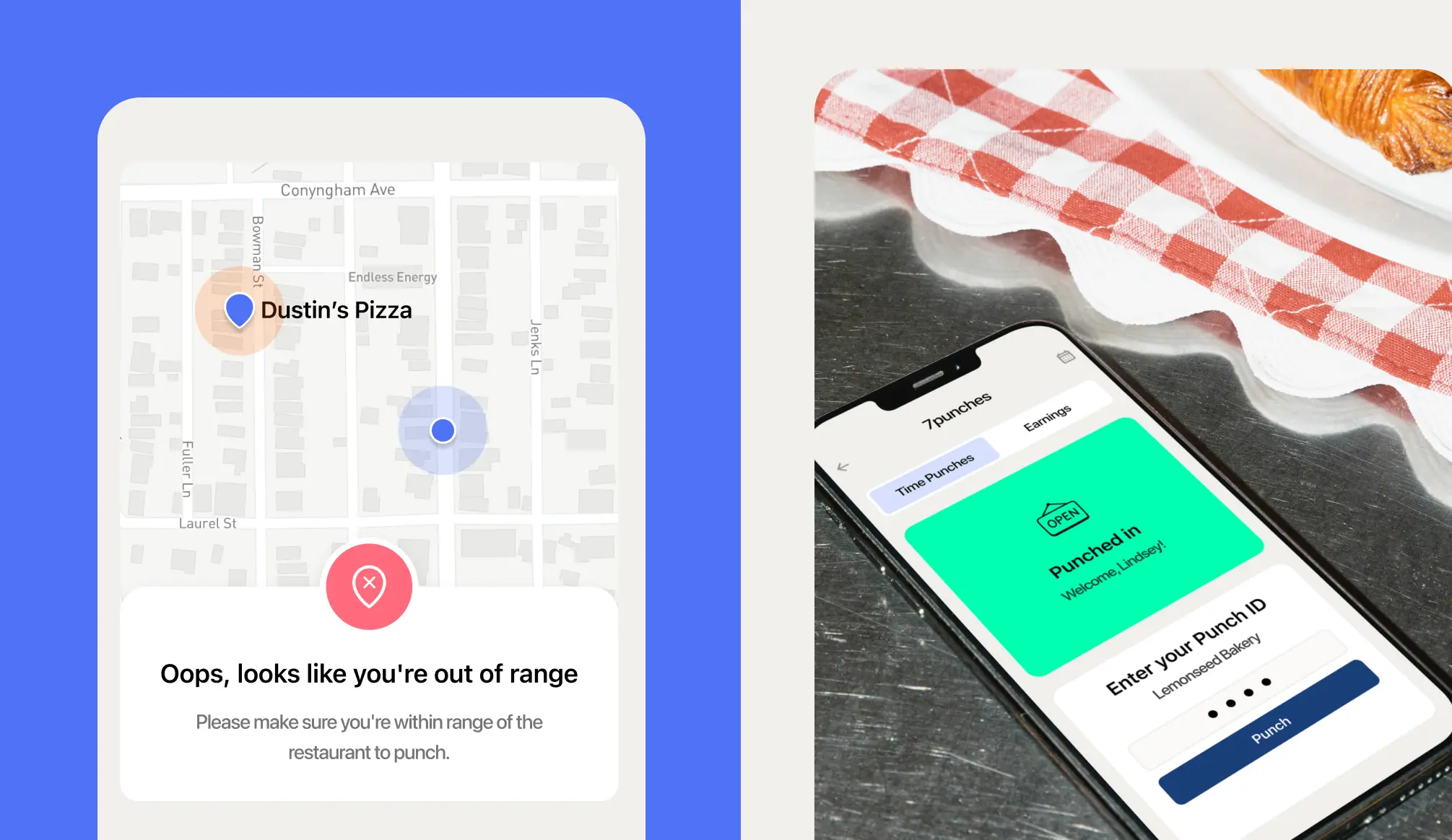
If you want to reduce manual edits, a tablet-based time clock can help. 7shifts includes a time clock (7punches) that tracks hours automatically—learn more on the Time Clocking page.

Digital Time Tracking
Keeping track of your employees’ hours and overtime can be a full time job. Ease the workload by transitioning from a punch clock to this easy-to-use template. Best of all it keeps your records for payroll updates and easily accessible.

Compliance Problems
If you’ve got compliance on the brain, a time tracking tool like 7shifts can give you some peace of mind. The free integrated time clock allows your staff to clock in and out easily, and allows you access to robust reports about attendance and compliance.
How does this free template stack up to 7shifts?
Compare how functionality of this Excel sheet against a robust team management platform like 7shifts.
 | Timesheet Template | |
| Easy schedule builder |  |  |
| Customizable to your restaurant | | |
| Free | | |
| Easy tablet clock-in and clock-out |

Frequently asked questions
A schedule tells employees when to show up — it lists their assigned shifts for the week. A timesheet records when they actually worked — the real clock-in and clock-out times. Both are important: the schedule helps you plan labor costs in advance, and the timesheet gives you the accurate hours you need to run payroll. In 7shifts, the schedule and time tracking are connected, so you can instantly see if someone clocked in late or worked longer than planned.
Yes, but you’ll need to add a column manually to track tip income if you want a complete record for payroll purposes. The template covers hours worked, but tip reporting — especially for tip pooling or tip credit calculations — requires additional tracking that a basic Excel sheet doesn’t handle automatically. If you’re managing tipped employees across multiple roles, 7shifts’ tip management tools can automate tip pooling calculations and keep you compliant with federal and state tip credit rules.
In most U.S. states, overtime kicks in when an employee works more than 40 hours in a workweek, and you’re required to pay them at least 1.5 times their regular hourly rate for those extra hours. To calculate it manually, add up each employee’s total hours for the week, subtract 40, and multiply the remainder by their overtime rate. Some states — including California, Colorado, and Nevada — have daily overtime rules, which makes manual calculation even more complex. 7shifts automatically tracks hours against your local overtime rules and sends you an alert before an employee crosses the threshold, so you can adjust the schedule before the cost hits.
Yes, the template is completely free to download and use. There’s no sign-up required, no trial period, and no credit card. It’s a straightforward Excel file you can customize with your restaurant’s name, employee list, and shift types. If you find yourself spending too much time managing it manually, 7shifts offers a free plan for single-location restaurants, so you can try the software without committing to a paid subscription.
A template gives every shift the same structure, so hours get recorded the same way no matter who’s filling it in. That makes payroll faster to run and easier to double-check, and it gives you a paper trail if a pay question ever comes up.
Yes. The template works as a fillable PDF or a printed sheet you keep at the host stand or in the back office. Printing it out works fine for a small team, just make sure someone’s transferring those hours into payroll accurately each week.
It depends on how you run payroll. A daily timesheet is useful if you’re watching for overtime or tracking split shifts and clopens closely. A weekly timesheet is simpler and works well if you just need total hours before running payroll. Some restaurants use daily sheets during the week and roll them into a weekly total at the end.
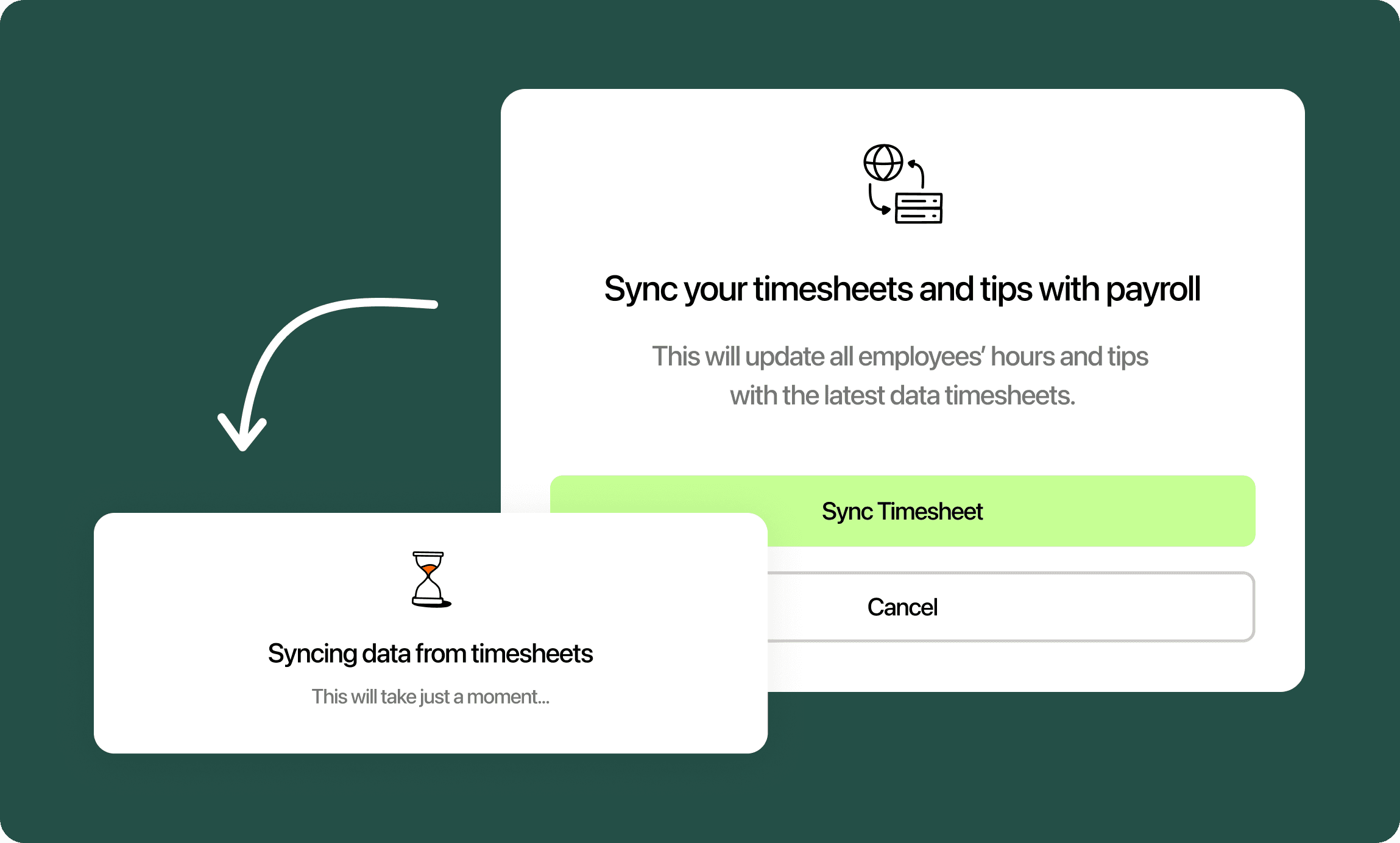
A time clock that’s connected to your schedule removes the manual step entirely. Employees clock in and out, and hours worked, overtime, and breaks get calculated automatically, no adding up numbers by hand. With 7shifts, those punches sync straight into 7shifts Payroll, so what’s worked flows into pay without re-entering hours by hand.