Free Shift Swap Policy Template for Restaurants
Stop shift swap chaos with a clear policy your team can follow
- Prevent no-shows and scheduling conflicts with one official shift swap channel
- Define eligibility rules so only qualified staff cover shifts
- Protect labor budgets and avoid overtime violations automatically
 Prevent no-shows and scheduling conflicts with one official shift swap channel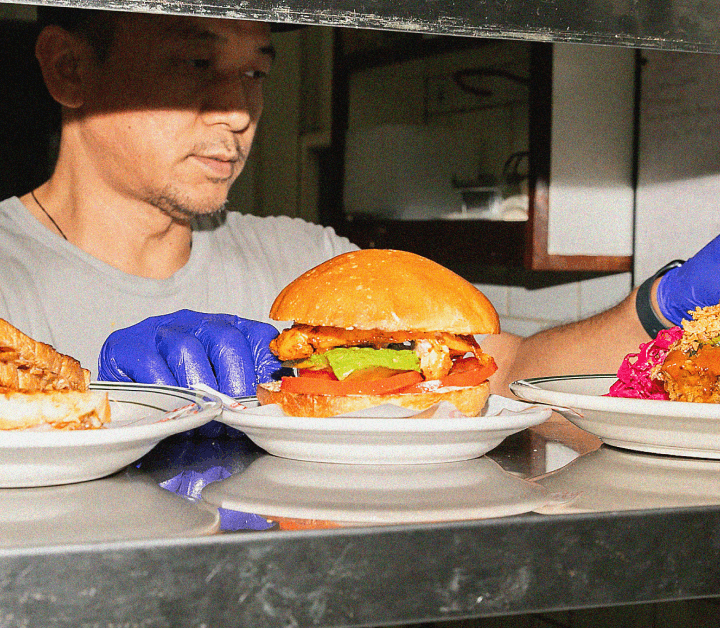

Shift Swap Policy Template
How to use your shift swap policy template
- Download the template and customize it with your official swap channel (app, email, or group chat).
- Fill in eligibility rules, approval workflows, and request deadlines based on your operation.
- Print and post in your staff area, then add to your employee handbook.
- Train managers and staff on the policy during your next team meeting.
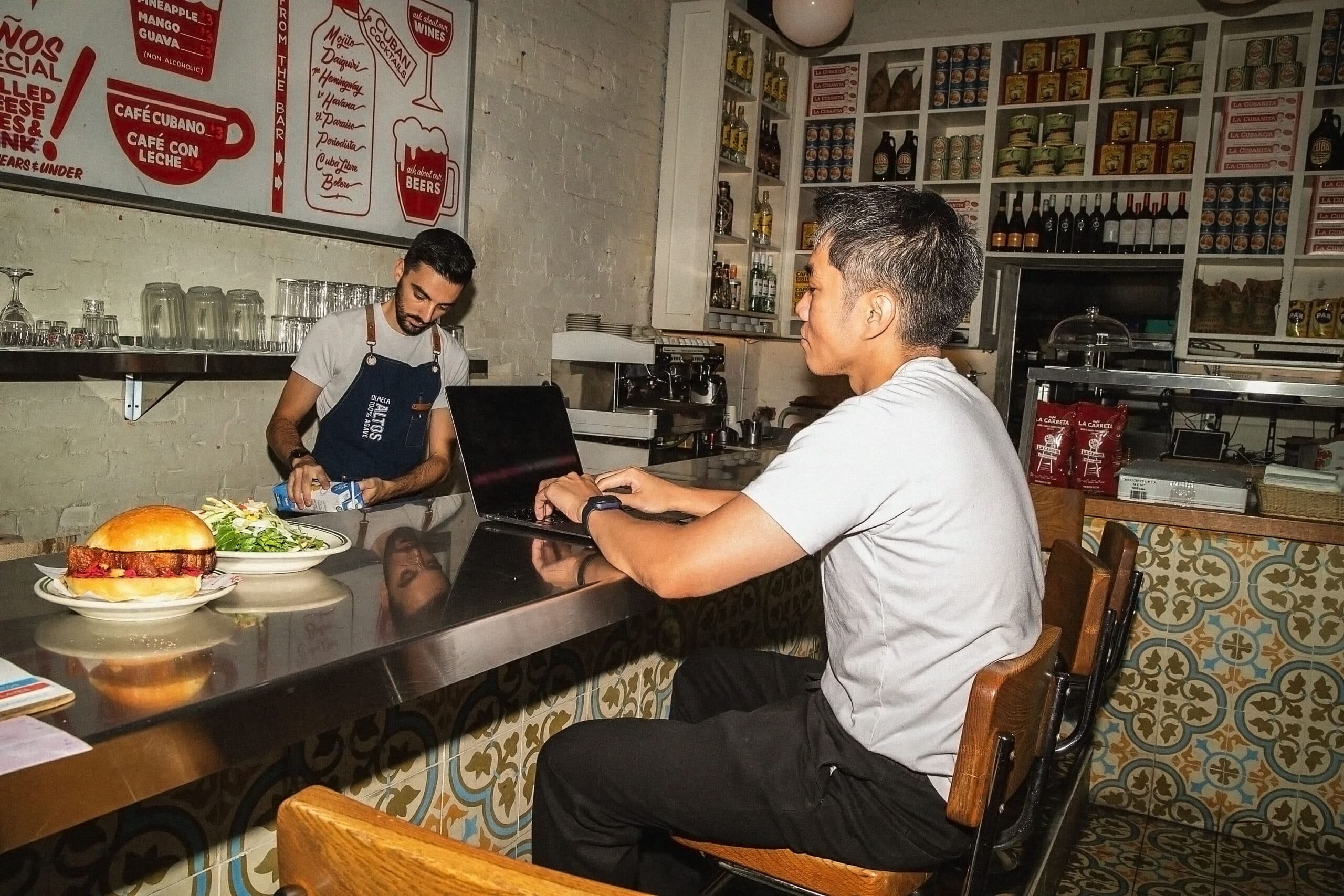

One official channel eliminates the "he said, she said" nightmare
When shift swaps happen across texts, DMs, and verbal conversations, you lose the audit trail. This shift swap policy template establishes one single source of truth for every request, confirmation, and approval. That means no more Friday night panic when a server doesn't show because "someone said they'd cover it." You'll have a timestamped record of who requested what, who approved it, and when the schedule was updated. Managers save hours every week by eliminating the back-and-forth across multiple apps.

Clear eligibility rules protect coverage and prevent skill gaps
Not every employee can swap with every other employee. This template helps you define exactly who can cover which roles based on training, certifications, and skill level. Bartenders can swap with bartenders, but servers can't cover bar shifts unless they're certified. Line cooks can't jump into manager shifts. The policy also protects you from labor law violations by blocking swaps that would cause overtime or clopen issues. You'll avoid budget overruns and compliance headaches.
How 7shifts simplifies shift swaps








“It is SO easy to use. It is intimidating at first familiarizing yourself with the platform but after a few minutes it feels so natural using it. I used to do all of my scheduling on an excel spreadsheet. It would take two or three times as long as it takes me now on 7shifts.”

Eddie Cuellar
Restaurant owner, Tower Burger


“I was originally drawn to 7shifts because of their simple and easy interface for scheduling, but when I found out they also did payroll, it was a no-brainer. My employees onboarded via the 7shifts mobile app in 10 minutes and I'm already saving hours of time when it comes to processing payroll. Total game changer.”
Fahad Hanif
Owner/Operator, Halal Guys

“If you're a restaurant professional, this is a mandate. If this is a hobby for you, by all means, use something else. Use Excel, use post-it notes if you write it down. But if you're a professional and this is your career and your actual goal is to earn profit for your business, then there's no viable solution or anything that would make sense other than this. There just isn't.”
Mike Bausch
Owner, Andolini's


Find out why 1.5 million restaurant professionals love 7shifts
Free Restaurant Management Templates
See all templates

Staff Availability Template
Collect employee availability in one place to simplify scheduling and reduce conflicts.
Download now
Time Off Request Template
Track and approve time-off requests with this simple, downloadable template.
Download now
Restaurant Schedule Template
Get the best restaurant excel-file schedule template to help create your staff work schedules.
Download now
Manager Log Book Template
Keep track of daily operations, shift notes, and team updates in one place.
Download now

Frequently asked questions
Employee A is scheduled Thursday evening but has a family commitment, so they ask Employee B (scheduled Saturday morning) to trade shifts, then both submit the swap request for manager approval.
Yes, uncontrolled swaps can trigger overtime pay or break clopen regulations, which is why the template includes protections that require manager approval when swaps affect labor costs or compliance.
A shift swap policy gives employees the flexibility to exchange scheduled shifts with qualified coworkers when unforeseen circumstances arise, helping them maintain work-life balance while protecting restaurant coverage and labor budgets.
Employees can swap shifts only with coworkers who have the same role, required certifications, and skill level. Bartenders can swap with bartenders, but servers can’t cover bar shifts unless certified.
A single swap channel creates a timestamped record of every request, approval, and schedule change, eliminating the confusion of texts and verbal agreements that lead to no-shows and coverage gaps.